AI Model Photos for Clothing
Show every garment on a model without booking a shoot. Upload flat lays or packshots, pick a pose reference, and get on-model photos for your product pages.
Shoppers buy clothing they can picture on a person, but a model shoot for every new product is slow and expensive. MiniMaxVion virtual try-on puts your real garments on a model from a reference photo, keeping the pose, background, and light. Add a face photo to keep the same model across a whole collection, then animate the best shots for social.
- On-model images from flat lay or packshot photos you already have
- The same model and look across a full collection
- Combine tops, bottoms, shoes, bags, and accessories into one outfit
- Poses, backgrounds, and light taken from your own reference photos
Upload the garments
Add a clear flat lay or packshot of each piece, photographed separately on a plain background.
Choose pose and model
Add one or more pose references and, if you want a consistent model, a face photo.
Generate and check
Compare color, print, buttons, and length with the real garment before you publish.
Why on-model photos matter
A flat lay shows the garment; a model shows how it fits, drapes, and moves. On-model photos help shoppers judge length, silhouette, and styling, which is why most clothing stores lead with them. AI model photos let small brands and marketplace sellers offer the same experience for every product, not only the bestsellers.
Plan a consistent collection
- Pick two or three pose references and reuse them for every product in a drop
- Use one face photo for the whole collection so it looks like one shoot
- Keep backgrounds simple and similar so the grid on your category page looks tidy
- Make one full-length and one closer pose for each garment to show fit and detail
Garments and accessories you can combine
Choose Full outfit to replace the entire look, or combine single pieces: top, T-shirt, outerwear, pants, shorts, skirt, dress, shoes, bag, jewelry, hat, sunglasses, and watch. In the example below, one model wears a cable-knit cardigan and wide-leg jeans from two separate flat lays.
Keep the listing accurate
AI try-on shows styling and fit quickly, but the product page must match what the customer receives. Check colors under the result's lighting, print placement, closures, and logos, and keep at least one real photo of the garment in the gallery.
Can AI put my clothes on a model?
Yes. Upload photos of your garments and a pose reference, and virtual try-on dresses the model in your pieces while keeping the pose, background, and light.
Do I need a real model photo?
You need a pose reference, which can be a photo you have rights to or an image you generate with text to image. An optional face photo keeps the same model across images.
What garment photos work best?
Flat lays or packshots with the whole piece visible on a plain background, shot one piece at a time, with prints and buttons clearly visible.
Can I show one garment in several poses?
Yes. Add several pose references; each one makes its own result.
Can I use AI model photos on Amazon or Shopify?
Many sellers use them as secondary gallery images. Follow each marketplace's image rules, and make sure the photos represent the real product accurately.
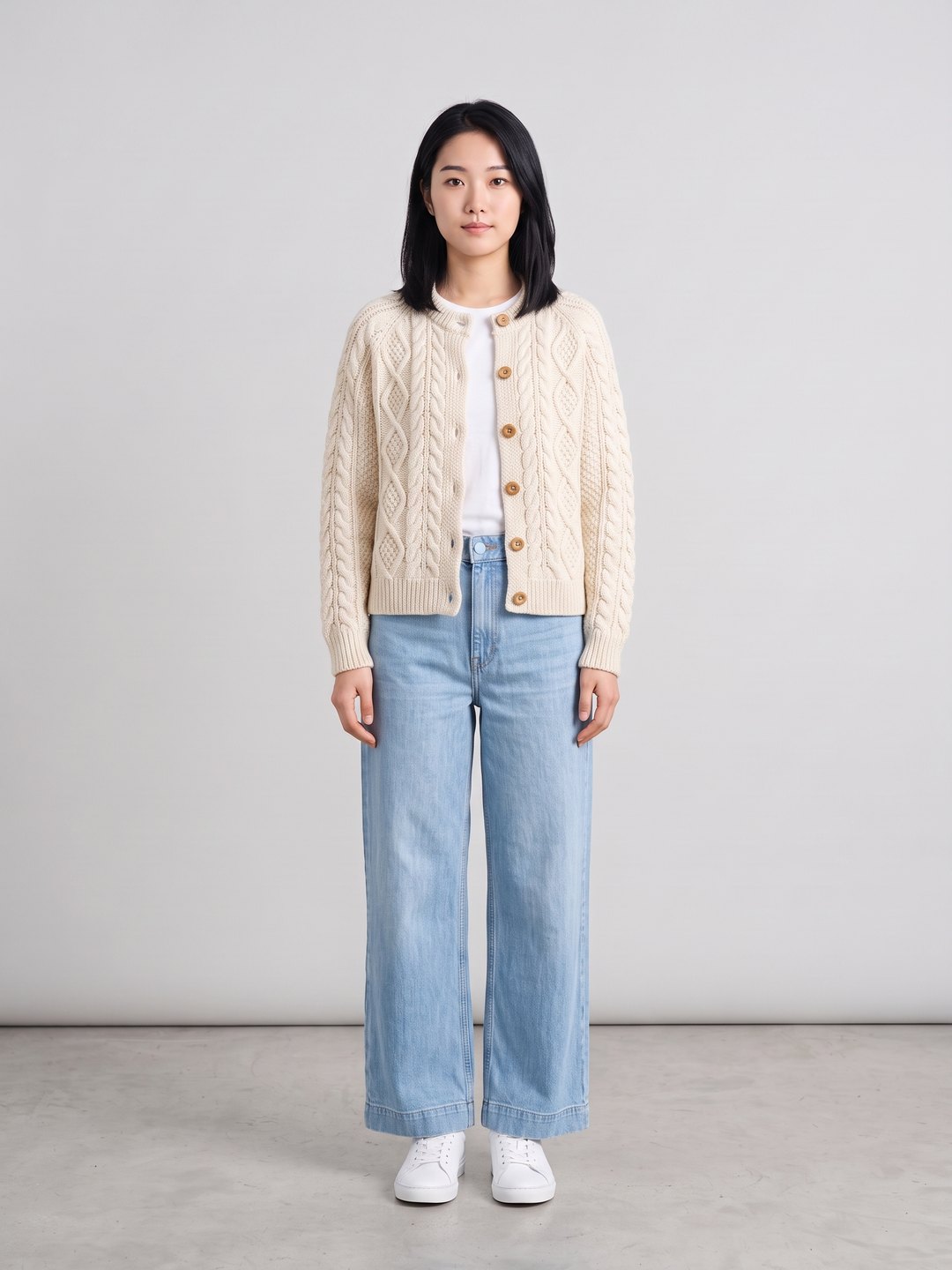 Cardigan and jeans try-on
Two flat lays and a pose reference
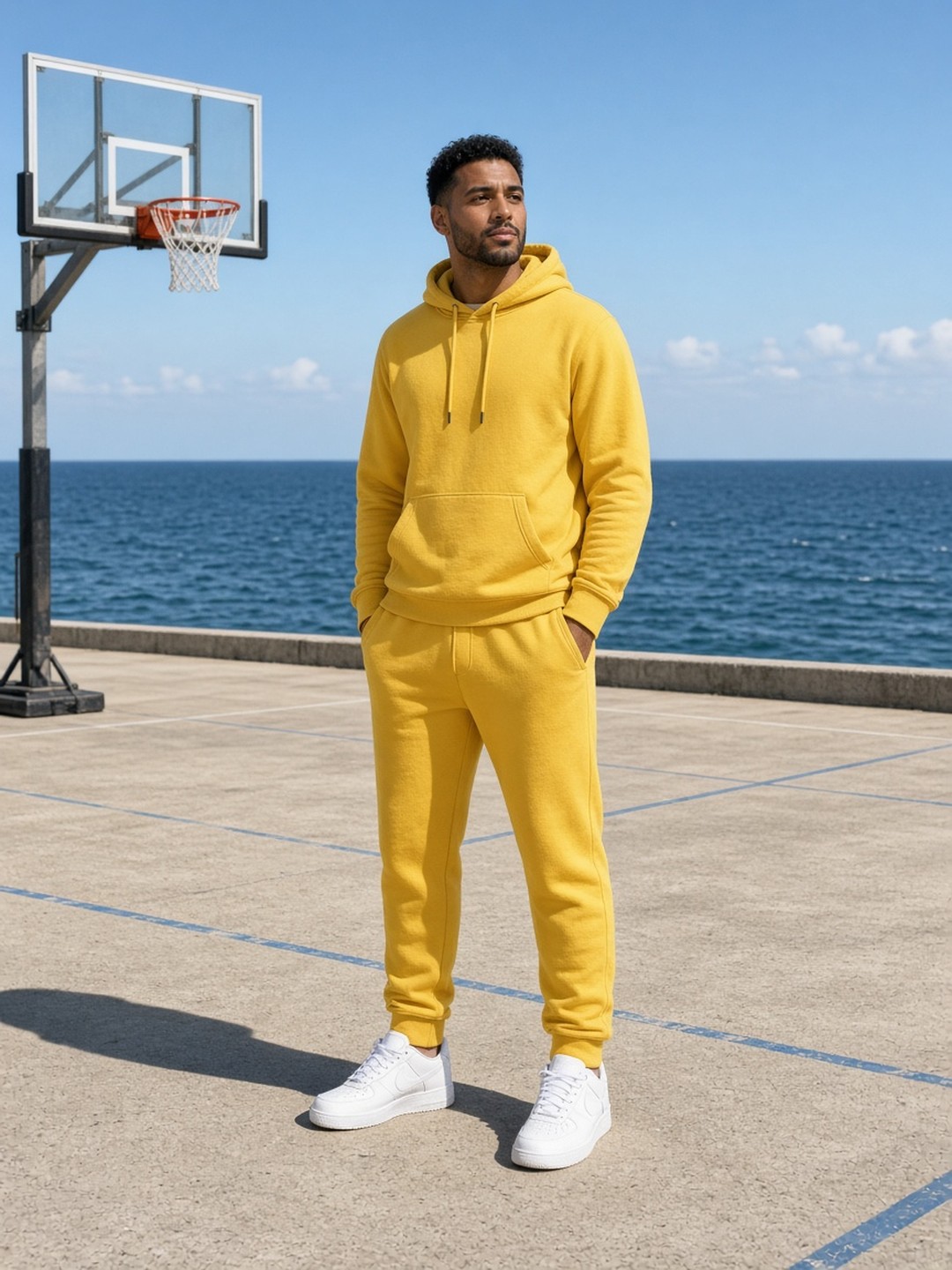 Same outfit, new location
Image edit keeps the outfit and changes the scene
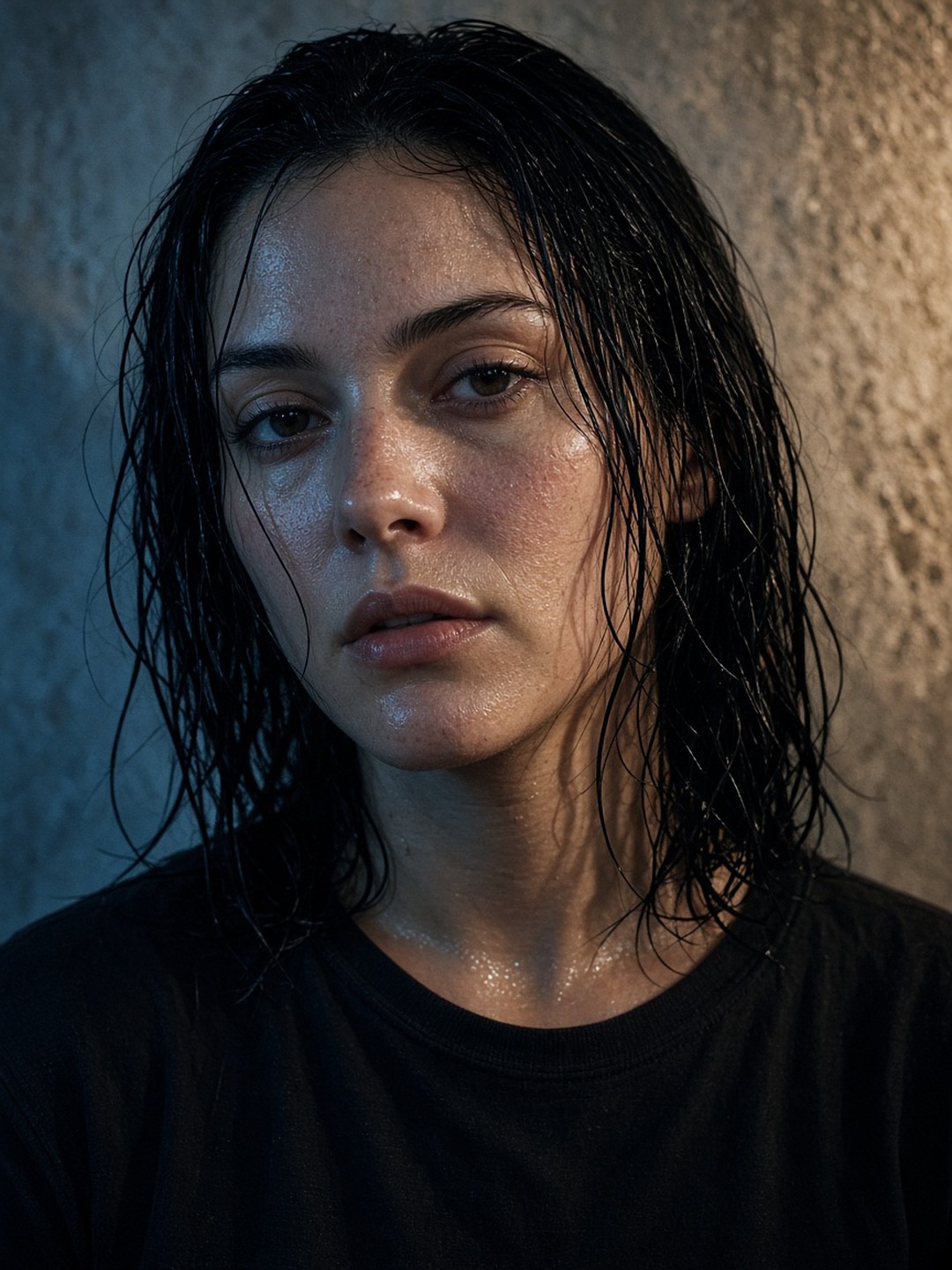 Generated editorial model
Create a model face with text to image
- AI Virtual Try-On
- Fashion photography prompt guide
Pricing · Text to Image · Image to Video · 中文