AI Product Photo Generator for Shopify
Give every product in your Shopify store a full, consistent gallery: packshots, detail views, lifestyle scenes, and short product videos from one photo.
Your own store is where brand consistency matters most. Product pages, collection grids, and social posts all look better when every product is shot the same way. MiniMaxVion turns one product photo into a matching set of images, places the product in scenes that fit your brand, and animates the best shot into a short video for the product page or Instagram.
- A matching image set for every product from one photo
- Lifestyle scenes styled to your brand
- Short product videos for product pages and social
- The same look across your whole catalog
Upload one product photo
Use a sharp photo with the whole product and its key details visible.
Generate the set and scenes
Create the four-panel set, then add lifestyle scenes with the background changer.
Animate and publish
Turn the best still into a short video and upload everything to your product page.
Build a consistent store look
Collection pages show products side by side, so differences in light, angle, and background stand out. Decide on a house style once — background color, light direction, and crop — and use the same settings and shot list for every product.
- Use the same aspect ratio for every product image, usually square or 4:5
- Keep the main image on a clean background and save scenes for later slots
- Reuse one custom shot list for each product category
- Describe lifestyle scenes in the same words so they feel like one shoot
A product page gallery that answers questions
- Packshot — the clean first image for collection grids
- Angle view — shape, depth, and side profile
- Detail close-up — material, hardware, and finish
- Lifestyle scene — the product in use, for scale and mood
- Short video — motion grabs attention and shows the product from more sides
Add video to your product pages
Shopify product pages and Instagram both support video. Send your best still to Image to Video with a simple, locked-camera prompt — a light sweep, a slow turn, or steam and splashes — so the product stays sharp. For a person presenting the product, use the Product Presenter Video tool.
Not affiliated with Shopify
MiniMaxVion is an independent creative studio. Shopify is a trademark of Shopify Inc. Download your images and upload them to Shopify as you normally would.
Can AI make product photos for my Shopify store?
Yes. Upload a product photo to generate a matching image set, lifestyle scenes, and short videos, then upload them to Shopify.
What image size is best for Shopify?
Square images around 2048 by 2048 pixels are a common choice and keep collection grids even. Use the same ratio for every product.
How do I keep all my product photos consistent?
Reuse the same shot list, background, and scene descriptions for every product, and pick one aspect ratio for the whole store.
Can I add product videos to Shopify?
Yes. Shopify product pages support video. Create one from your best still with Image to Video, or make a presenter video.
Does this connect to my Shopify admin?
No. MiniMaxVion is a separate studio. Download the images and videos and upload them in your Shopify admin.
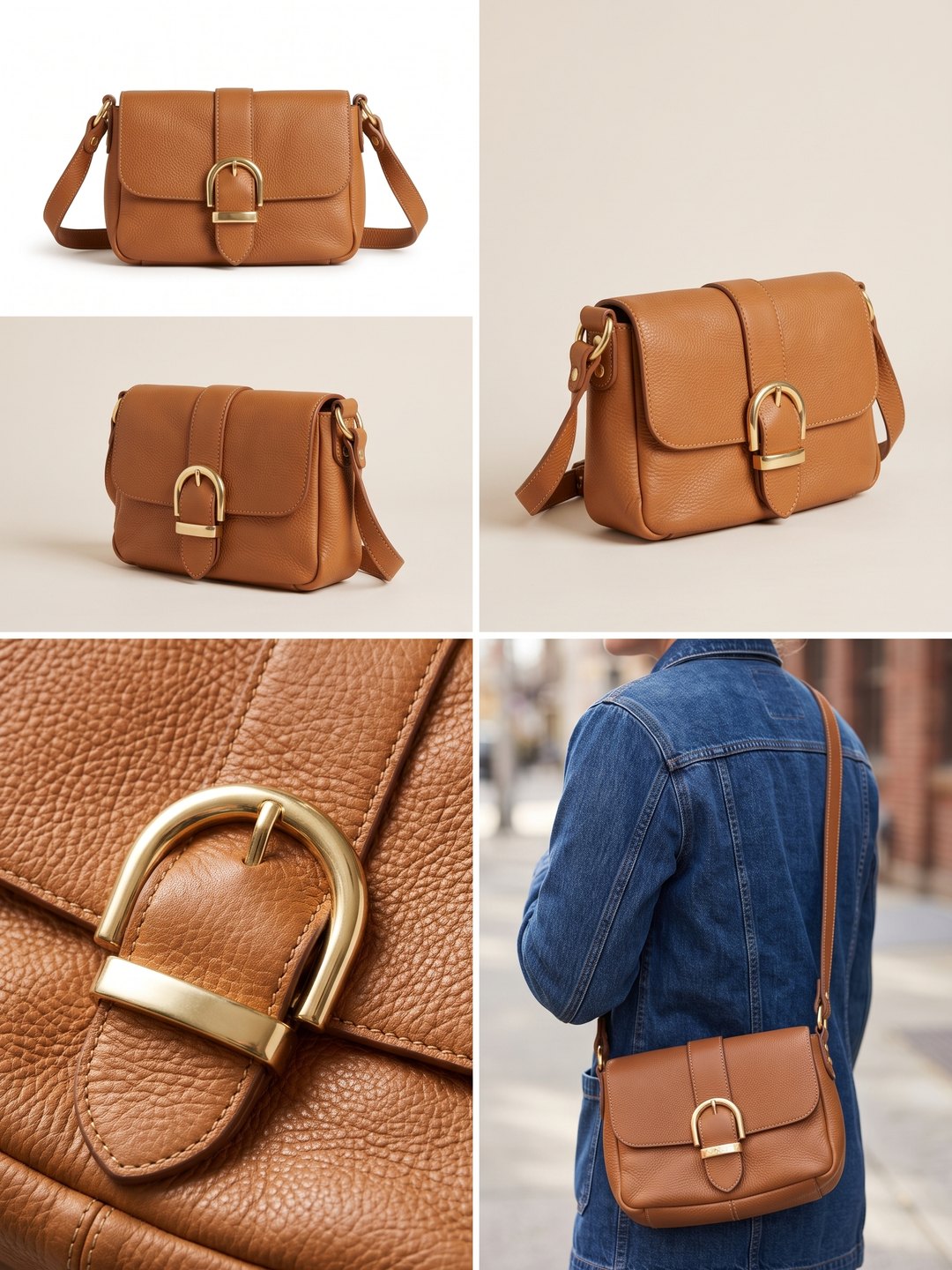 Leather bag image set
Four panels from one product photo
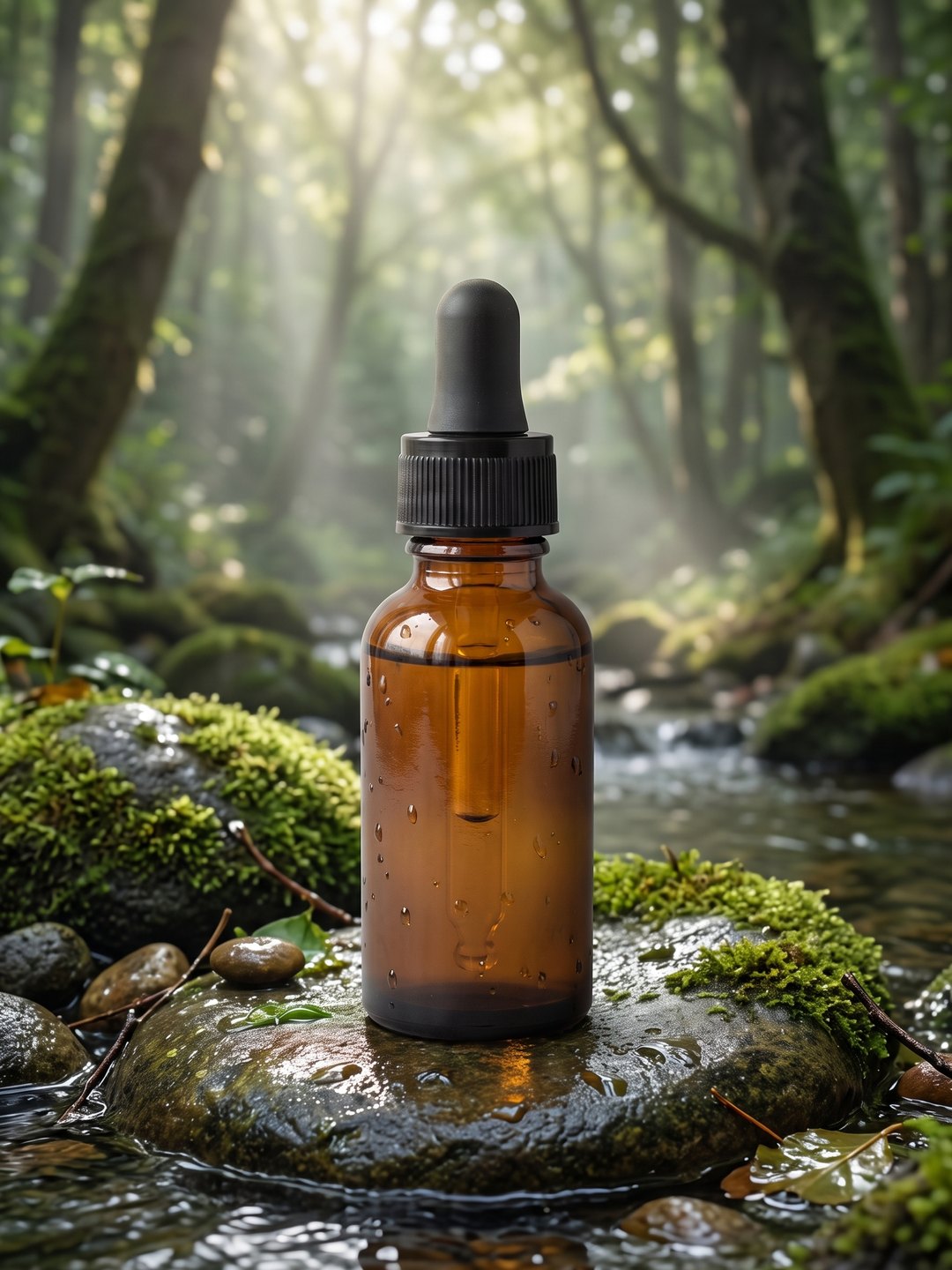 Serum in a forest scene
Product background changer
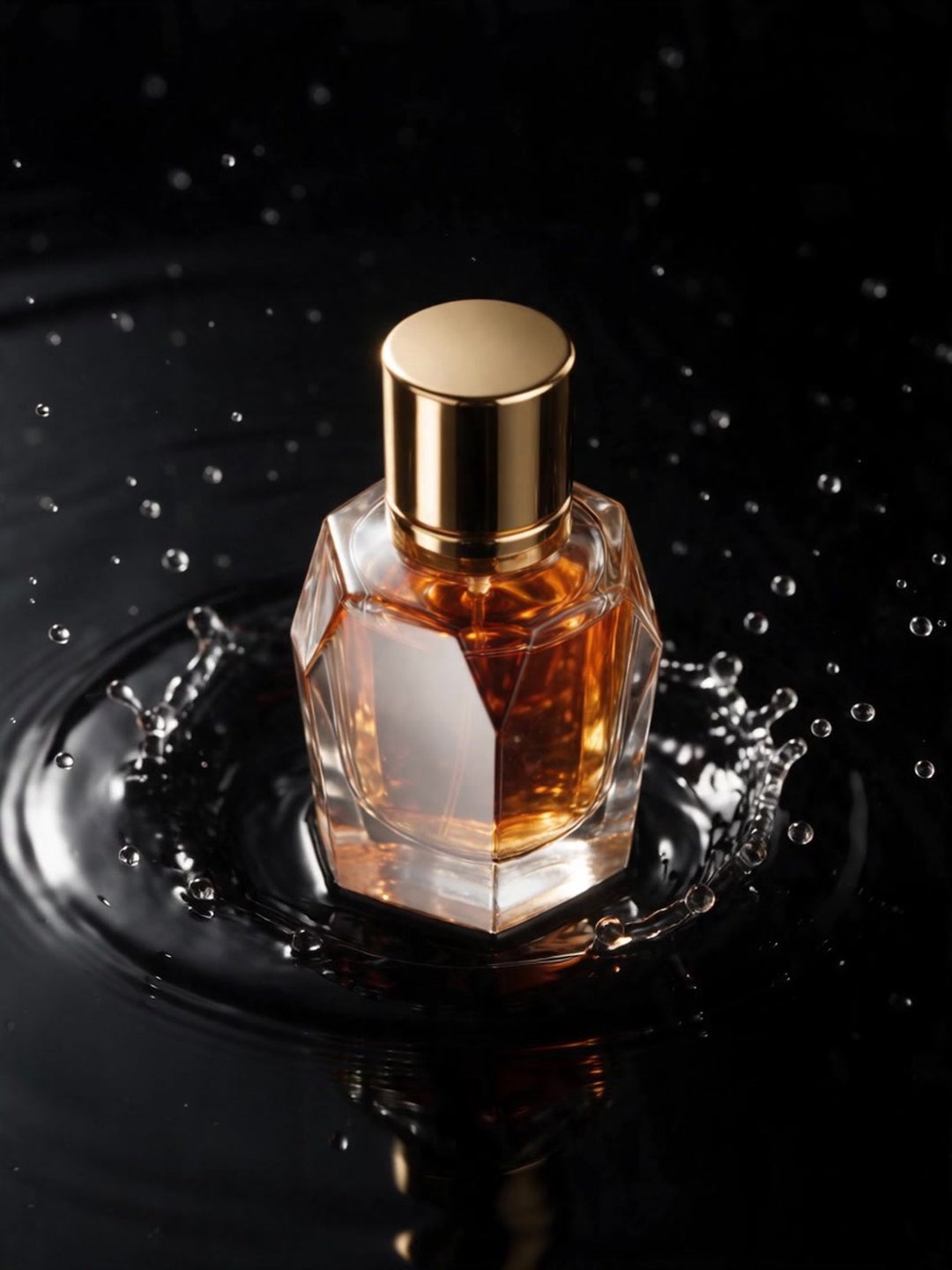 Animated perfume shot
Image to video with a locked camera
- AI Product Image Set Generator
- AI Product Background Changer
- AI Image to Video
Pricing · Text to Image · Image to Video · 中文