AI Product Photos for Amazon Listings
Create the images an Amazon listing needs from one product photo: a white background main image, infographic-style listing images, and lifestyle scenes.
A strong Amazon listing usually has seven or more images, and each one has a job. MiniMaxVion covers them with focused tools: White Background Product Photo for the main image, Product Listing Image for selling points, Product Image Set for detail and angle shots, and Product Background Changer for lifestyle scenes. Upload your product once and build the full gallery on one board.
- Pure white background main images with a soft contact shadow
- Listing images with your headline, features, and selling points
- Detail, angle, and lifestyle shots that keep the product identical
- Several export sizes from a single upload
Make the main image
Upload a product photo and choose White background. Select square for the listing.
Add listing images
Lay out your headline and features with Product Listing Image, then add detail and angle shots.
Add lifestyle scenes
Place the product in a real setting with Product Background Changer and check every image before upload.
What Amazon expects from the main image
The first image is the one shoppers see in search results, and Amazon has strict rules for it. Check the current requirements for your category in Seller Central before you upload, as they can change.
- A pure white background
- The product filling most of the frame, fully in view and in focus
- No text, logos, badges, watermarks, or props that are not included
- Images large enough for zoom — at least 1000 pixels on the longest side
Plan the rest of the gallery
Secondary images are where you sell. A common seven-image plan for an Amazon listing looks like this:
- Main image — product on white
- Benefit image — headline and three or four feature lines
- Detail close-up — material, texture, or key component
- Size or scale — the product next to a familiar object or in a hand
- Lifestyle scene — the product in use in a realistic setting
- What is in the box — everything the customer receives
- Comparison or use cases — how it solves the problem
Keep the product accurate
Amazon customers return products that do not match the photos. The tools are instructed to keep the product's shape, color, and label unchanged, but always compare each image with the real item, and never show accessories or features that are not included.
Not affiliated with Amazon
MiniMaxVion is an independent creative studio. Amazon and Seller Central are trademarks of Amazon.com, Inc. Image rules are set by Amazon and may differ by category and marketplace.
Can I use AI images on Amazon?
Amazon's image rules focus on accuracy: every image must show the actual product the customer receives and follow the main image requirements. Check the current rules for your category in Seller Central before uploading.
How do I make a white background product photo for Amazon?
Upload a clear product photo to the White Background Product Photo tool, choose White background and a square size, and download the result.
Can I add text to my Amazon images?
Not on the main image. Secondary images can carry a headline and feature lines — use Product Listing Image for those.
What size should Amazon product images be?
Amazon recommends images of at least 1000 pixels on the longest side so shoppers can zoom. Export square images for the listing.
Can I make lifestyle images without a photo shoot?
Yes. Product Background Changer places your product in a new scene with matched lighting, and Product Image Set includes a lifestyle panel.
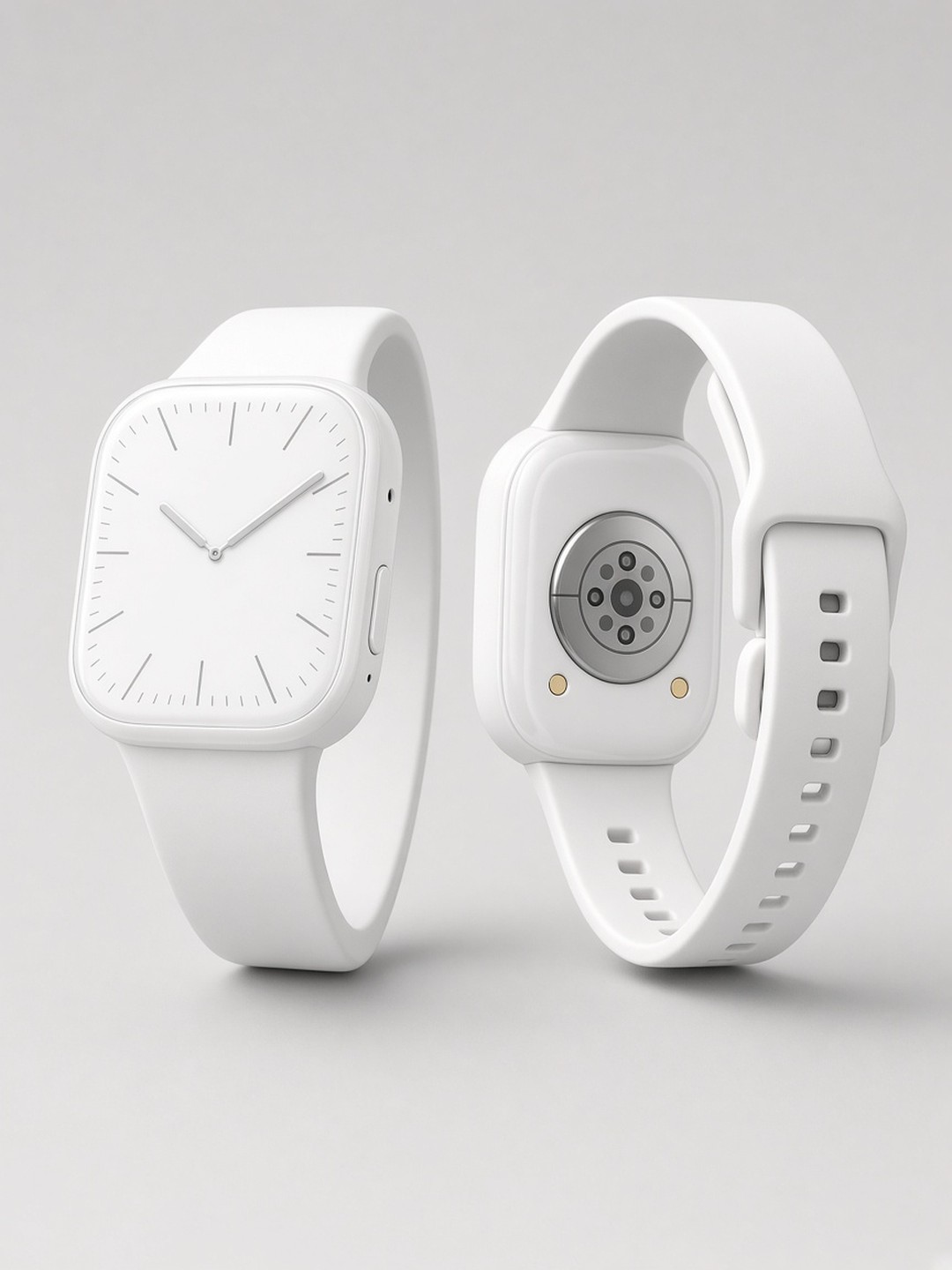 Smartwatch catalog shot
White background product photo
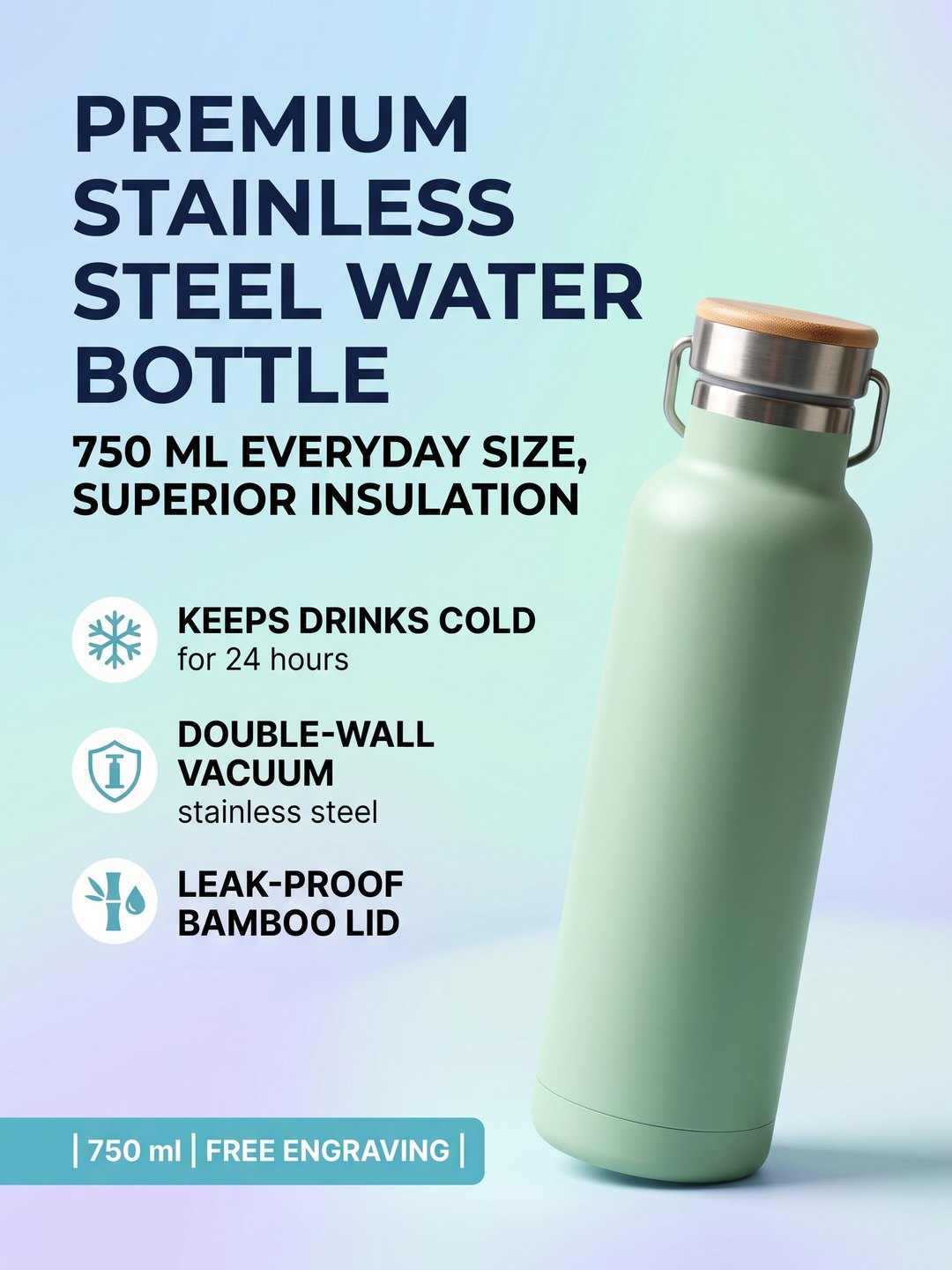 Water bottle listing image
Headline and selling points from a phone photo
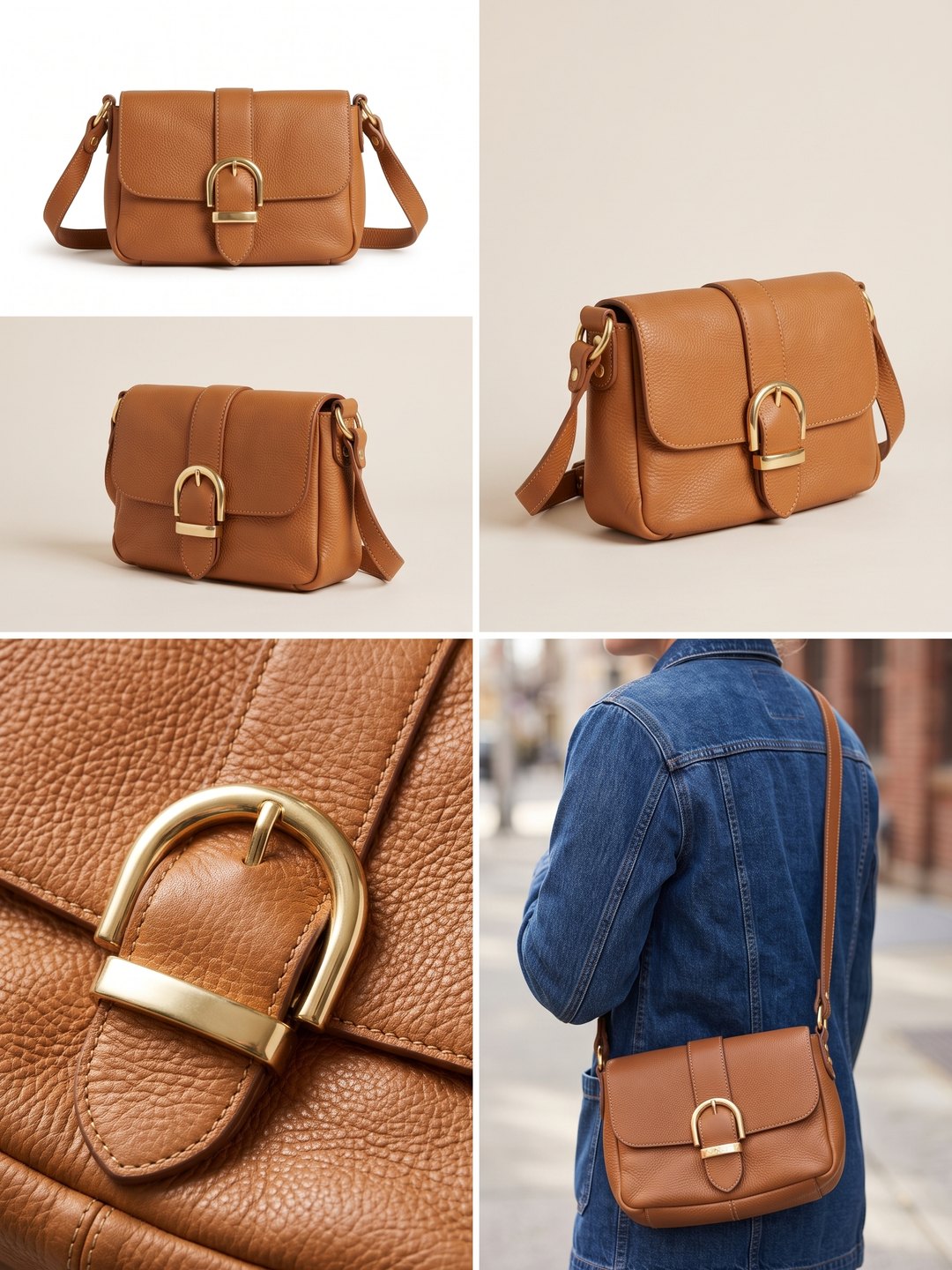 Leather bag image set
Packshot, studio, detail, and lifestyle panels
- Amazon main image requirements
- AI White Background Product Photo
- AI Product Listing Image Generator
- AI Product Image Set Generator
Pricing · Text to Image · Image to Video · 中文