AI Product Photos for eBay
Search on eBay shows one gallery image, then the listing has to answer questions with angles and details. Build that set from a single photo of your item.
eBay shoppers compare many similar listings, so a dim or cluttered first photo loses the click, and missing angles cause returns. MiniMaxVion turns one photo of the item into a clean gallery image, then into side, detail, and scale shots that stay consistent. Upload the files to eBay as you normally would.
- A clear first image with the product filling the frame
- Extra angles and detail shots from the same photo
- Listing images for condition, size, and what is included
- Square exports you can resize for the gallery
Shoot the item you will ship
Use your own photo of the actual unit, with the whole item in frame and labels readable.
Make the gallery image
Run White Background Product Photo when you want a clean catalog look, or keep a simple scene if the category expects it.
Add the rest of the gallery
Generate angle and detail panels with Product Image Set, then resize with the free eBay image resizer.
What the gallery image has to do
The first photo is the one in search results. It should be the product itself, large in the frame, in focus, and free of borders, watermarks, and promotional banners. eBay picture requirements set a minimum size and can differ by category, so check the current picture policy in Seller Hub before you upload.
- Show the actual item, not a placeholder or a different colorway
- Fill most of the frame and leave a small margin so nothing is cut off
- Skip added text, badges, and watermarks on the gallery image
- Export larger than the minimum so the zoom view stays sharp
A gallery that reduces returns
- Front or hero — the gallery image
- Side and back — shape, ports, closures, or the reverse of a garment
- Detail — wear, texture, serial area, or a flaw you need to disclose
- Scale — in a hand or next to a familiar object
- Included items — everything in the package, nothing extra
Condition has to match the photo
For used, refurbished, or open-box listings, the photos have to show the condition you selected. Do not use a generated image to hide scratches, missing parts, or a different model. Compare every result with the unit you will ship.
Not affiliated with eBay
MiniMaxVion is an independent studio. eBay is a trademark of eBay Inc. Picture rules are set by eBay and can change by category and site.
Can I use AI images on eBay?
You can use images that accurately show the item for sale. Follow the current eBay picture policy: the gallery image should be the product, without borders, watermarks, or promotional text.
Should an eBay photo have a white background?
A clean, uncluttered background helps the gallery image. Some categories expect a plain background; others do fine with a simple scene. Check your category in Seller Hub.
How many photos should an eBay listing have?
Use as many as the listing allows, and spend them on angles, details, scale, and included parts. One gallery image is rarely enough to answer a buyer's questions.
Can I add text to eBay photos?
Keep the gallery image free of added text and badges. A later image can carry a short feature list if your category allows it.
What if my supplier photo is the only one I have?
If you have the right to edit that photo and it shows the item you ship, White Background Product Photo and Product Image Set can clean it up. Do not publish a photo of a different unit.
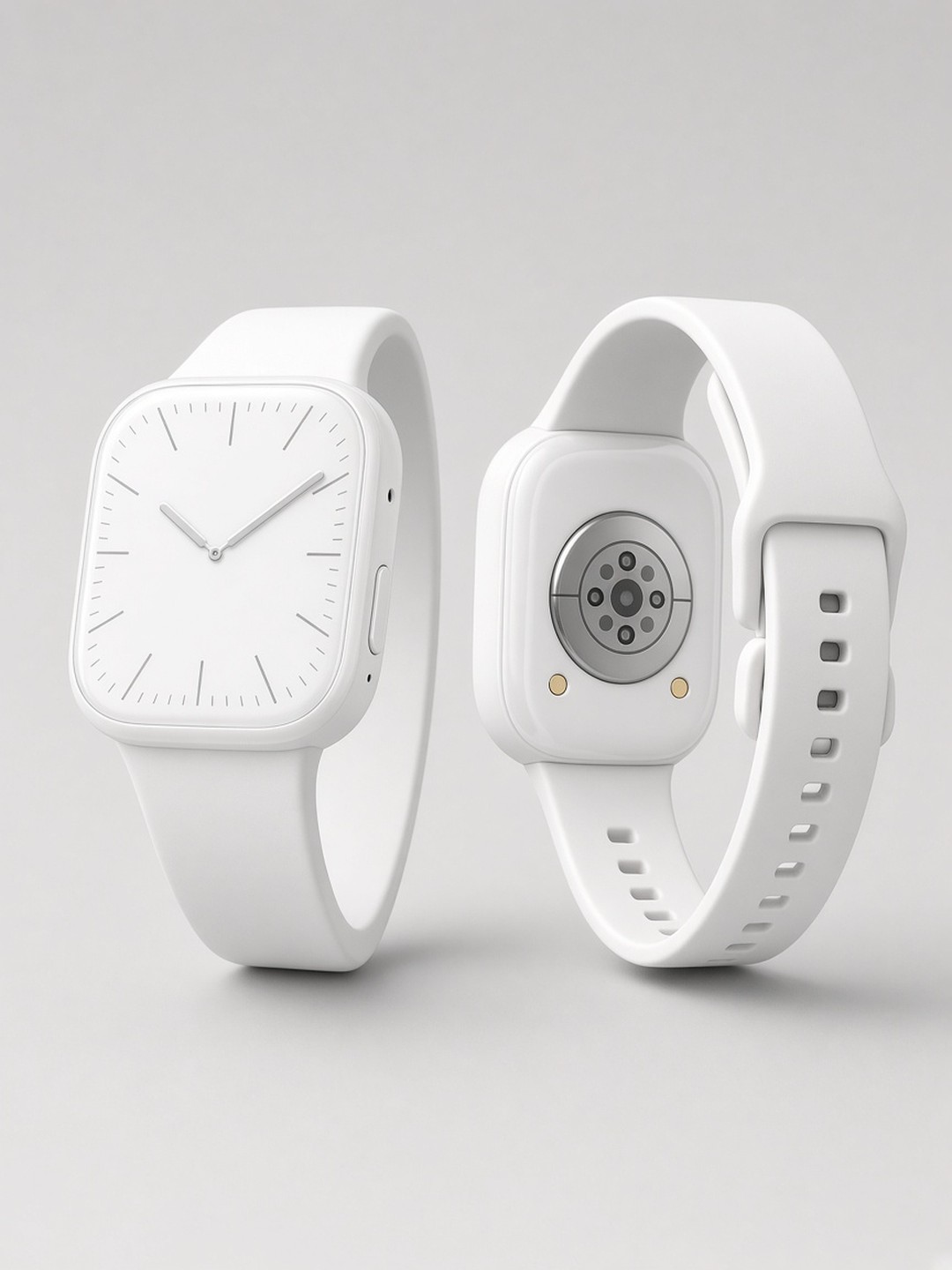 Catalog product photo
Clean background from a desk photo
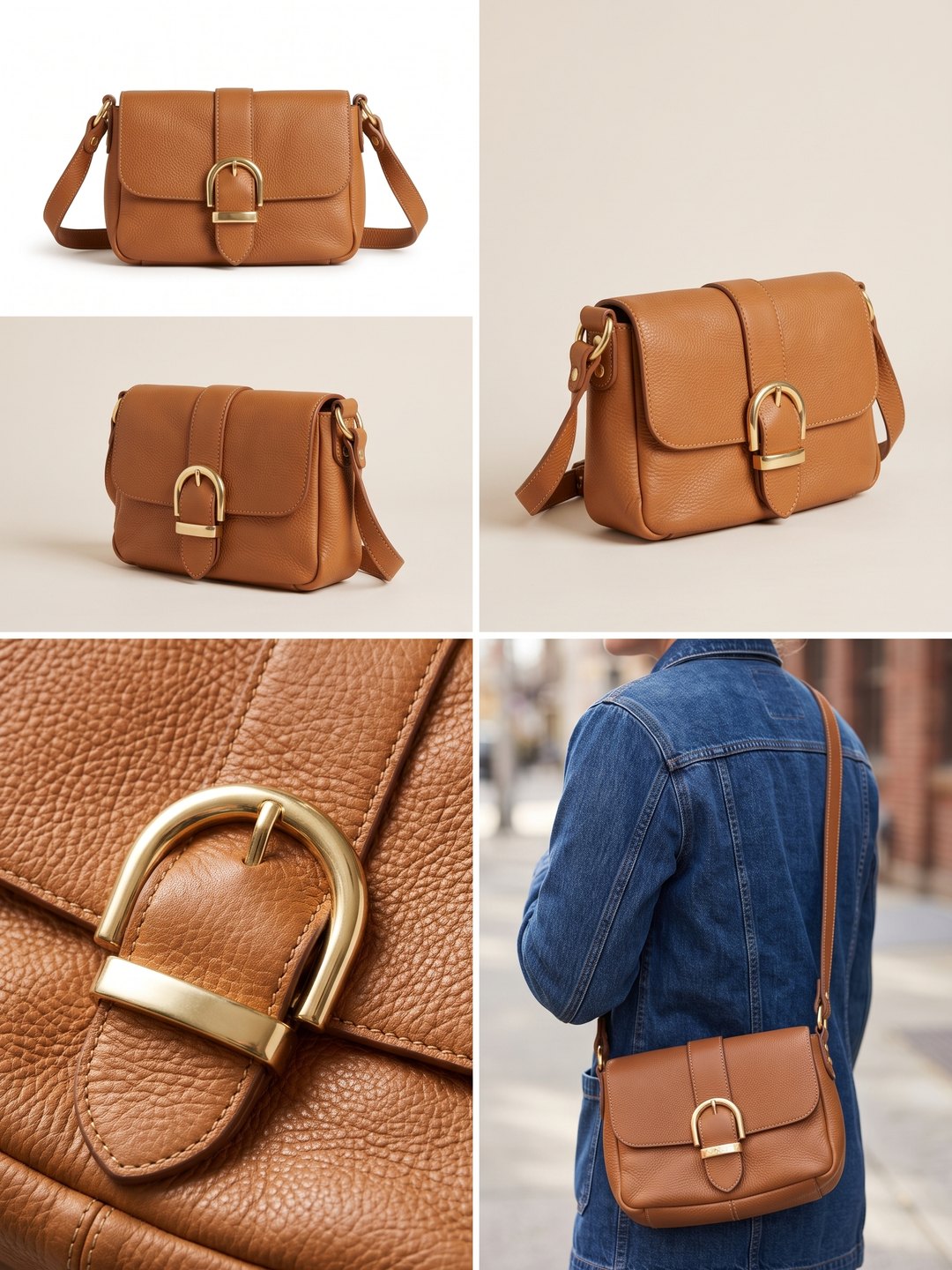 Angle and detail set
Several views from one product photo
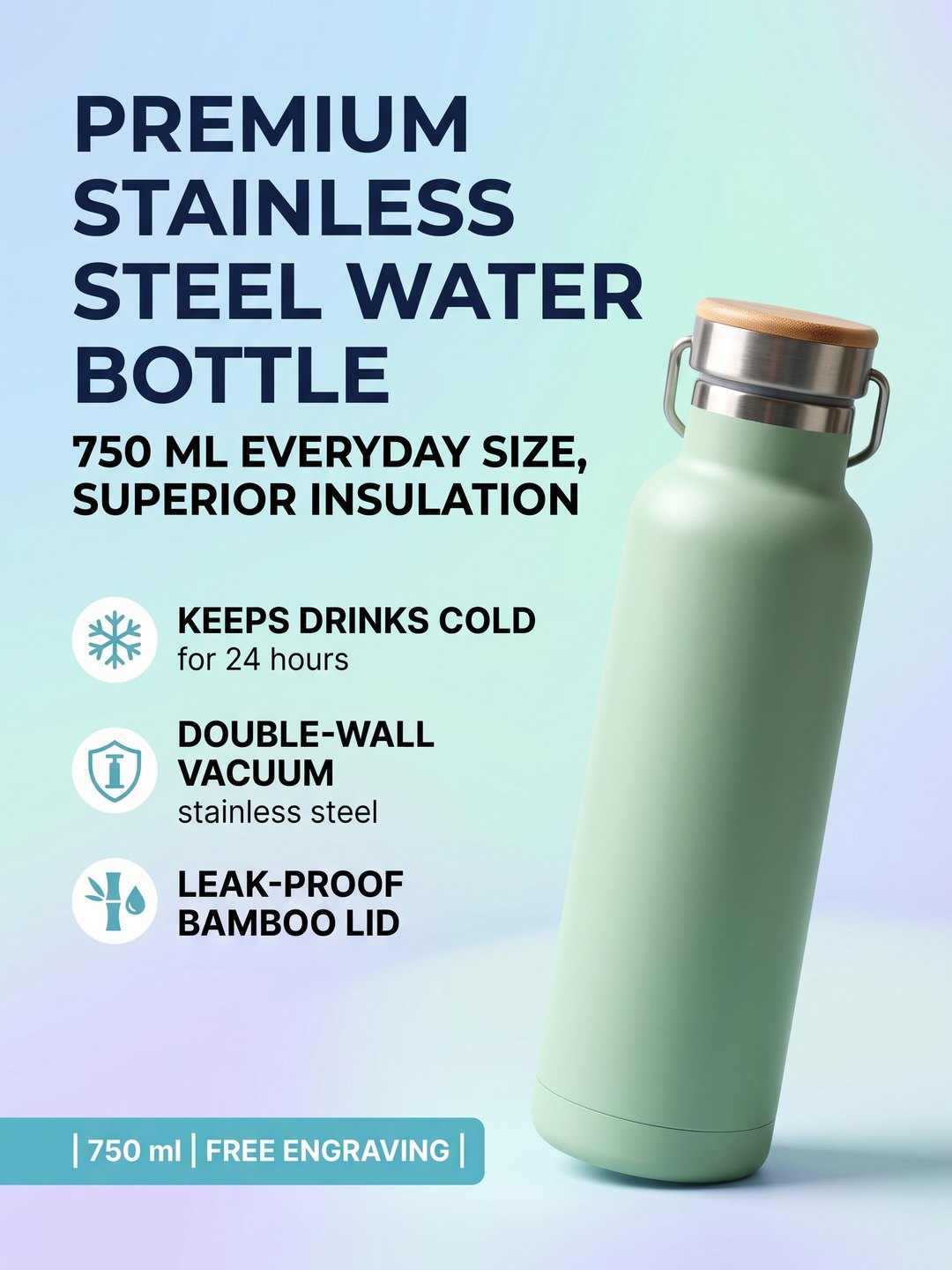 Feature listing image
Headline and selling points on a secondary image
- AI White Background Product Photo
- AI Product Image Set
- eBay Image Resizer
- AI Product Listing Image
Pricing · Text to Image · Image to Video · 中文