Seedance vs Kling vs Veo
Three of the most capable AI video model families, compared on the things that change your result: clip length, resolution, reference inputs, audio, and where you can use them.
Seedance comes from ByteDance, Kling from Kuaishou, and Veo from Google DeepMind. All three turn text or an image into short, realistic video, so the right choice depends on the job rather than on a single quality score. MiniMaxVion offers the Seedance family in the studio; Kling and Veo are not available here, and this page links to their official products. Specifications below are taken from each vendor's documentation as of October 2026 and change often, so check the vendor before you commit to a workflow.
- Seedance 2.5: 4 to 30 second clips at up to 1080p, available in MiniMaxVion
- Kling 3.0: 3 to 15 second clips with native multilingual audio; Kling 4.0 extends to 30 seconds
- Veo 3.1: 4, 6 or 8 second clips at up to 4K with native audio, extendable in Flow
- All three: text to video, image to video, and first and last frame control
Decide how long the shot runs
Single moves of a few seconds suit any of the three. Continuous takes of 15 to 30 seconds narrow the field.
Check what you need to feed in
Product stills, reference clips, or music change which model can follow your brief.
Decide whether audio matters
Dialogue with lip-sync favors models built around native audio. Silent product and b-roll shots do not.
At a glance
The numbers below are single-generation limits from each vendor's documentation. Longer videos are possible with all three by extending or stitching clips.
- Clip length — Seedance 2.0: 4–15 s; Seedance 2.5: 4–30 s. Kling 3.0: 3–15 s; Kling 4.0: 3–30 s. Veo 3.1: 4, 6 or 8 s, with extension in Flow and the Gemini API.
- Resolution — Seedance: 480p, 720p and 1080p. Kling 3.0 and 4.0: 720p, 1080p and 4K. Veo 3.1: 720p, 1080p and 4K.
- Aspect ratios — Seedance: 16:9, 9:16, 1:1, 4:3, 3:4 and 21:9. Veo 3.1: 16:9 and 9:16. Kling 4.0 adds 21:9.
- References — Seedance 2.0 and 2.5: up to 9 images, 3 video clips and 3 audio clips per request. Kling 3.0: up to 7 images, or 1 clip plus 4 images. Veo 3.1: reference images and first and last frames.
- Audio — Kling and Veo generate dialogue, sound effects and ambience natively. Seedance in MiniMaxVion accepts audio clips as references to set pace and mood.
- Access — Seedance: MiniMaxVion and other studios, plus the ByteDance API. Kling: the Kling AI app and API. Veo: Flow, YouTube, Google Vids, the Gemini API and Vertex AI.
When Seedance is the better fit
Seedance is strongest when a shot has to follow existing material. Because one request can carry several product photos, a reference clip for motion and a music track for pacing, it suits ecommerce videos, ads built around approved stills, and restyling footage you already have.
Seedance 2.5 also generates up to 30 seconds in one pass at 1080p, which keeps a long camera move continuous instead of stitched. For vertical social video, 9:16 output and a 21:9 cinematic option are both available.
When Kling or Veo is the better fit
If the scene depends on people talking, Kling and Veo are built around native audio with lip-sync, and Kling 3.0 handles multi-character dialogue across several languages and accents. Choose one of them when the voice track is part of the deliverable.
Veo 3.1 and Kling also offer 4K output. If the clip goes to a large screen or heavy post-production, that headroom matters more than clip length. Veo is also the natural choice if your team already works in Google Flow, YouTube Shorts or Vertex AI.
A practical way to choose
Run the same prompt on the models you can access and compare motion, the stability of faces and products, and how closely each one follows the camera direction. Keep the prompt to one continuous moment, name the camera move, and state what must stay fixed. The examples below are Seedance 2.5 results made in MiniMaxVion, each with its full prompt and settings.
Is Seedance better than Kling?
Neither is better for every job. Seedance handles more reference inputs per request and makes up to 30 seconds at 1080p with Seedance 2.5. Kling 3.0 has native multilingual audio and 4K output. Pick by length, inputs, and whether you need dialogue.
Is Veo better than Seedance?
Veo 3.1 offers 4K and native audio, but a single generation is 8 seconds at most, with longer videos made by extending clips. Seedance 2.5 makes up to 30 seconds in one pass and accepts image, video and audio references together.
Which AI video model is best for product videos?
For product shots the main need is keeping the product unchanged while the camera and scene move. Models that accept several product photos as references, such as Seedance 2.0 and 2.5, are a good fit. Lock the camera and describe only the motion around the product.
Can I use Kling or Veo in MiniMaxVion?
No. MiniMaxVion offers the Seedance family for video, alongside Seedream and GPT Image for stills. Kling is available in the Kling AI app and API, and Veo in Google Flow, the Gemini API and Vertex AI.
Which one makes the longest videos?
In a single generation, Seedance 2.5 and Kling 4.0 both reach 30 seconds. Veo 3.1 makes up to 8 seconds per generation and can be extended in Flow and the Gemini API.
Is MiniMaxVion affiliated with ByteDance, Kuaishou or Google?
No. MiniMaxVion is an independent studio. Kling, Veo and Seedance are trademarks of their respective owners.
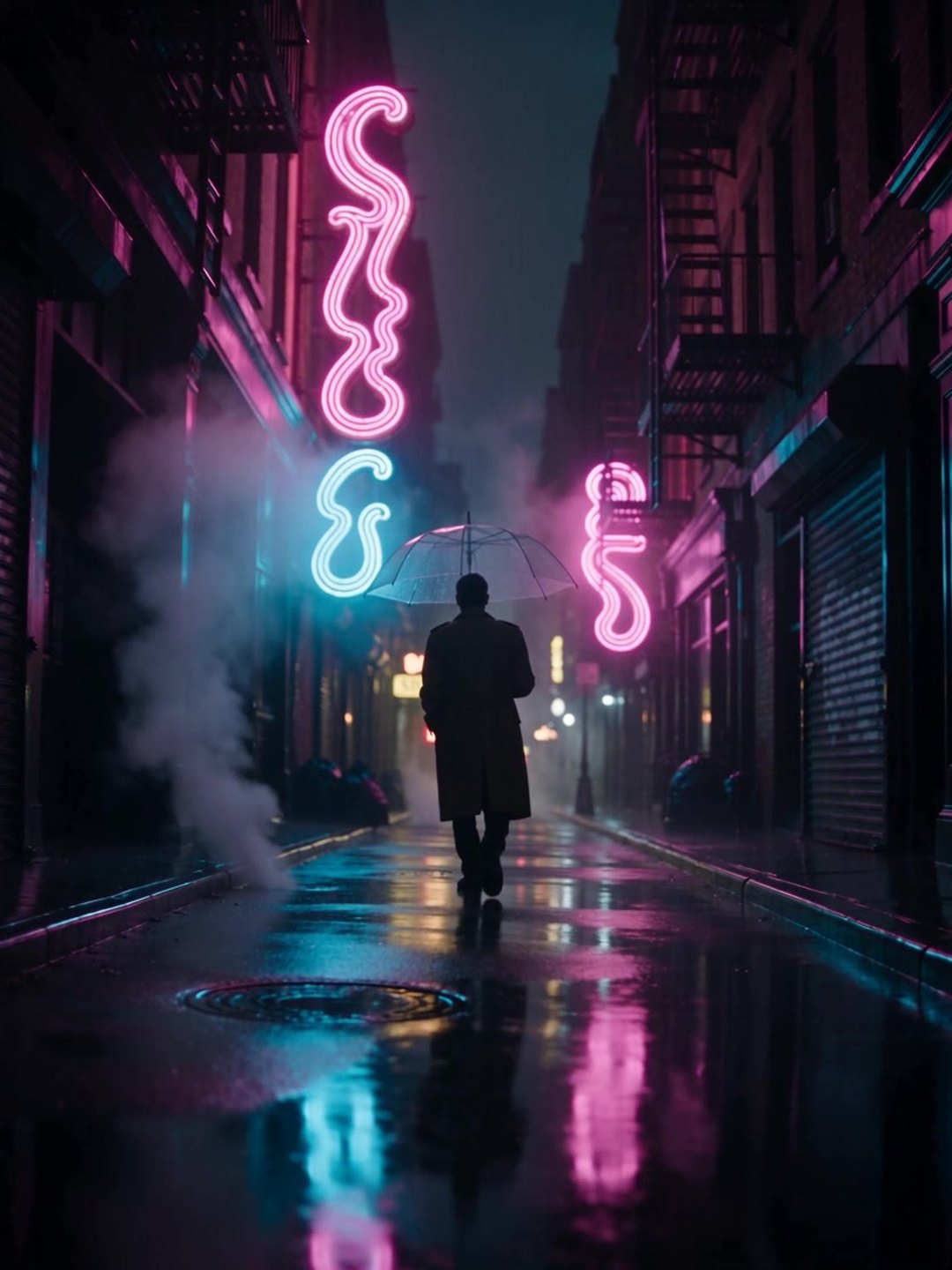 Rainy neon street tracking shot
Seedance 2.5 · text to video · 4 s · 720p
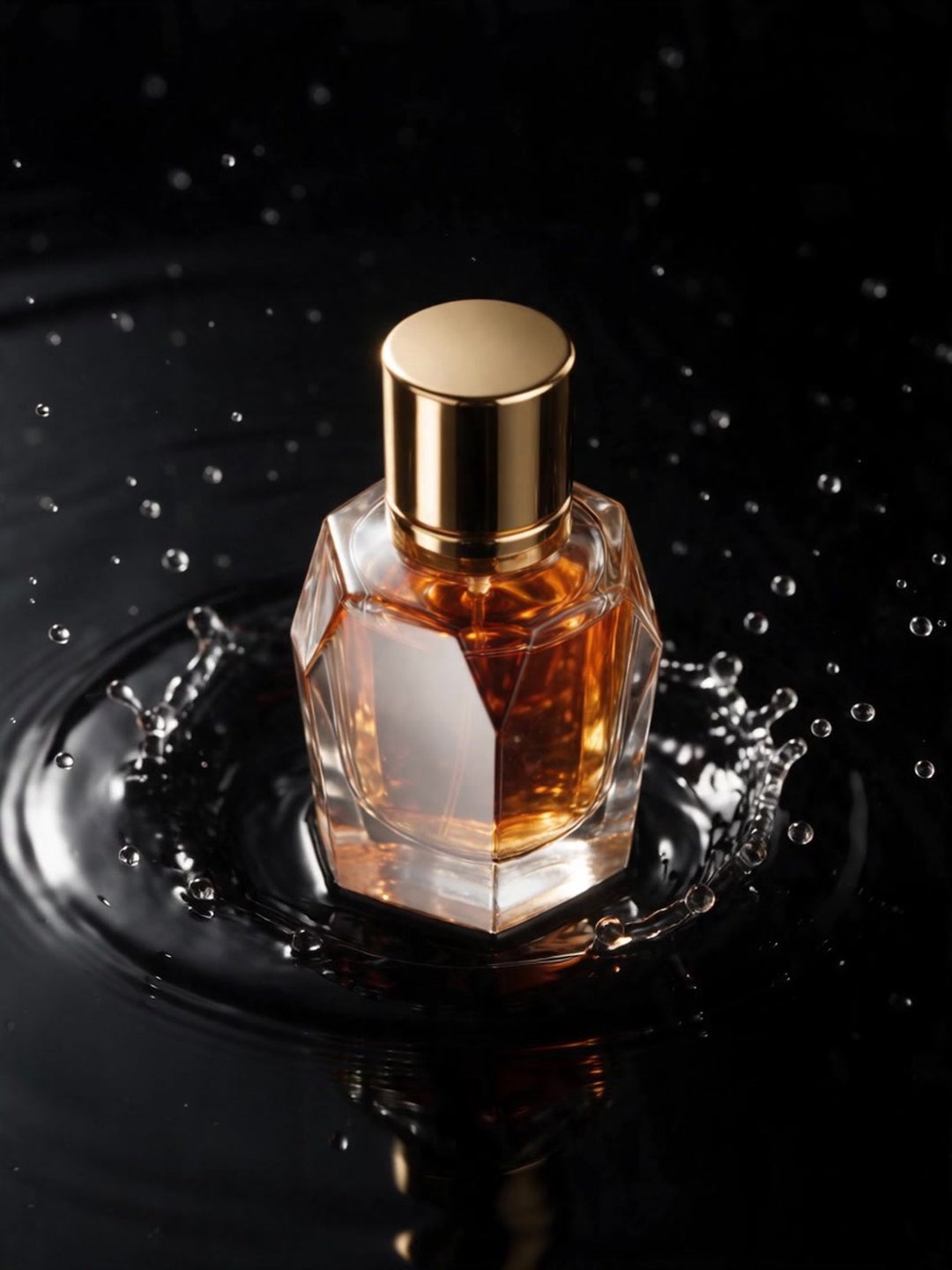 Perfume splash product shot
Seedance 2.5 · image to video · locked camera
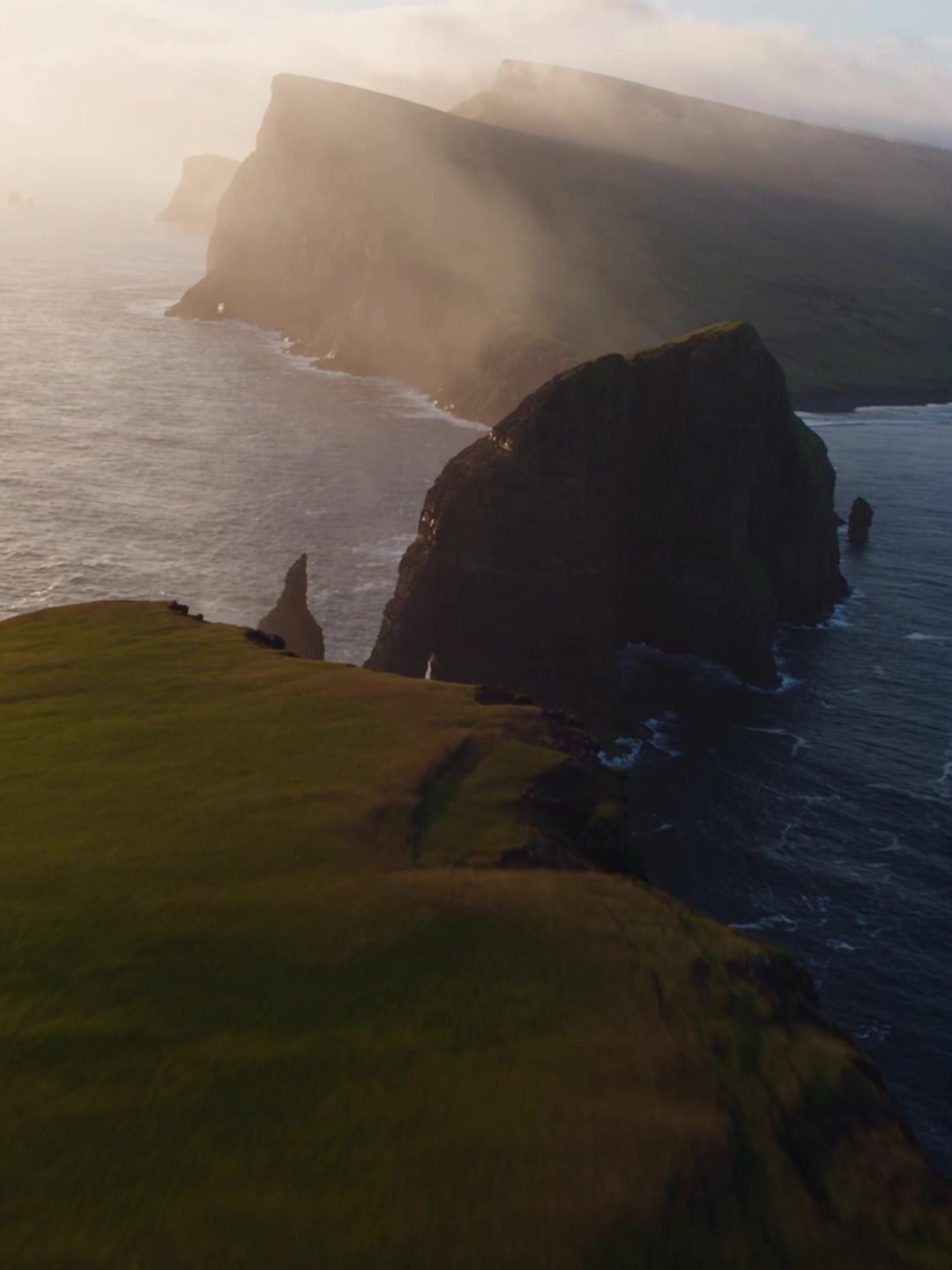 Aerial flight over sea cliffs
Seedance 2.5 · text to video · 4 s · 720p
Pricing · Text to Image · Image to Video · 中文