Seedream vs GPT Image
Both model families are in the MiniMaxVion studio, so this comparison uses real results from each. Here is how they differ and when to reach for which.
Seedream is ByteDance's image model family and GPT Image is OpenAI's. Both create images from text, edit an uploaded image, and accept up to four reference images in MiniMaxVion. They differ in how output size is set, how many images one run returns, and how they are priced, which shapes how you use them in a project.
- Both: text to image, image editing, up to 4 reference images, 5 aspect ratios
- Seedream: up to 4 images per run, with 1K, 2K or 4K output depending on the version
- GPT Image: one image per run, with Standard, High or Max quality tiers
- Switch models on the same board without leaving the studio
Explore with Seedream
Get up to four variations per run to find a direction quickly.
Refine with either model
Upload the best result as a reference and describe only what should change.
Finish at the right size
Choose a 2K or 4K Seedream model, or a High or Max quality GPT Image model.
At a glance
These are the settings each model exposes in the MiniMaxVion studio.
- Versions — Seedream 5.0 Pro, 5.0 Lite, 4.5 and 4.0. GPT Image 2, GPT Image 2.5 Flare and GPT Image 2.5 Sunburst.
- Output size — Seedream 5.0 Pro: 1K or 2K. Seedream 5.0 Lite, 4.5 and 4.0: 2K or 4K. GPT Image is set by quality: Standard or High on GPT Image 2 and 2.5 Flare, High or Max on 2.5 Sunburst.
- Images per run — Seedream: up to 4. GPT Image: 1.
- References — up to 4 images for both.
- Aspect ratios — 1:1, 16:9, 9:16, 4:3 and 3:4 for both.
When to choose Seedream
Seedream returns up to four images per run, which makes it the faster way to explore: you see several compositions at once and pick the strongest. The 4K options on Seedream 5.0 Lite and 4.5 suit prints, large banners and crops that need detail.
In the gallery, Seedream 5.0 Pro produced the food, interior, watercolor, anime and jewelry examples below, all from plain-language prompts that describe subject, light and camera.
When to choose GPT Image
GPT Image works one image at a time, which suits careful, instruction-heavy prompts where you want a single considered result: a layout with several named elements, a specific art style, or an edit with precise constraints. GPT Image 2.5 Sunburst at Max quality is the top option for detail.
In the gallery, GPT Image 2.5 Sunburst produced the isometric coffee shop, the Renaissance corgi portrait and the floating islands landscape.
Use both in one project
Because both models live on the same board, a common workflow is to explore with Seedream, then upload the chosen image as a reference and refine it with GPT Image, or the other way round. The studio shows the credit cost of each model before you generate, and failed runs are refunded automatically.
How Google's Nano Banana compares
The studio now also offers Google's Nano Banana Pro, Nano Banana 2.1 and Nano Banana 2 Lite. All three create images from text and edit with reference images. Nano Banana Pro and 2.1 output 1K, 2K or 4K; 2 Lite outputs 1K.
On the public LMArena text-to-image leaderboard (October 7, 2026, about 6.6 million blind votes), GPT Image holds the top three places: 2.5 Sunburst at 1425, 2.5 Flare at 1398 and GPT Image 2 (Medium) at 1383. Nano Banana 2.1 is sixth at 1328, still marked preliminary. Seedream 5.0 Pro (1255), Nano Banana 2 Lite (1250) and Nano Banana Pro at 2K (1248) sit within a few points of each other, between 12th and 16th.
These scores show which image voters preferred on general prompts. They do not measure ecommerce rules such as a pure white background or exact label text, and they move as new votes arrive. Google positions Nano Banana Pro for complex professional assets with legible text and consistent brand detail, so run your own product prompt on it next to GPT Image and Seedream before you choose.
Is Seedream better than GPT Image?
They suit different steps. Seedream returns up to four images per run and offers 4K versions, which helps when exploring or printing. GPT Image makes one image per run and suits detailed, instruction-heavy prompts.
Which is better for product photos?
Both can place a product from a reference photo into a new scene. For a full set of ecommerce images, the product tools in MiniMaxVion, such as White Background Product Photo and Product Image Set, handle the prompt for you.
Can both models edit my own image?
Yes. Upload up to four reference images and describe the change. Say what must stay the same, such as the face, the product or the composition.
Which one is cheaper?
It depends on the version and the size or quality you choose. The studio shows the exact credit cost before you generate, so you can compare the two on the same prompt.
Can I get several images at once with GPT Image?
Not in one run. GPT Image returns one image per generation; run it again or switch to Seedream for up to four variations at once.
Where does Google's Nano Banana fit next to Seedream and GPT Image?
On the LMArena leaderboard of October 7, 2026, Nano Banana 2.1 ranks sixth, below the three GPT Image models, while Nano Banana Pro and 2 Lite score close to Seedream 5.0 Pro. Nano Banana Pro is built for legible text and brand detail at up to 4K. All of them are in the same MiniMaxVion model picker, so you can test one prompt on each.
Is MiniMaxVion affiliated with ByteDance, OpenAI or Google?
No. MiniMaxVion is an independent studio that offers these model families through their official APIs.
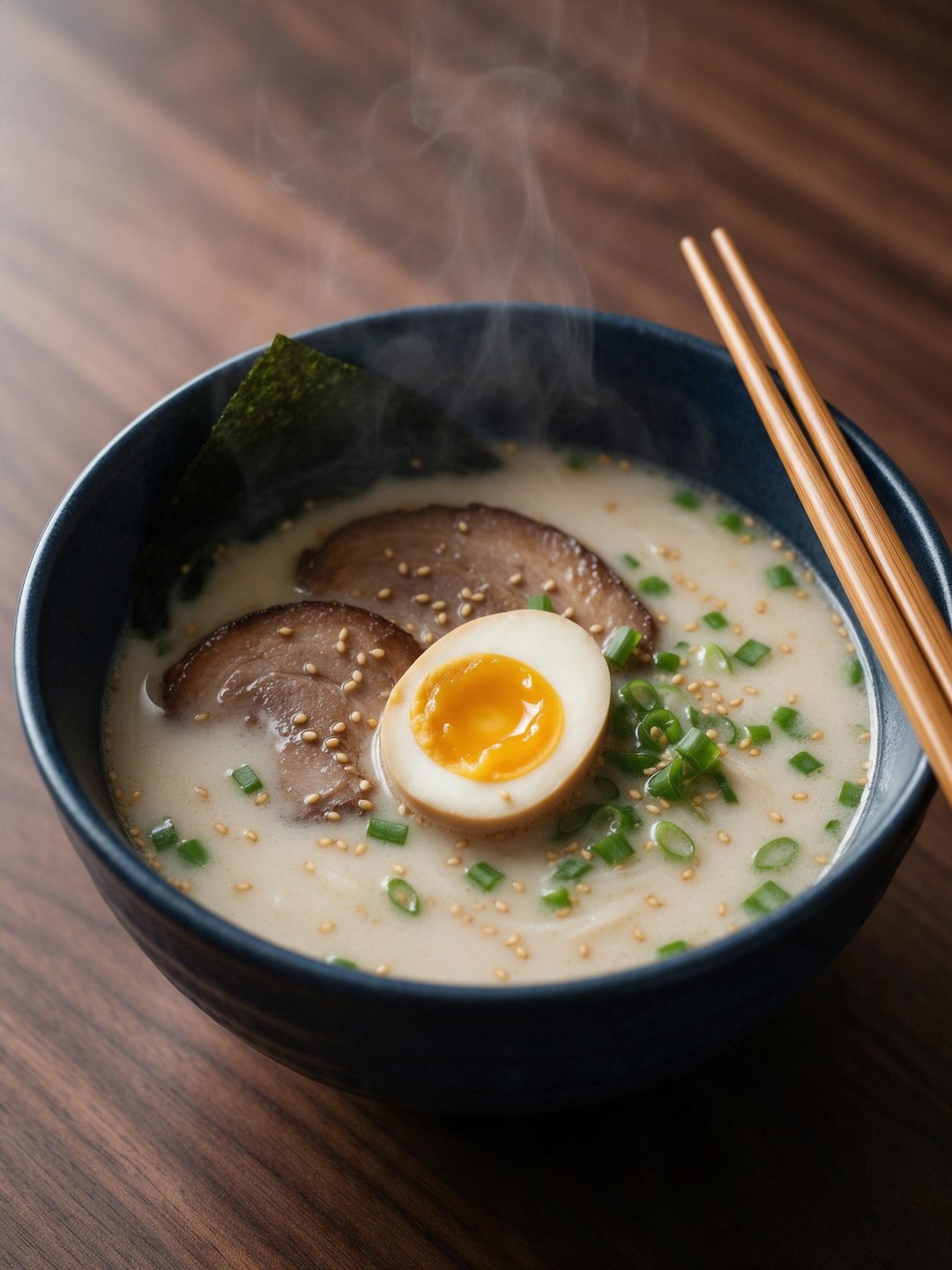 Tonkotsu ramen food shot
Seedream 5.0 Pro · text to image
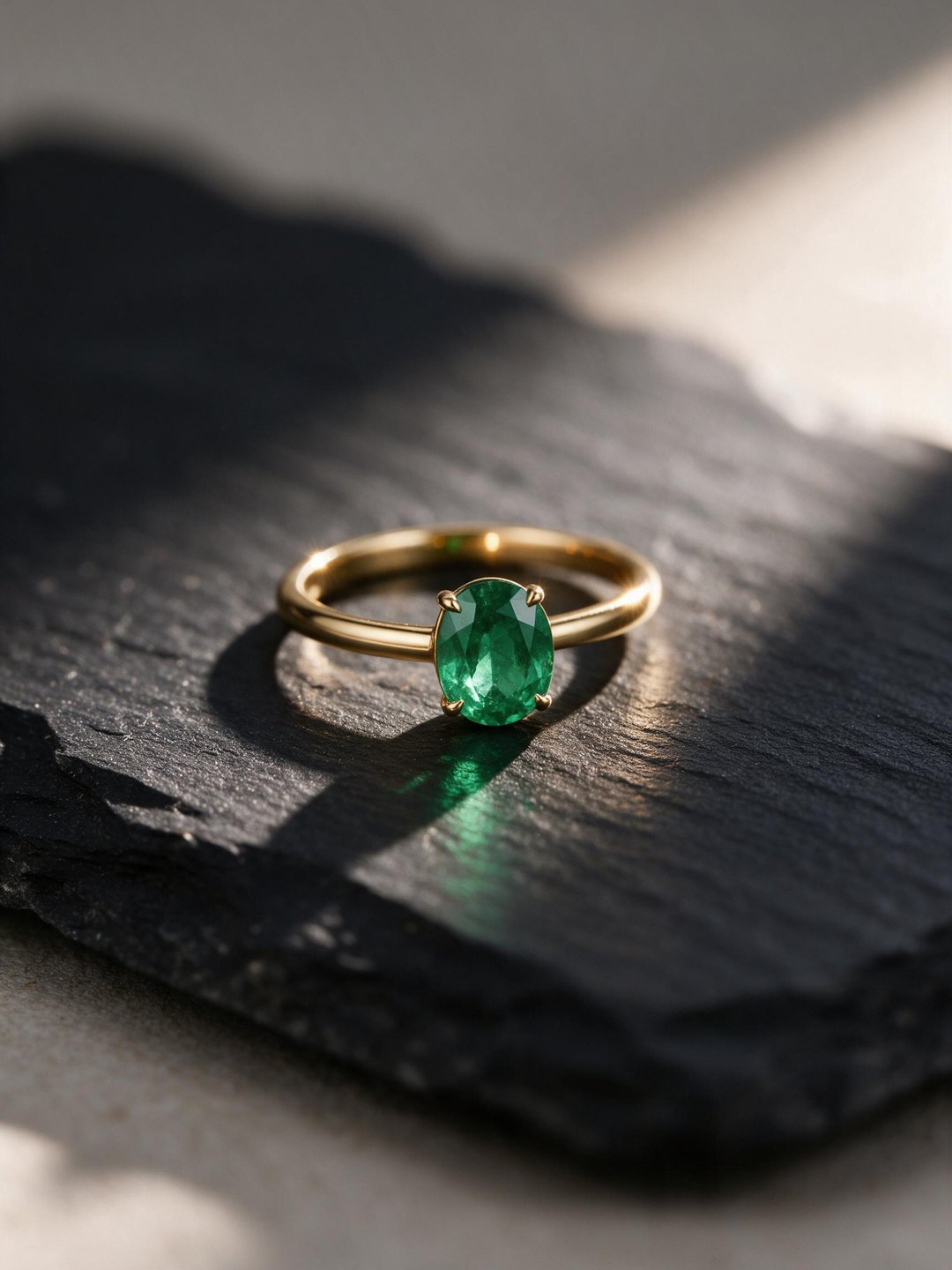 Emerald ring product shot
Seedream 5.0 Pro · text to image
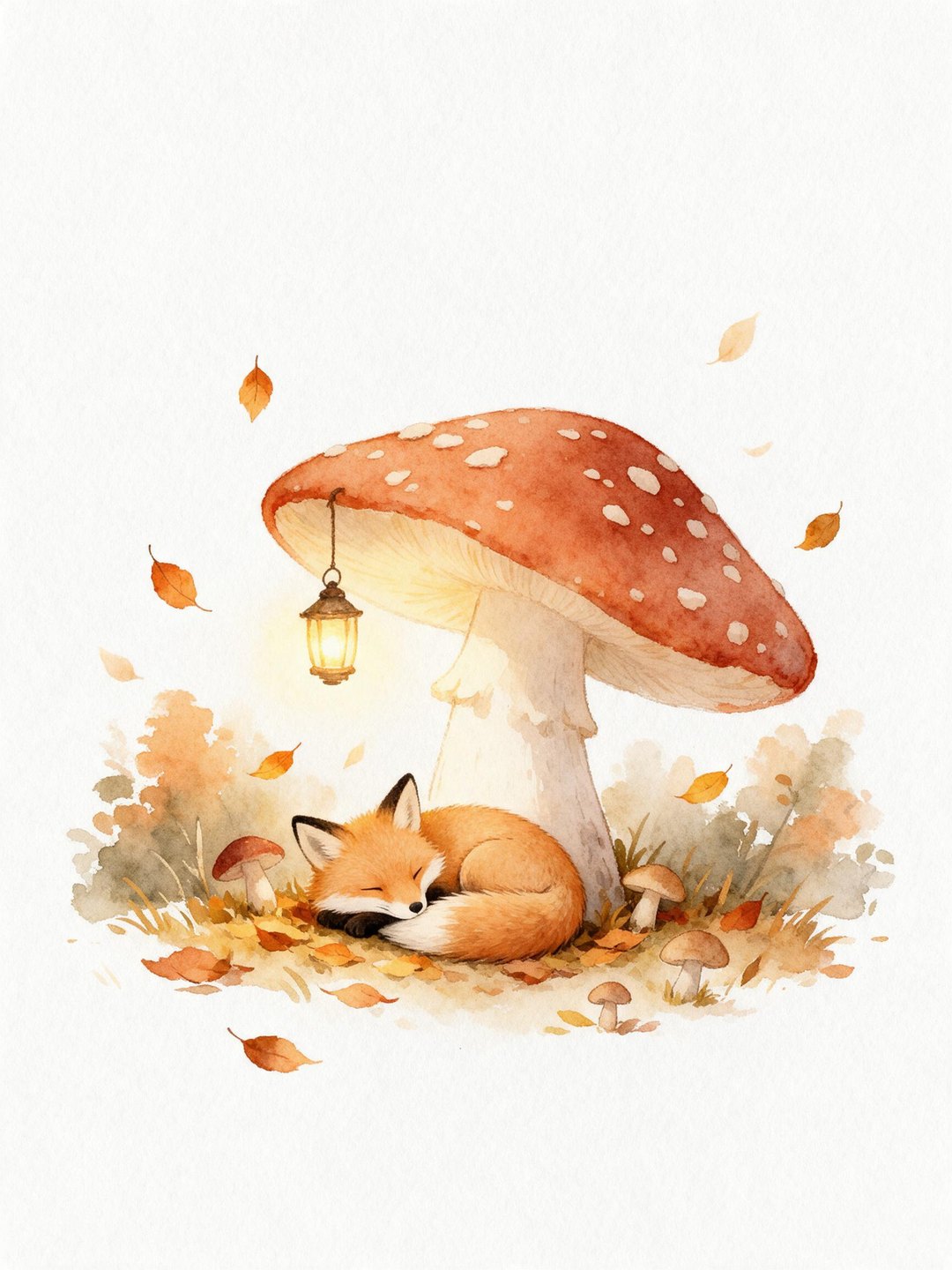 Watercolor fox illustration
Seedream 5.0 Pro · text to image
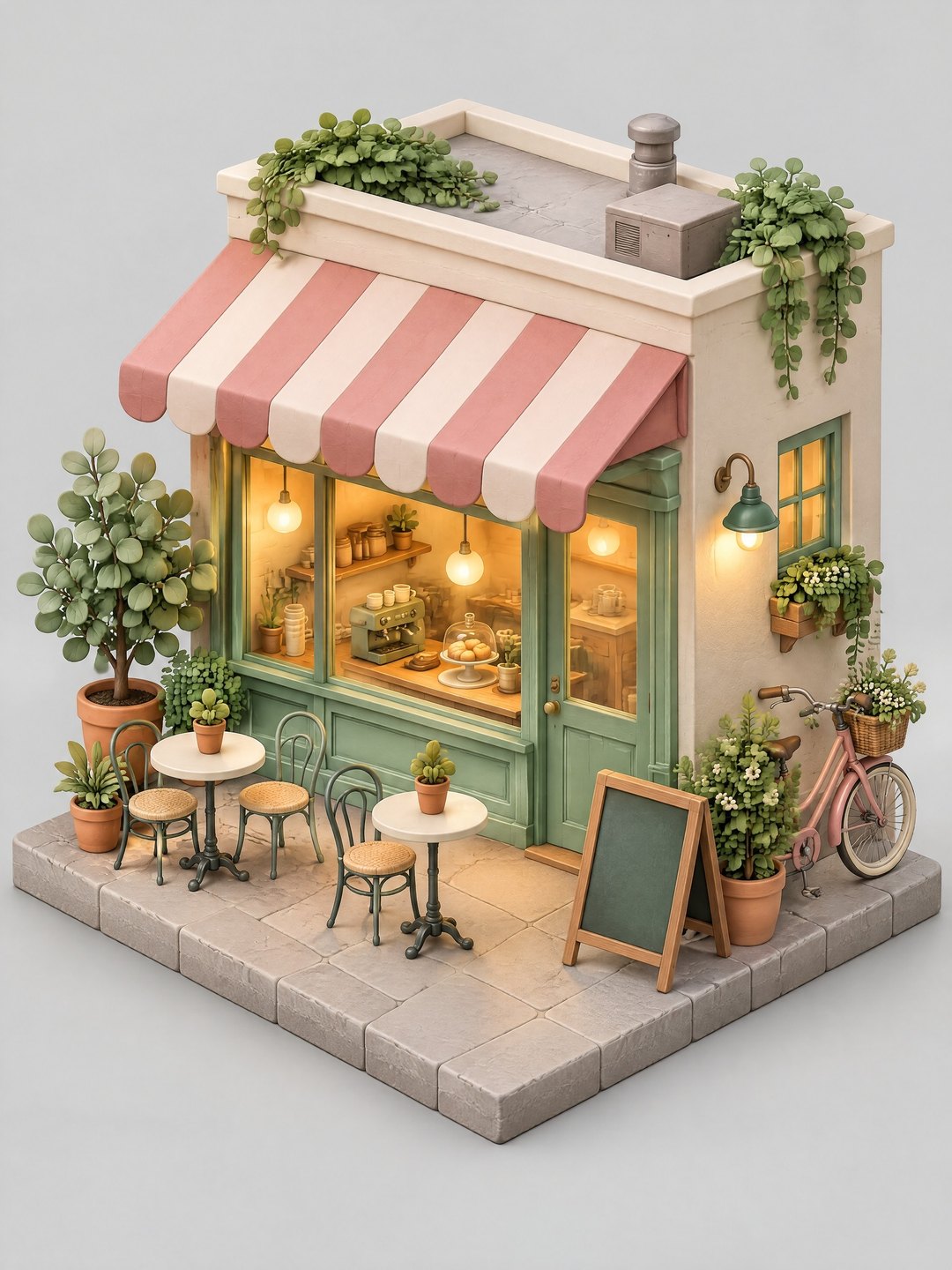 Isometric coffee shop
GPT Image 2.5 Sunburst · text to image
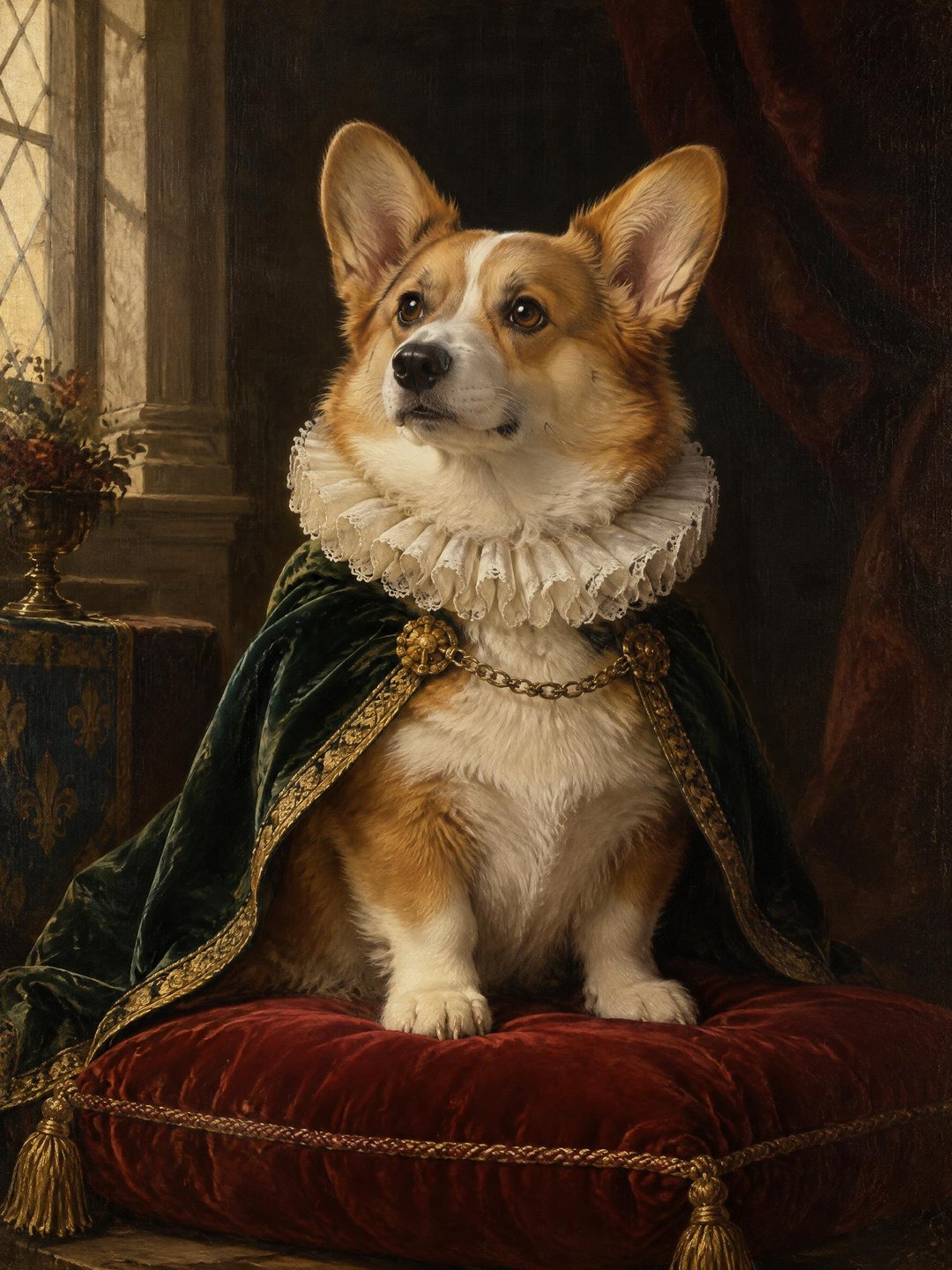 Renaissance corgi portrait
GPT Image 2.5 Sunburst · text to image
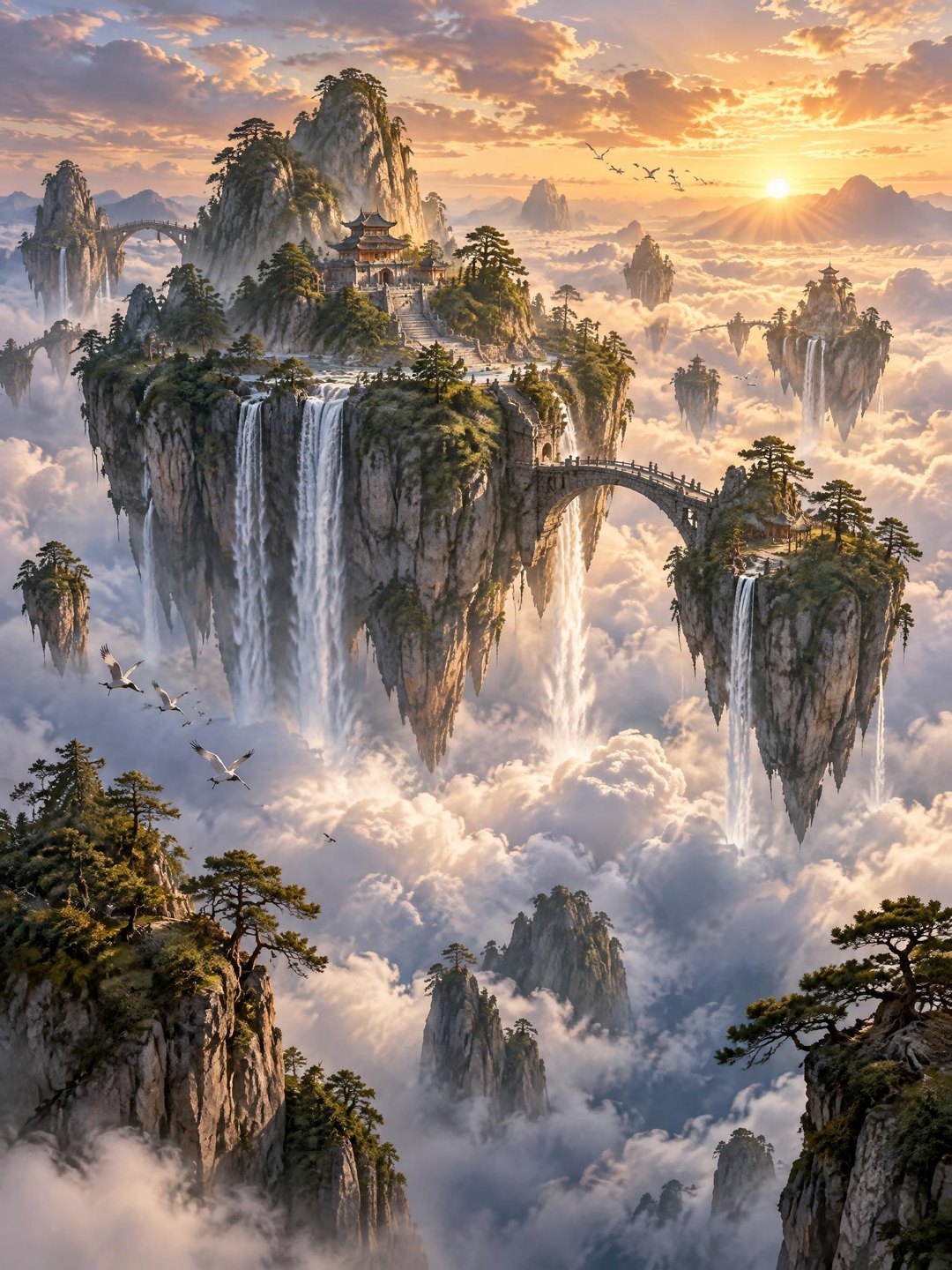 Floating islands landscape
GPT Image 2.5 Sunburst · text to image
Pricing · Text to Image · Image to Video · 中文