GPT Image 2 and 2.5 Image Generator
Run OpenAI's GPT Image models in a creative studio. Write detailed instructions, add reference images, and compare the result with other image models on one board.
GPT Image is OpenAI's family of image generation and editing models. MiniMaxVion offers GPT Image 2, GPT Image 2.5 Flare, and GPT Image 2.5 Sunburst with pay-as-you-go credits, so you can use them without a ChatGPT plan and keep every result next to your Seedream and video work.
- GPT Image 2, GPT Image 2.5 Flare, and GPT Image 2.5 Sunburst
- Text to image and image editing with up to four reference images
- Standard, High, and Max quality levels depending on the version
- No ChatGPT subscription — pay per image with credits
Describe the image
Write the scene in full sentences. GPT Image follows long, specific instructions well.
Choose a GPT Image version
2.5 Flare for fast everyday images, GPT Image 2 for balanced work, 2.5 Sunburst for the most precise results.
Generate and edit
Pick a ratio and quality level, then refine with image edit or animate the result.
Which GPT Image version should you use?
- GPT Image 2.5 Flare — fast everyday stills and edits at Standard or High quality.
- GPT Image 2 — OpenAI's flagship image model for stills and edits at Standard or High quality.
- GPT Image 2.5 Sunburst — the most precise option, at High or Max quality, for detailed illustration and complex scenes.
What GPT Image is good at
GPT Image is at its best when the prompt is long and specific. It keeps track of many objects, their positions, and how they relate, which makes it a good fit for dioramas, infographic-style layouts, character scenes, and painterly concepts.
The examples on this page — an isometric coffee shop, a Renaissance portrait of a corgi, and a floating islands landscape — were made with GPT Image 2.5 Sunburst.
Editing with reference images
Upload up to four images and describe the edit in plain language: change the background, combine a product with a new scene, adjust a style, or keep a character consistent. State what must stay the same so the model does not redraw it.
How to write a GPT Image prompt
Write in complete sentences and give the image a purpose. List the important objects and where they sit, then describe style, light, and color. If you need text in the image, put the exact words in quotes; otherwise add "no text".
Example: "Isometric 3D diorama of a tiny corner coffee shop on a floating square of pavement: striped awning, chalkboard easel with no writing, two small bistro tables, potted plants, warm light spilling from the window, a bicycle parked outside. Soft clay-like materials, pastel colors, clean light gray background. No text."
Sizes, quality, and pricing
Choose 1:1, 16:9, 9:16, 4:3, or 3:4. Each run makes one image; higher quality levels and extra reference images cost more credits, and the studio shows the cost before you generate. Credits never expire, and failed generations are refunded automatically.
Can I use GPT Image 2 without ChatGPT Plus?
Yes. MiniMaxVion offers GPT Image models with prepaid credits. You do not need a ChatGPT plan or an OpenAI API key.
What is the difference between GPT Image 2 and GPT Image 2.5?
GPT Image 2.5 comes in two versions: Flare for fast everyday images and Sunburst for the most precise results at High or Max quality. GPT Image 2 sits between them at Standard or High quality.
Can GPT Image edit my photos?
Yes. Upload up to four reference images in image edit and describe the change you want.
Can GPT Image put text in an image?
It can render short text when you put the exact words in quotes. Always proofread the result before you publish it.
Can I compare GPT Image with Nano Banana Pro?
Yes. Google's Nano Banana Pro and Nano Banana 2.1 are in the same model picker. Run one prompt on GPT Image and on Nano Banana Pro, which is built for legible text and brand detail at up to 4K, and keep both results on your board.
Is MiniMaxVion affiliated with OpenAI?
No. MiniMaxVion is an independent creative studio that offers GPT Image models through the official API alongside other image and video models.
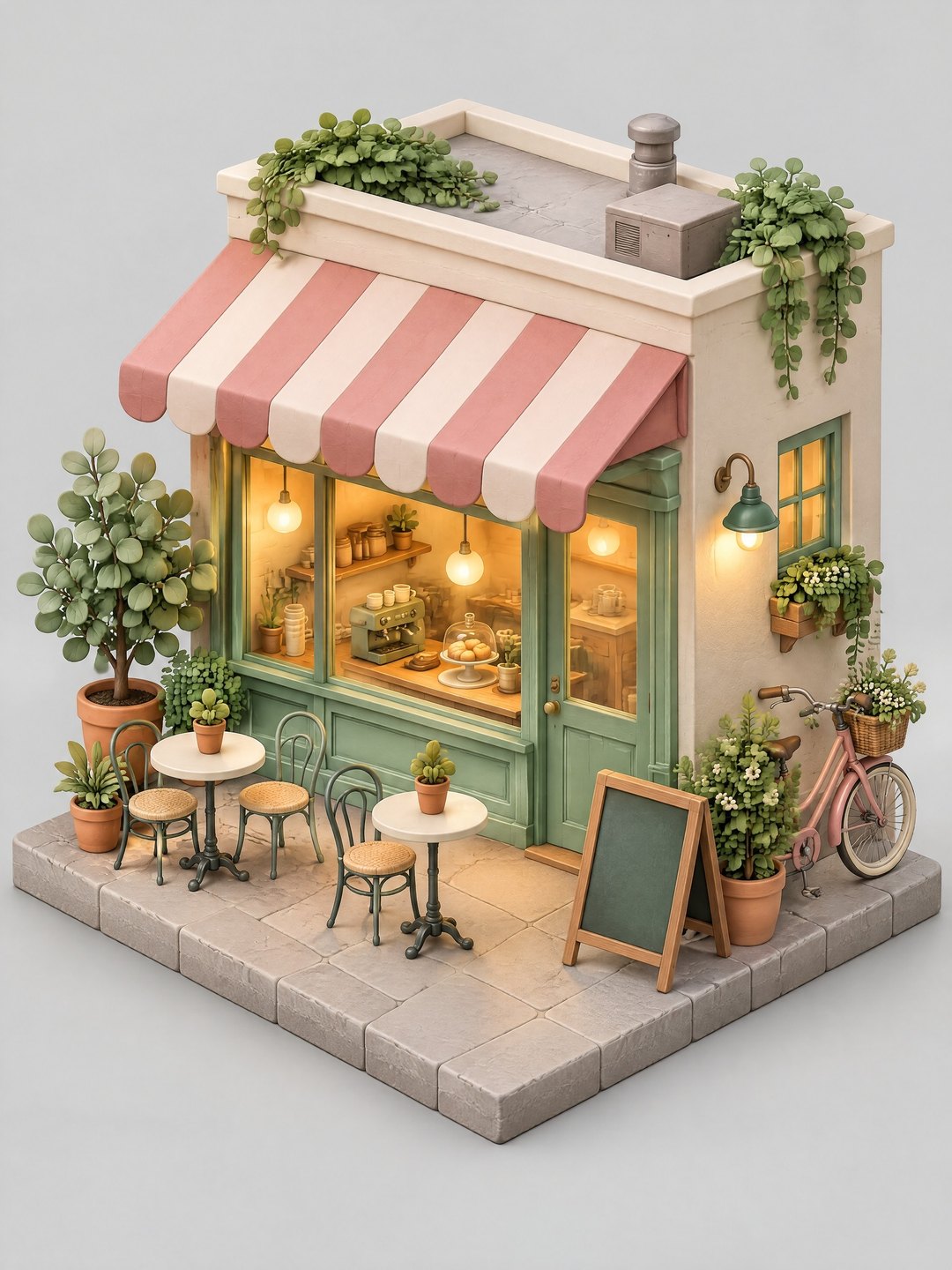 Isometric coffee shop diorama
GPT Image 2.5 Sunburst · 3:4
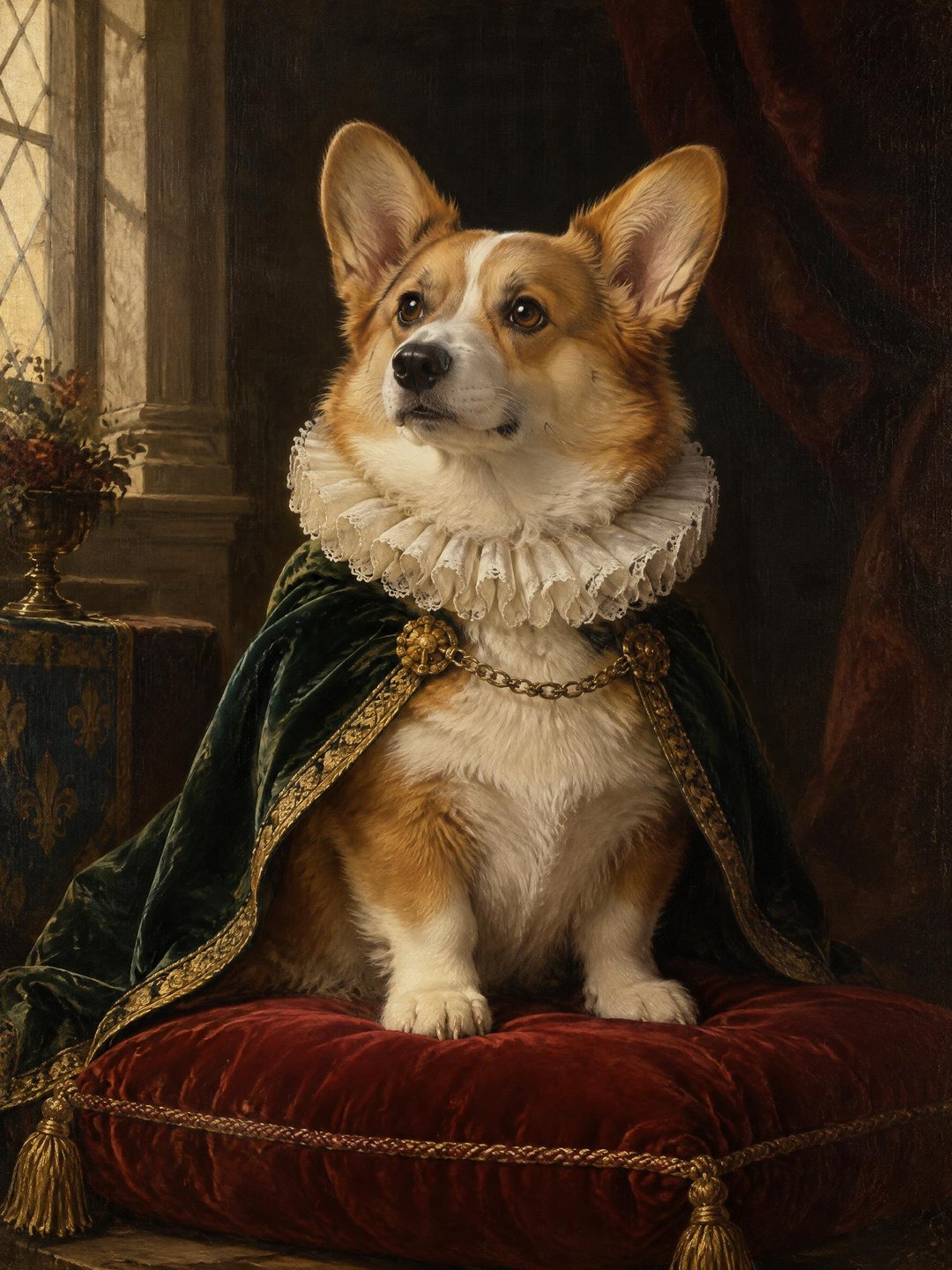 Renaissance portrait of a corgi
GPT Image 2.5 Sunburst · 3:4
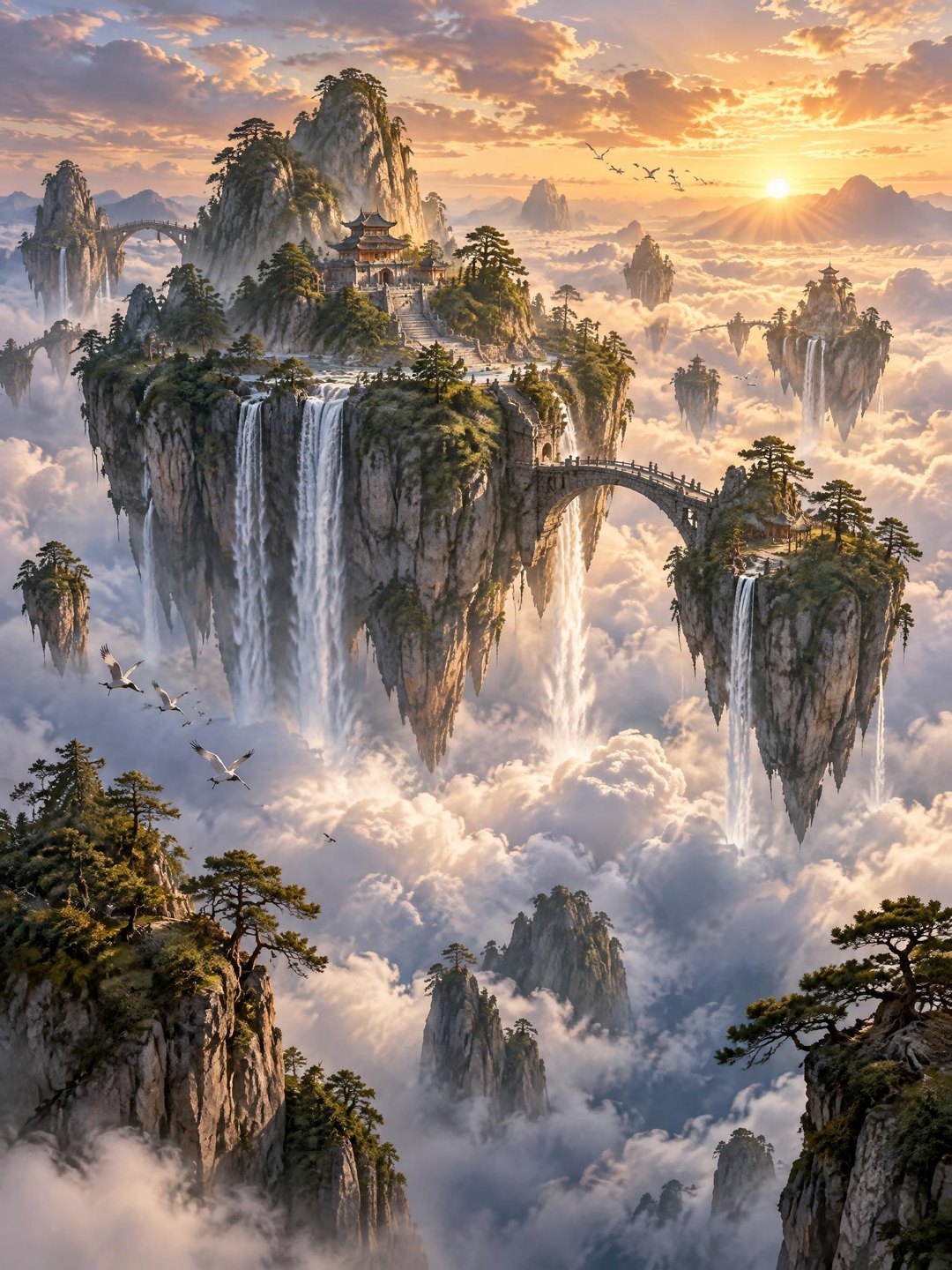 Floating islands landscape
GPT Image 2.5 Sunburst · 3:4 · concept art
Pricing · Text to Image · Image to Video · 中文