Seedance 2.0 and 2.5 AI Video Generator
Run the Seedance video models in your browser. Write a shot, animate a still, or combine reference images, clips, and audio — then review every result on one board.
Seedance is a family of video generation models from ByteDance. MiniMaxVion gives you the current Seedance versions behind one sign-in and one credit balance, so you can draft a shot on a fast model, switch to the flagship for the final take, and keep every version side by side. There is no API key to manage and no code to write.
- Seedance 2.0 Mini, 2.0 Fast, 2.0, and 2.5 in one studio
- Text to video, image to video, and multi-reference video edit
- 480p, 720p, and 1080p output in six aspect ratios
- Clips from 4 to 15 seconds, or up to 30 seconds on Seedance 2.5
Pick a starting point
Text to video for a new shot, image to video for an approved still, or video edit to combine references.
Choose a Seedance version
Draft on 2.0 Fast or Mini, then move to 2.0 or 2.5 for 1080p and longer clips.
Generate and compare
Set ratio, resolution, and duration, check the credit cost, and compare takes on your board.
Which Seedance version should you use?
Every version shares the same prompt style, so you can move a shot between them without rewriting it. Choose by how far along the shot is and how long it needs to run.
- Seedance 2.0 Mini — the lowest-cost option for 480p and 720p drafts from 4 to 15 seconds, with first and last frame control and reference edit.
- Seedance 2.0 Fast — quicker 480p and 720p takes with multimodal references, useful while you are still testing motion and framing.
- Seedance 2.0 — 480p to 1080p from 4 to 15 seconds with image, video, and audio references for the final version of a shot.
- Seedance 2.5 — the flagship model, with 480p to 1080p output and clips from 4 up to 30 seconds for longer, continuous moves.
Three ways to start a Seedance video
Text to video invents the whole shot from your prompt. It works best when you describe one continuous moment: who or what is on screen, what moves, how the camera behaves, and what the light looks like.
Image to video starts from a still you already like, such as a product shot or a keyframe made with an image model. The model keeps the composition and adds motion, so write what changes over time and what must stay fixed.
Video edit combines several references in one request. Seedance 2.0 and 2.5 accept up to nine reference images, up to three reference clips, and up to three audio clips, so you can restyle footage, carry a character between shots, or set the pace with music.
How to write a Seedance prompt
Seedance follows plain, visual language better than lists of quality keywords. Describe the shot the way you would brief a camera operator, and keep it to a single moment rather than a sequence of scenes.
Example: "Slow-motion close-up of milk being poured into a cup of black espresso, forming a swirling latte art rosetta. Warm café light, a dark ceramic cup on a wooden counter, blurred coffee bar in the background, gentle steam. Static camera, smooth motion. No text."
- Subject and action: what is on screen and exactly how it moves
- Camera: static, slow push in, tracking, orbit, or drone glide
- Light and setting: time of day, light direction, and environment
- Constraints: what must not change, and "no text" when you do not want lettering
Settings and pricing
Choose 16:9 for web and YouTube, 9:16 for Reels, TikTok, and Shorts, 1:1 or 4:3 and 3:4 for feeds and product pages, or 21:9 for a cinematic frame. Resolution and duration both change the credit cost, and the studio shows the exact cost before you generate.
Credits come from a prepaid balance that does not expire. If a generation fails, its credits are returned automatically, so a draft that does not finish costs nothing.
Can I use Seedance 2.0 online without an API key?
Yes. Sign in to MiniMaxVion, open text to video or image to video, and choose a Seedance model. Generation is paid with credits from your balance; there is no API setup.
What is the difference between Seedance 2.0 and Seedance 2.5?
Both support text to video, image to video, and multi-reference video at up to 1080p. Seedance 2.0 makes clips from 4 to 15 seconds; Seedance 2.5 extends that to 30 seconds and is the flagship option.
How long can a Seedance video be?
Seedance 2.0 Mini, Fast, and 2.0 generate 4 to 15 seconds per clip. Seedance 2.5 generates 4 to 30 seconds.
Which aspect ratios does Seedance support?
16:9, 9:16, 1:1, 4:3, 3:4, and 21:9.
Can Seedance animate my own image?
Yes. Use image to video and upload the still. Describe the motion and say what must stay fixed, for example "keep the product sharp and the framing unchanged".
Is MiniMaxVion affiliated with ByteDance?
No. MiniMaxVion is an independent creative studio that offers Seedance models through the official provider API alongside other image and video models.
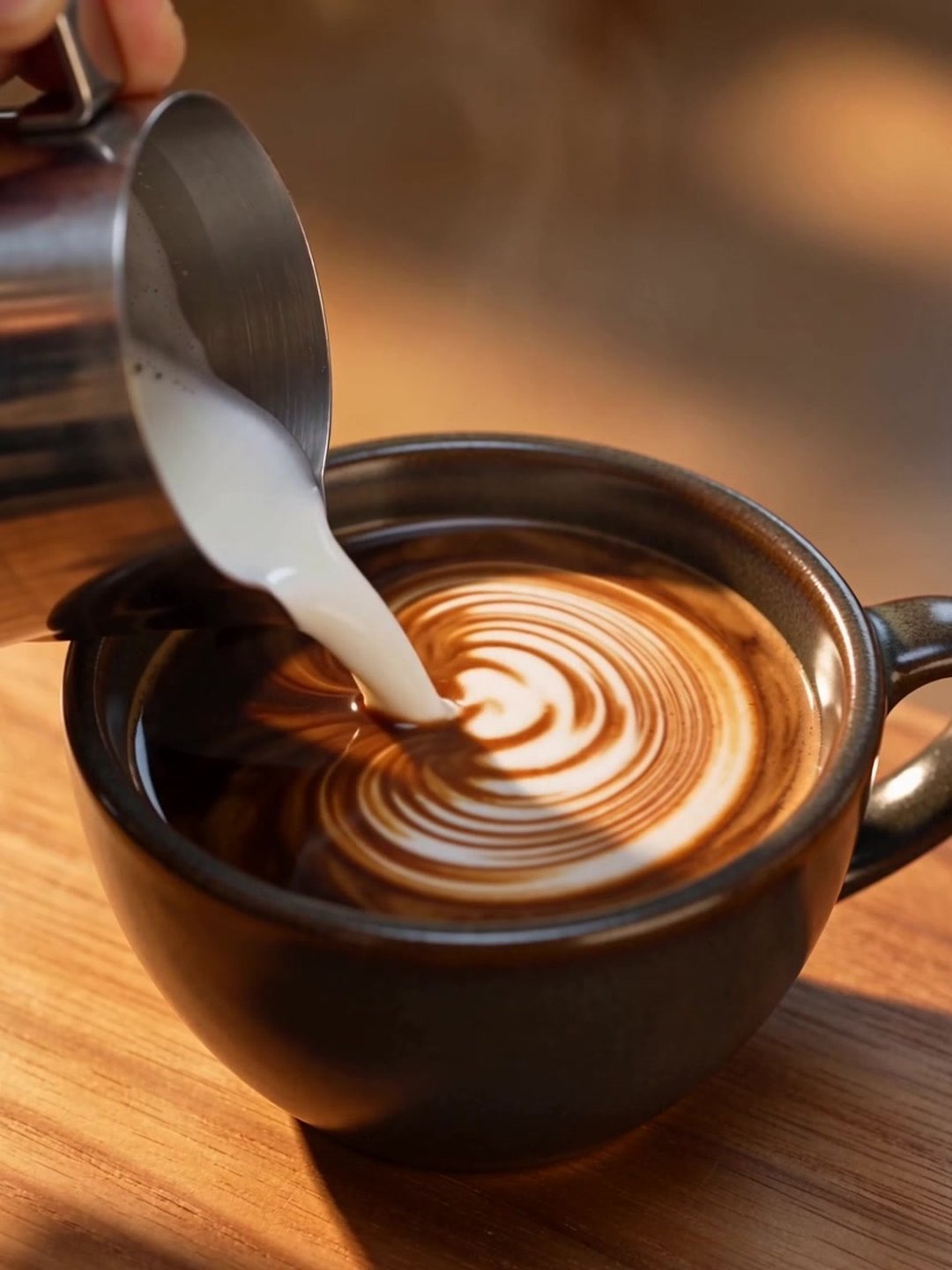 Slow-motion latte art pour
Seedance 2.5 · text to video · 4 s · 720p
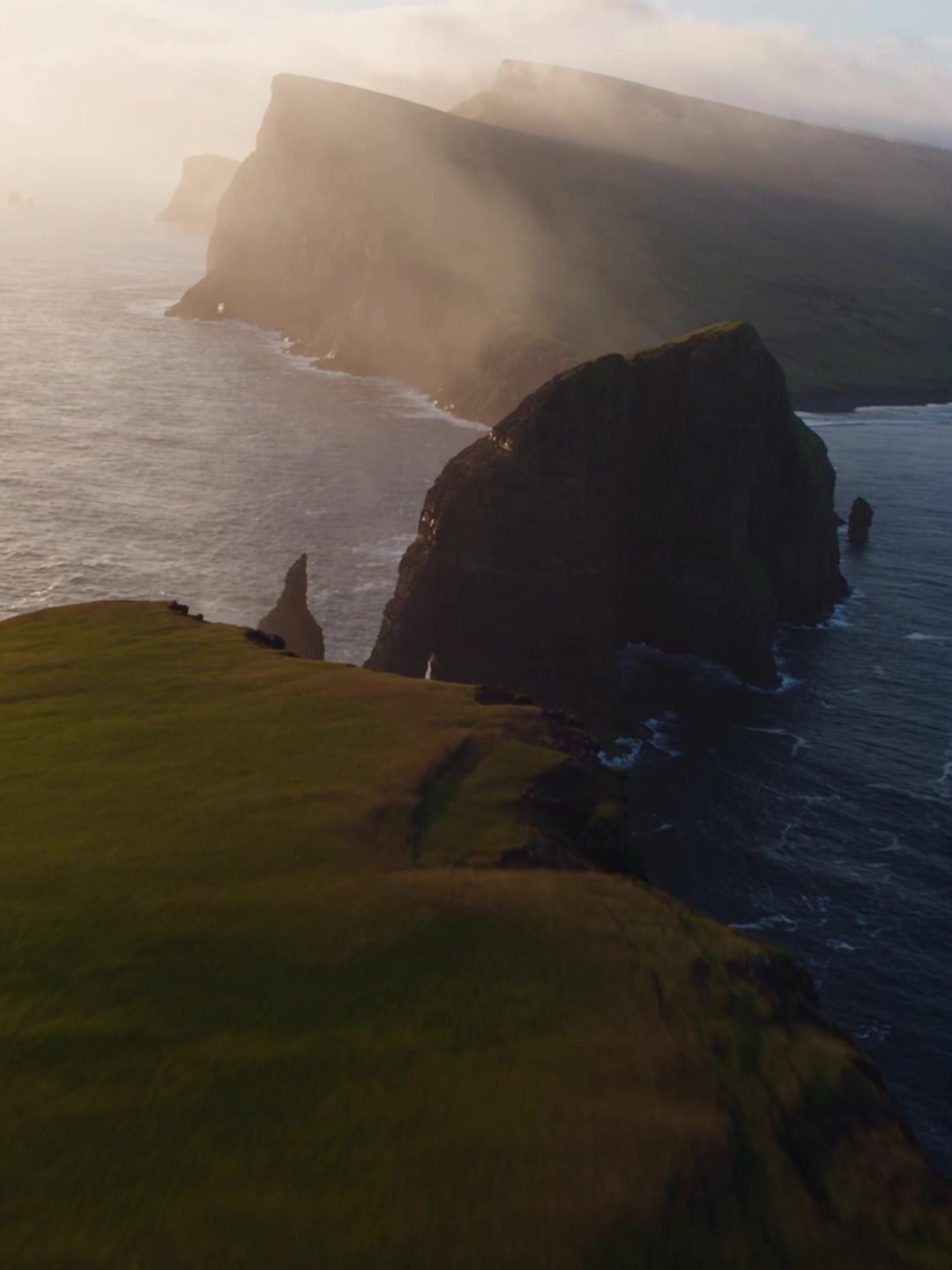 Aerial flight over sea cliffs
Seedance 2.5 · text to video · 4 s · 720p
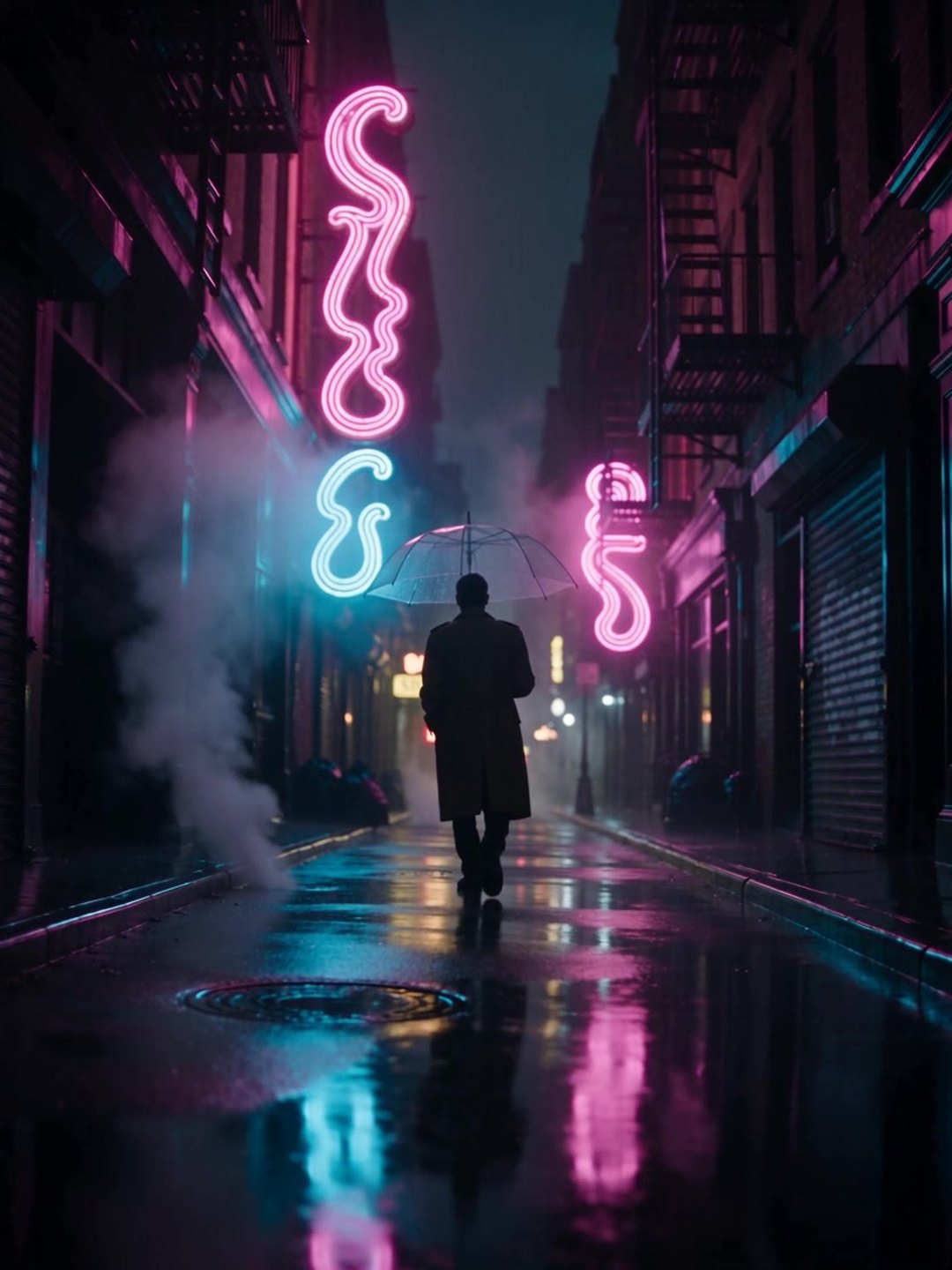 Rainy neon street tracking shot
Seedance 2.5 · text to video · 4 s · 720p
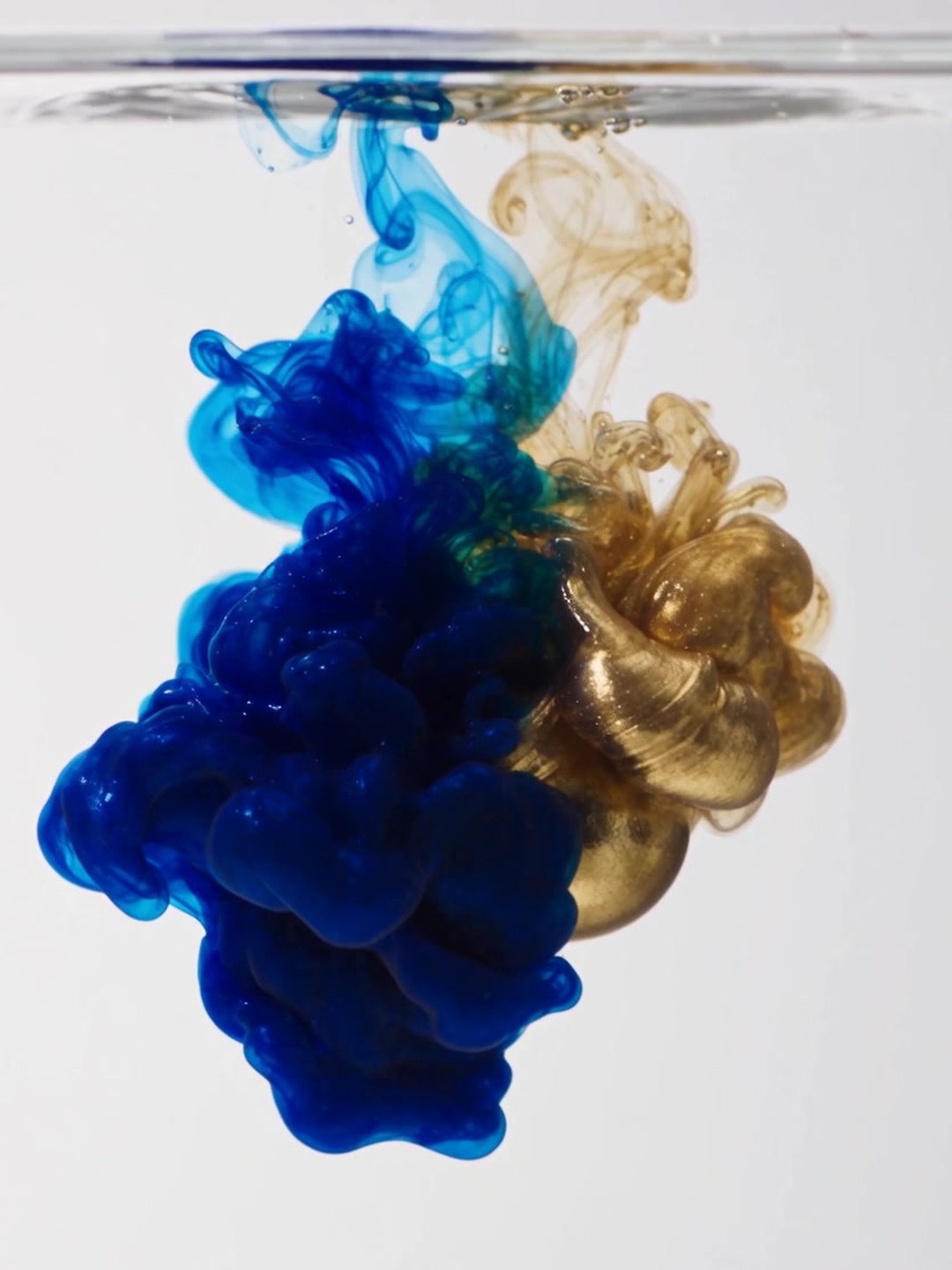 Blue and gold ink in water
Seedance 2.5 · text to video · 4 s · 720p
 Floating islands brought to life
Seedance 2.5 · image to video · locked camera
 Perfume splash product shot
Seedance 2.5 · image to video · locked camera
- Seedance 2.0 prompt guide
- Latte pour example
- Perfume product animation
Pricing · Text to Image · Image to Video · 中文