Seedream 5.0 AI Image Generator
Generate detailed stills and precise edits with the Seedream models. Write a prompt, add up to four reference images, and get up to four results per run.
Seedream is a family of image generation and editing models from ByteDance. In MiniMaxVion you can use Seedream 5.0 Pro, Seedream 5.0 Lite, Seedream 4.5, and Seedream 4.0 from the same studio, compare them on one board, and send the best frame straight to image to video when you need motion.
- Seedream 5.0 Pro, 5.0 Lite, 4.5, and 4.0 in one studio
- Text to image and image editing with up to four reference images
- 1K and 2K on 5.0 Pro, 2K and 4K on 5.0 Lite and 4.5
- Up to four images per run in five aspect ratios
Write the prompt
Describe subject, setting, light, and camera. Add reference images to keep a product or character consistent.
Choose a Seedream version
5.0 Pro for flagship stills, 5.0 Lite for fast 2K and 4K, 4.5 for high detail and prompt fidelity.
Generate and refine
Pick a ratio and resolution, generate up to four images, then edit or animate the best one.
Which Seedream version should you use?
- Seedream 5.0 Pro — the flagship for stills and edits, at 1K and 2K. Use it when realism, texture, and lighting matter most.
- Seedream 5.0 Lite — fast 2K and 4K stills with optional references, good for exploring many directions or for large prints and banners.
- Seedream 4.5 — high-detail stills with strong prompt fidelity at 2K and 4K, useful for dense scenes and precise layouts.
- Seedream 4.0 — a reliable choice for text and reference image generation.
What Seedream is good at
Seedream handles photographic detail well: food textures, interior light, fabric, glass, and metal. The examples on this page — a ramen bowl, a living room at golden hour, a perfume splash, and an emerald ring — were all made with Seedream 5.0 Pro.
It is also strong at illustration and stylized work, from watercolor children's book art to anime backgrounds, and it follows layout instructions such as "lots of white space" or "product centered with room for a headline".
Editing images with references
Add up to four reference images and describe the change. Seedream can swap a background while keeping the subject, place a product into a new scene, restyle a photo, or keep a character consistent across several images.
Say what must stay the same as clearly as what should change, for example: "Keep the same bottle, label, and cap. Change only the setting to a mossy forest stream with soft morning light."
How to write a Seedream prompt
Lead with the subject and composition, then add environment, light, camera, and finish. Concrete visual details work better than words like "beautiful" or "high quality".
Example: "Overhead shot of a bowl of tonkotsu ramen on a dark wooden table: creamy broth, chashu pork, a soft-boiled egg cut in half, nori, and spring onion. Soft window light from the left, steam rising, chopsticks resting on the bowl. Food magazine photography, no text."
Resolution, ratios, and pricing
Choose 1:1, 16:9, 9:16, 4:3, or 3:4. Higher resolutions and extra images per run cost more credits, and the studio shows the cost before you generate. Credits never expire, and failed generations are refunded automatically.
Can I use Seedream 5.0 online for free?
New accounts receive free credits that work with Seedream. After that, generation uses credits from a prepaid balance. There is no API key or subscription to set up.
What is the difference between Seedream 5.0 Pro and 5.0 Lite?
Seedream 5.0 Pro is the flagship for stills and edits at 1K and 2K. Seedream 5.0 Lite is faster and outputs 2K or 4K, which suits quick exploration and large formats.
Can Seedream edit an existing photo?
Yes. Upload up to four reference images in image edit and describe the change. Name the details that must stay the same, such as the face, product, or label.
How many images can Seedream generate at once?
Up to four images per run.
Is Seedream better than GPT Image?
They have different strengths. Seedream is strong at photographic texture and high resolutions up to 4K; GPT Image is strong at following complex instructions. In MiniMaxVion you can run the same prompt on both and compare.
How does Seedream compare with Nano Banana Pro?
Both edit with reference images. Nano Banana Pro outputs 1K, 2K or 4K, and Google built it for legible text in the image and consistent brand detail. Seedream 5.0 Pro outputs 1K or 2K and is a strong pick for photographic texture with up to four images per run; Seedream 5.0 Lite and 4.5 add 4K. Both are in the same studio, so you can test one prompt on each.
Is MiniMaxVion affiliated with ByteDance?
No. MiniMaxVion is an independent creative studio that offers Seedream models through the official provider API alongside other image and video models.
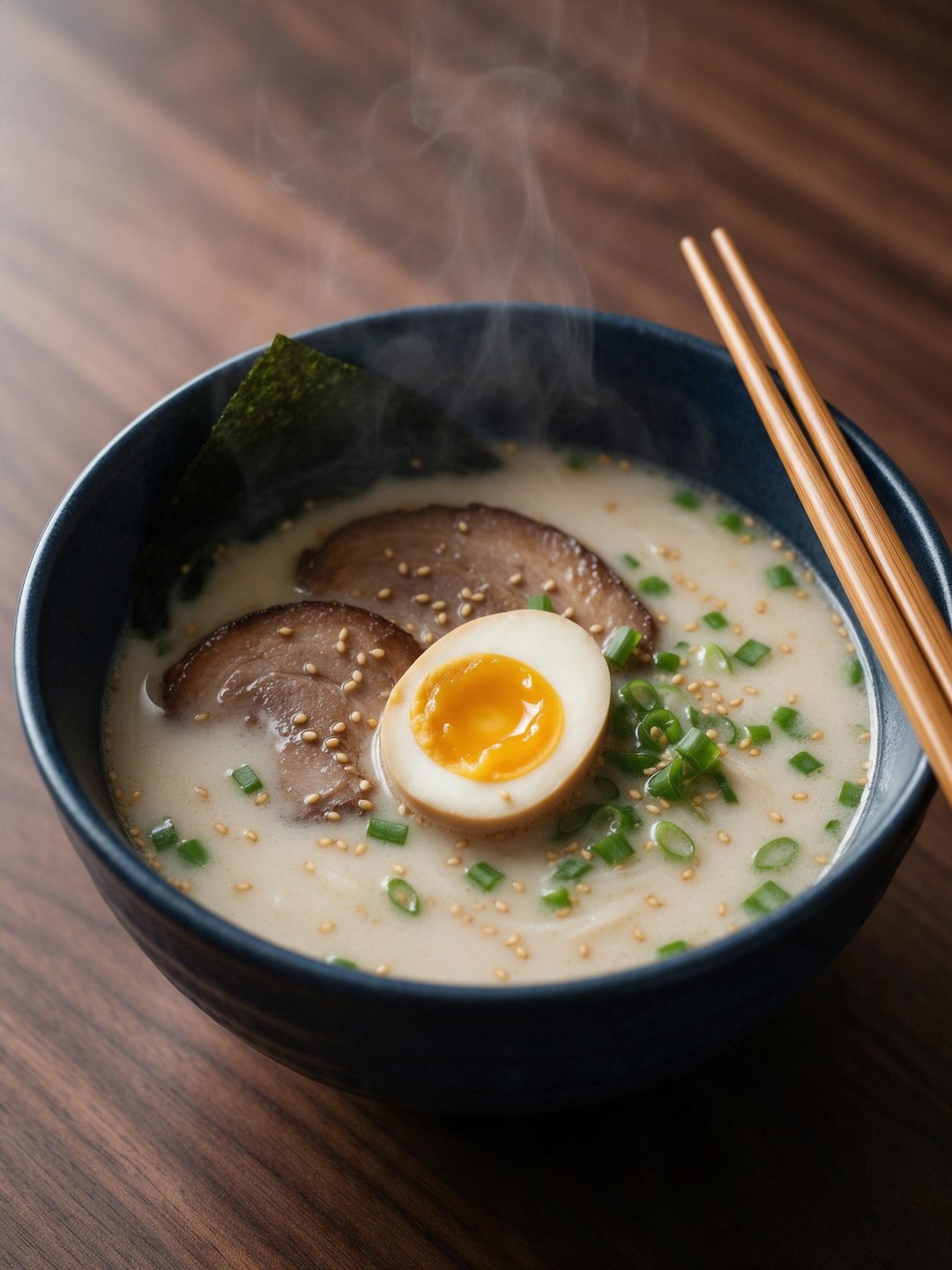 Tonkotsu ramen food photography
Seedream 5.0 Pro · 3:4
 Scandinavian living room
Seedream 5.0 Pro · 3:4 · interior
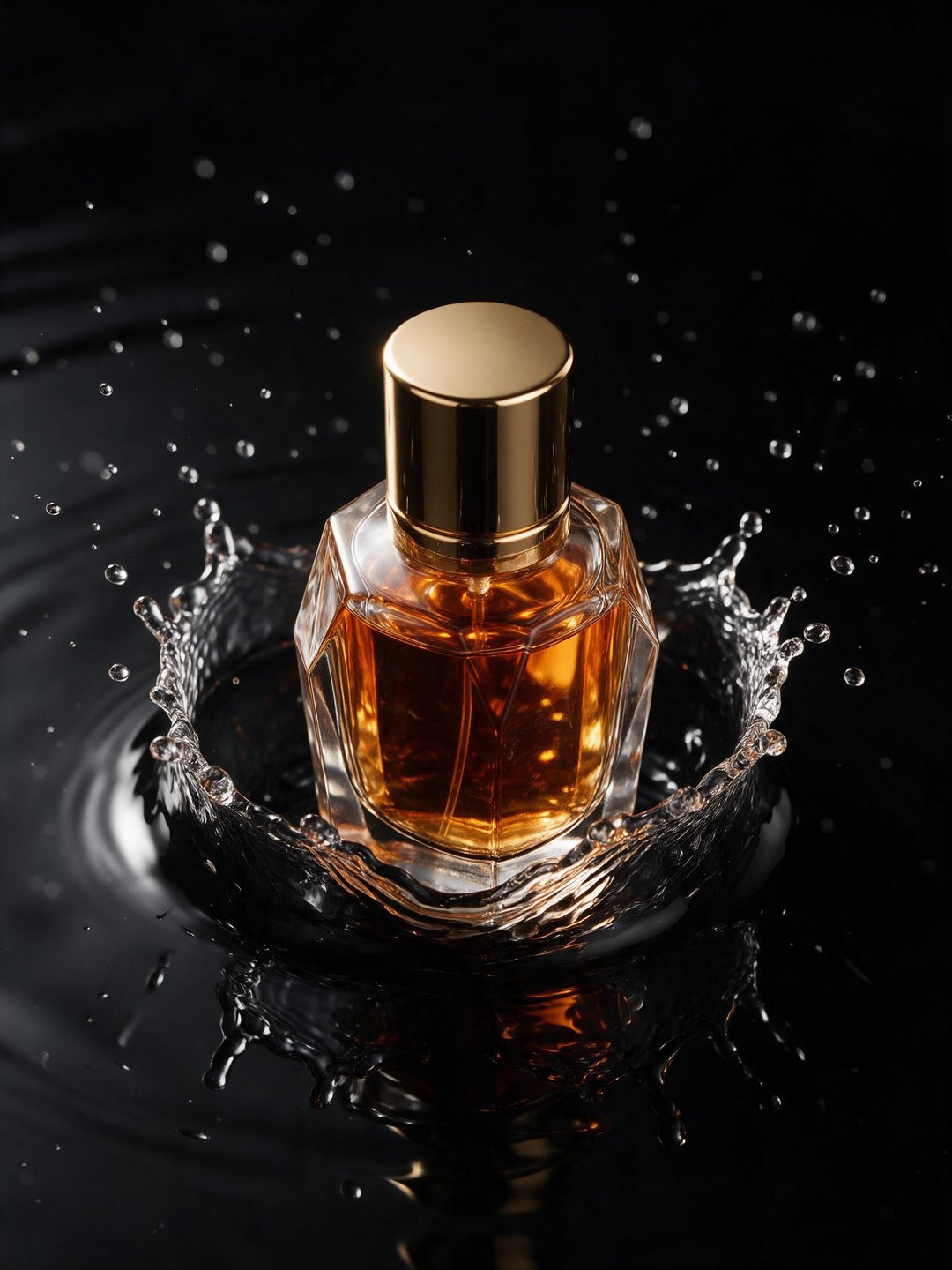 Luxury perfume splash ad
Seedream 5.0 Pro · 3:4 · product
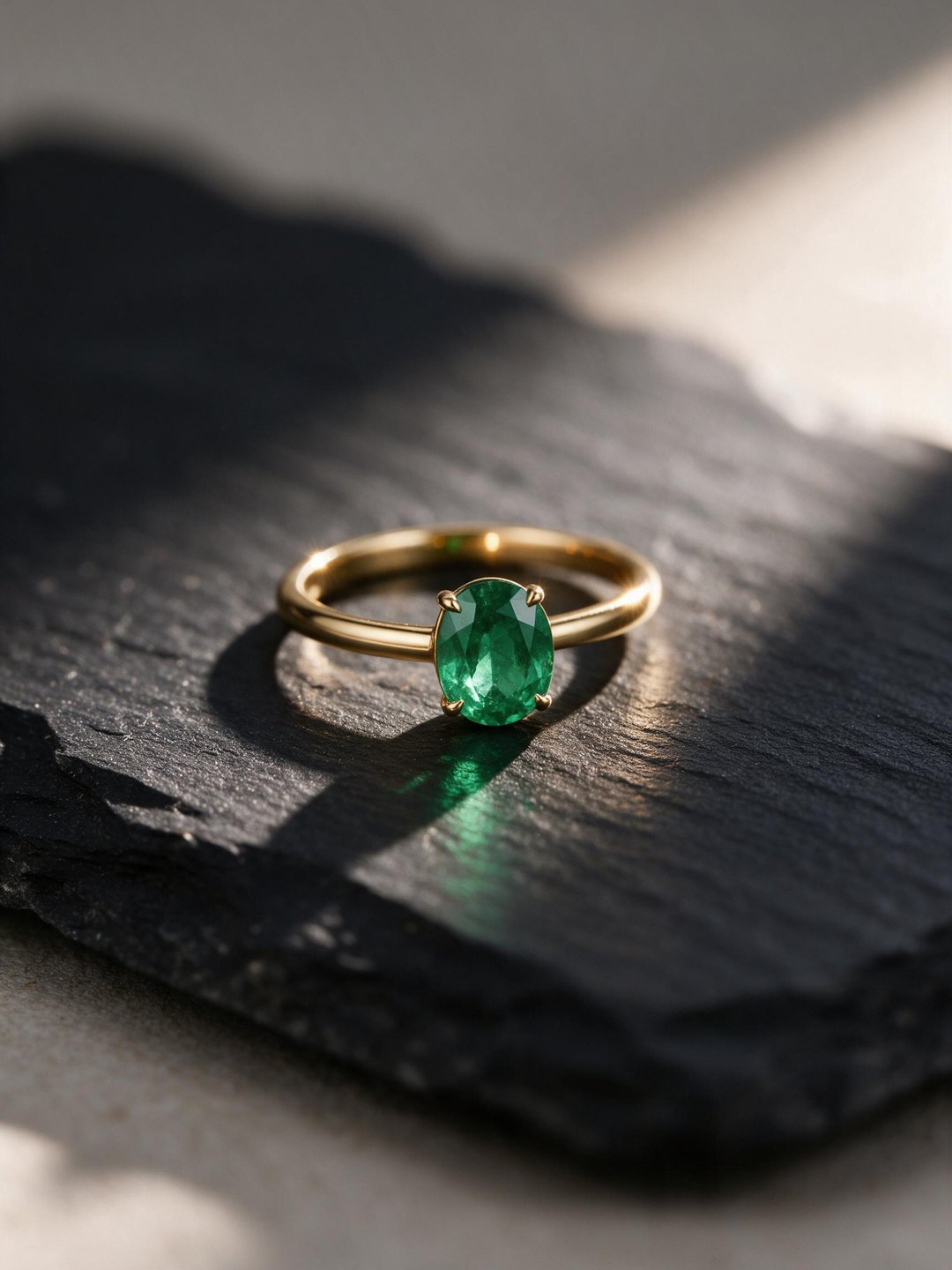 Emerald ring macro shot
Seedream 5.0 Pro · 3:4 · jewelry
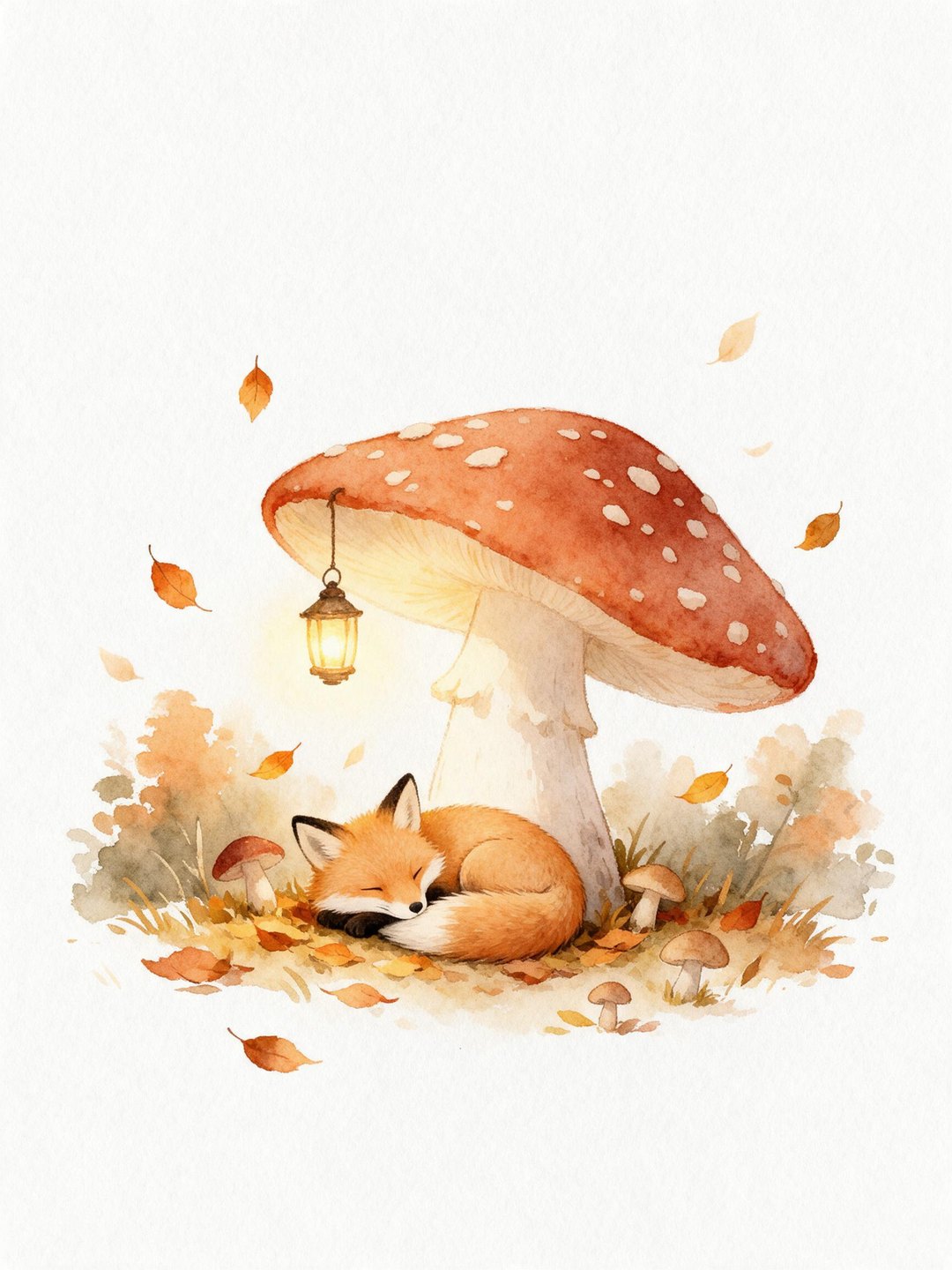 Watercolor fox illustration
Seedream 5.0 Pro · 3:4 · illustration
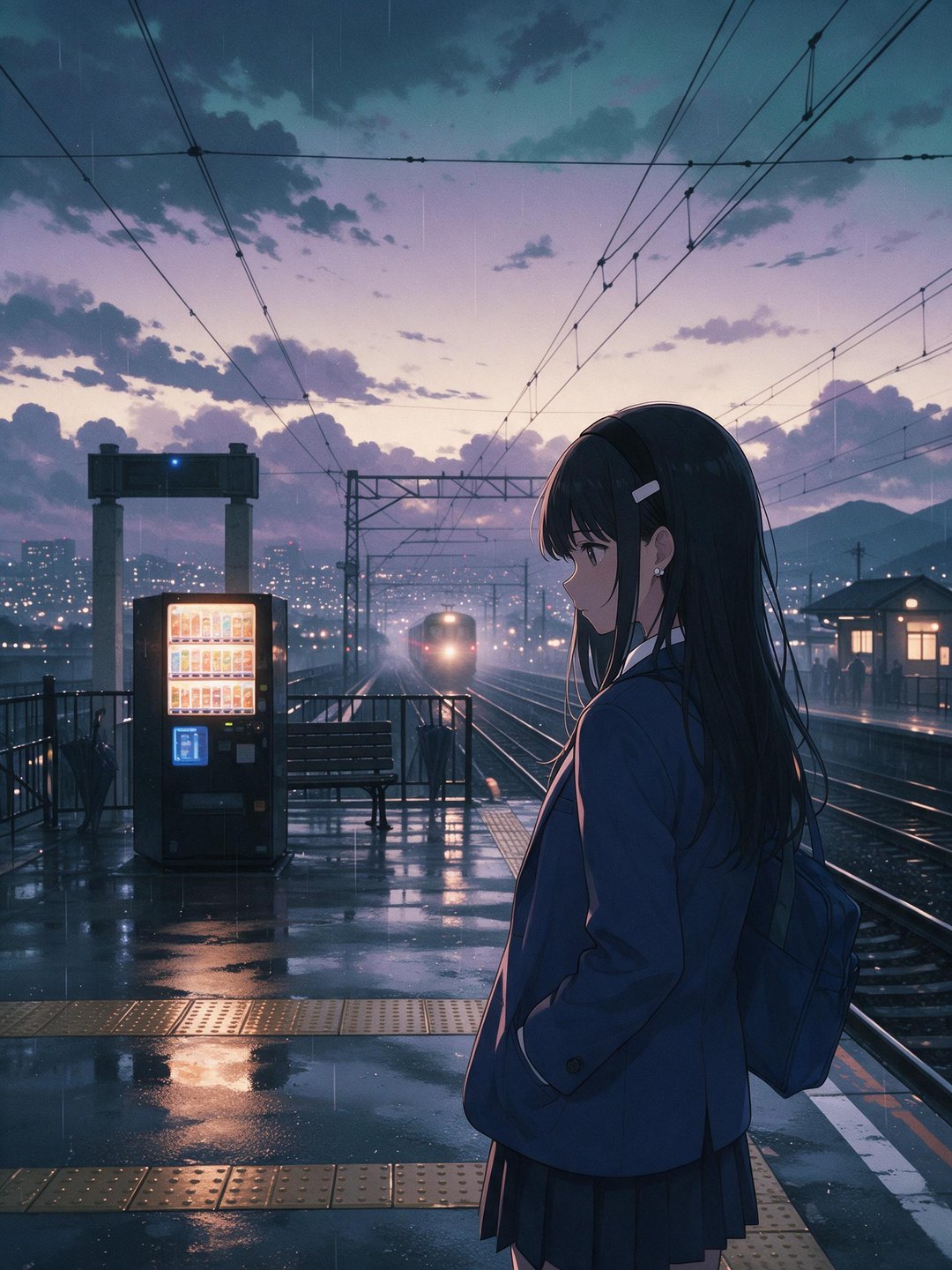 Anime rainy train platform
Seedream 5.0 Pro · 3:4 · anime
Pricing · Text to Image · Image to Video · 中文