AI Product Photos for Dropshipping
Supplier photos are often cluttered, small, or covered in badges. Turn a photo you are allowed to use into a main image, feature images, and one lifestyle scene.
Dropshipping listings lose sales when every product looks like a different factory catalog, and they lose money when the photo shows a feature the parcel does not include. MiniMaxVion starts from a supplier photo you have the right to edit, cleans the background, lays out only the benefits that are true, and places the same item in one scene for your store or ads.
- A consistent main image from uneven supplier photos
- Feature images that repeat claims you can actually support
- One lifestyle scene for the store, ads, or social
- The same product shape and color across the set
Start from a photo you can use
Use an image the supplier licensed to you, or your own photo of a sample. Do not edit a photo you do not have rights to.
Make the main image
White Background Product Photo for marketplaces that want a plain background. Keep the product large in the frame.
Add features and one scene
Product Listing Image for a short, accurate feature list, then Product Background Changer for a single lifestyle scene.
A small set beats a random folder
You do not need a different style for every SKU. Pick one main-image treatment and reuse it so the shop looks like one catalog.
- Main image — product on a plain background, no badges
- Feature image — three or four true points, short enough to read on a phone
- Detail — the part shoppers zoom into
- Lifestyle — one scene that shows scale
- Package — only what the customer receives
Do not upgrade the product in the photo
Supplier photos sometimes show accessories, extra colors, or certification marks that are not in your offer. Remove those rather than generating more of them. If the sample and the photo disagree, photograph the sample. Returns and marketplace complaints follow the image, not the supplier listing you copied from.
Where each image goes
Amazon and similar marketplaces want a plain main image and no text on it. Shopify and your ads can use the lifestyle scene. Etsy shops usually want the scene first. The same cleaned product photo can feed all three, with a different first image per channel.
Can I turn a supplier photo into listing images?
Yes, when you have the right to edit that photo and it shows the item you will ship. White Background Product Photo, Product Listing Image, and Product Background Changer each start from your upload.
Should every dropshipping product use the same style?
Use one main-image treatment and one scene style across the shop. A consistent catalog is easier to trust than a mix of factory photos.
Can the AI add features that help the product sell?
No. Only show accessories, colors, and claims that the customer receives. Extra features in the photo cause returns and marketplace complaints.
What if the supplier photo has a watermark?
Get a clean file from the supplier, or photograph a sample. Do not strip a watermark from an image you are not allowed to reuse.
Which image should be first?
Amazon-style marketplaces want a plain product image first. Etsy usually wants a scene first. Make both from the same photo and pick the first image per channel.
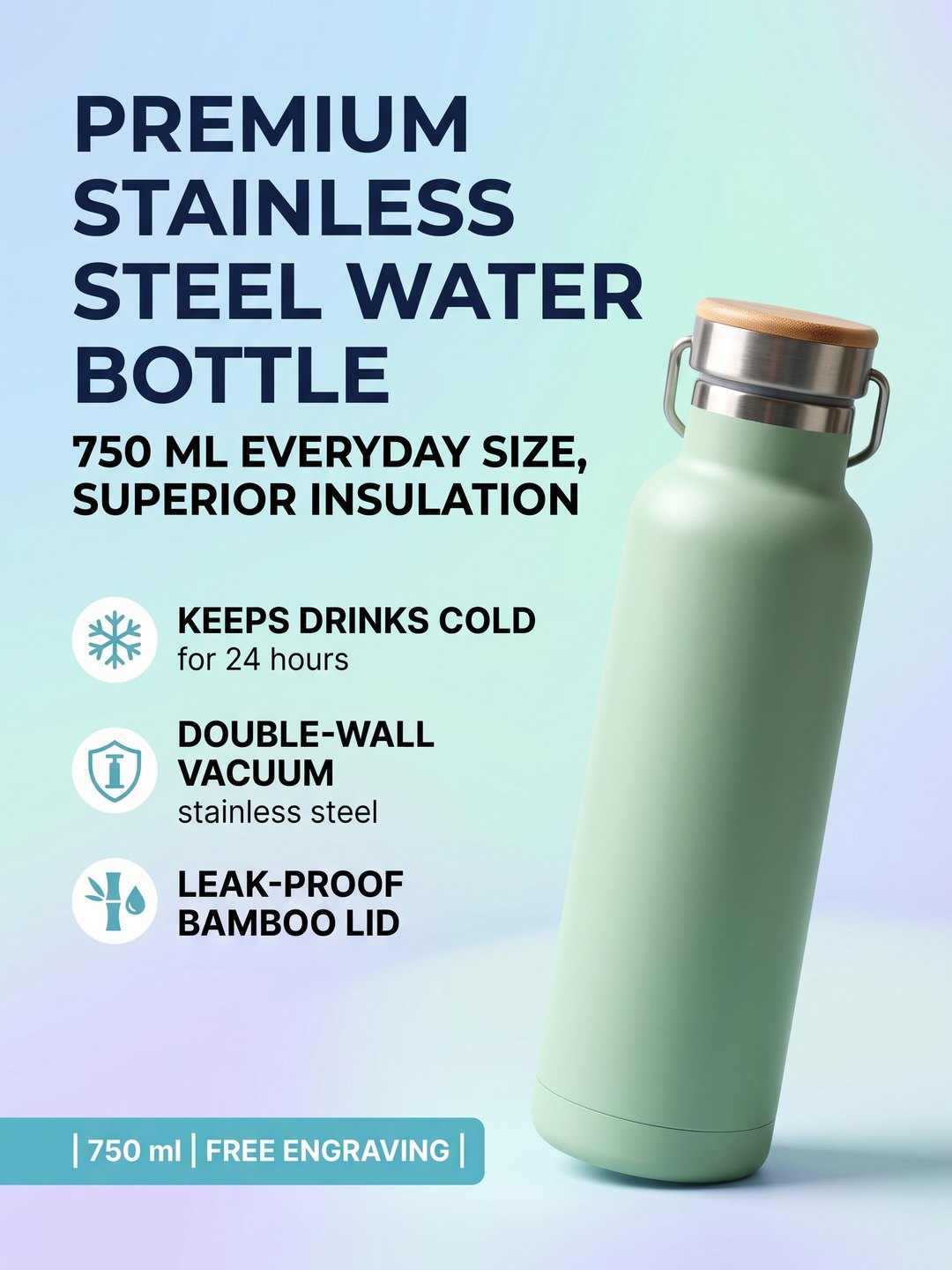 Feature image from a phone photo
Headline and selling points around the product
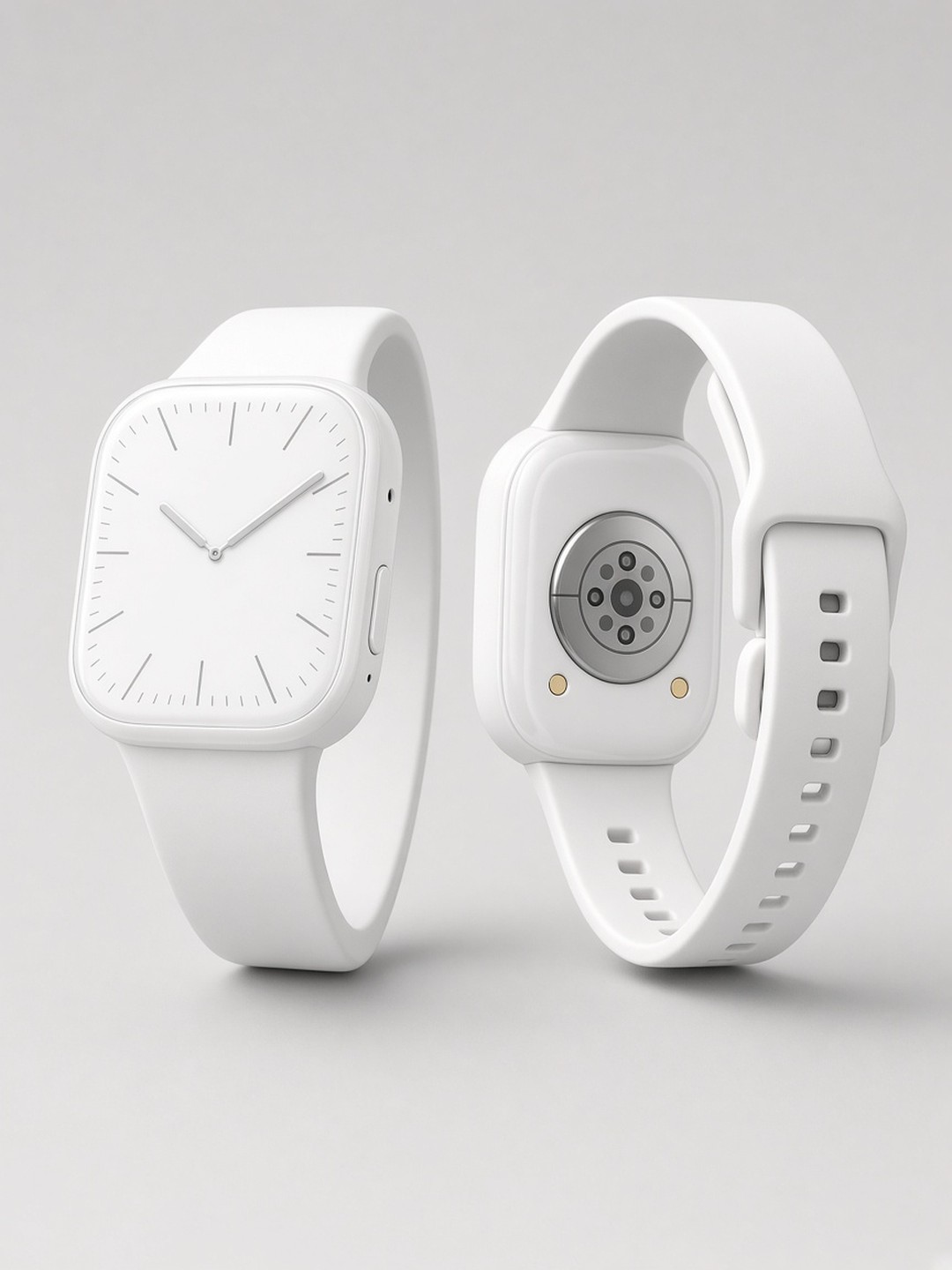 Plain catalog shot
White background main image
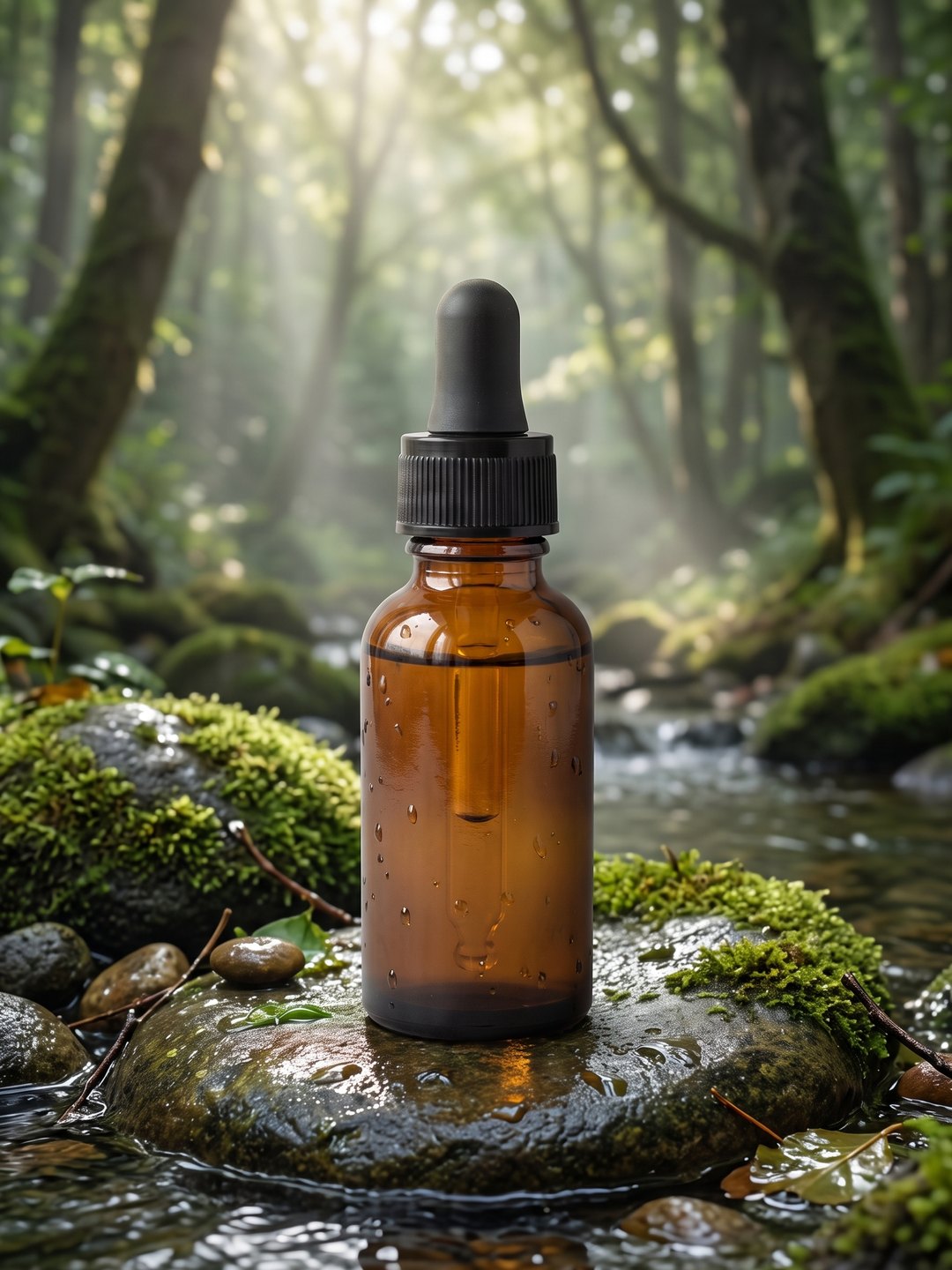 One lifestyle scene
Same product, new setting
- AI White Background Product Photo
- AI Product Listing Image
- AI Product Background Changer
- AI product photos for Amazon
Pricing · Text to Image · Image to Video · 中文