AI Fashion Image Generator
Create editorial stills, lookbook directions, and campaign concepts with precise styling, lighting, and camera language.
Use MiniMaxVion to translate a fashion brief into visual directions before production. Describe wardrobe, casting, pose, location, lens, and lighting, then generate stills and refine the most promising frames for mood boards, pitches, and campaign exploration.
- Explore editorial, lookbook, and campaign directions
- Control wardrobe, pose, lens, location, and lighting
- Animate selected fashion frames with image to video
Write the fashion brief
Define wardrobe, silhouette, casting, pose, location, and the visual references behind the concept.
Direct the frame
Add lens choice, crop, lighting, texture, color treatment, and editorial mood.
Build the sequence
Refine the best stills and animate selected keyframes for social or campaign previews.
Editorial, lookbook, and campaign images
Each format asks for something different. Editorial images sell a mood, so light, location, and attitude matter more than seeing every seam. Lookbook frames show the clothes clearly, usually full length on a simple background. Campaign images sit between the two and need room for a headline. Decide which one you are making before you write the prompt.
Write the brief like a call sheet
- Wardrobe: each piece, its fabric, fit, and color
- Casting: age range, hair, expression, and attitude
- Pose and crop: full length, three-quarter, or close-up detail
- Location and light: studio backdrop, street, or interior, and the time of day
- Lens and finish: focal length, depth of field, grain, and color grade
From concept to your real garments
Text to image invents clothing, which is right for mood boards but not for a product page. To show garments you actually sell, use Virtual Try-On: upload flat lays or packshots with a pose reference, and the model wears your pieces while the pose, background, and light are kept. Add a face photo to keep the same model across a collection.
Change the scene, keep the outfit
Once a look is right, Image Edit can move it to a new location while the person, outfit, and pose stay locked. List what must stay first, then describe the new setting and the direction of the light so the subject matches the scene.
What can an AI fashion image generator create?
It can create editorial concepts, lookbook frames, campaign mood images, styling explorations, and social content directions.
How do I keep a fashion image consistent?
Use a clear reference frame and make focused edits to styling, background, lighting, or pose instead of regenerating every element.
Can I turn a fashion still into video?
Yes. Send the selected frame to Image to Video and describe the subject motion, fabric movement, and camera path.
Can I put my own clothes on an AI model?
Yes. Virtual Try-On dresses a model in your garments from flat lay or packshot photos and a pose reference.
Which model works best for fashion images?
Seedream suits photorealistic editorial stills at high resolution, and GPT Image is strong at following detailed layouts. Run the same brief on both and compare the results on your board.
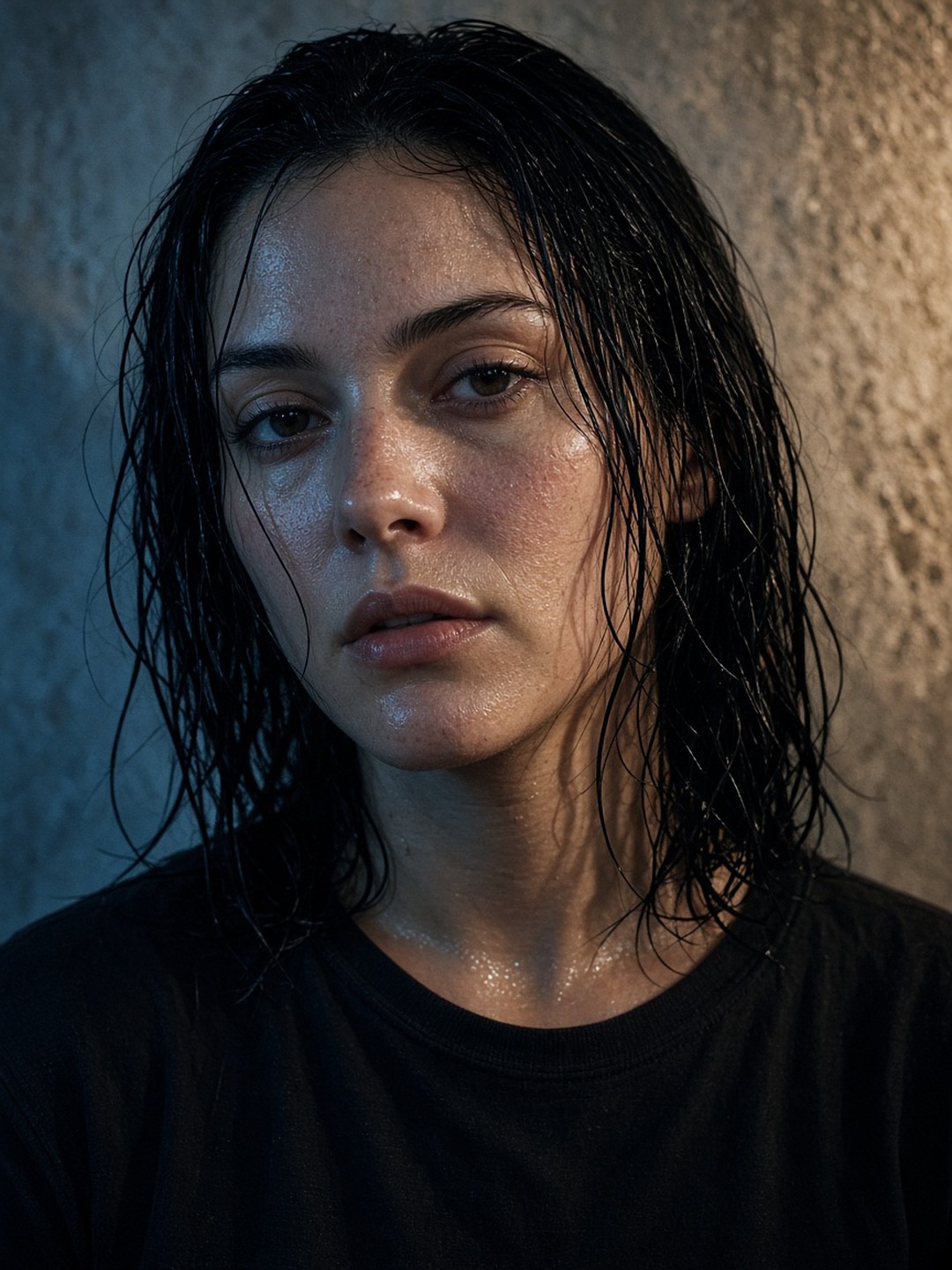 Beauty close-up
Split blue and tungsten light, 85mm lens
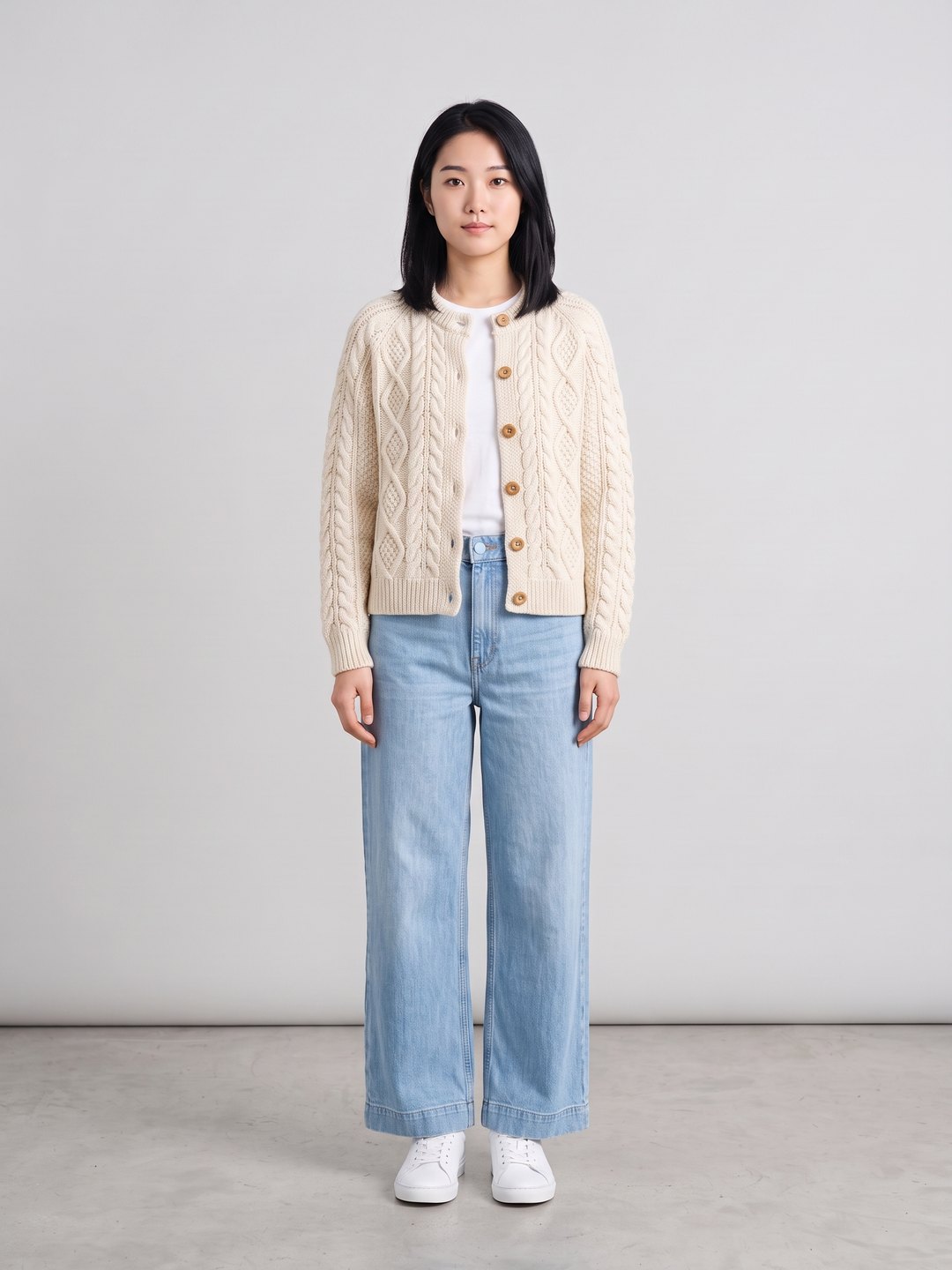 Cardigan and jeans try-on
Two flat lays and a pose reference
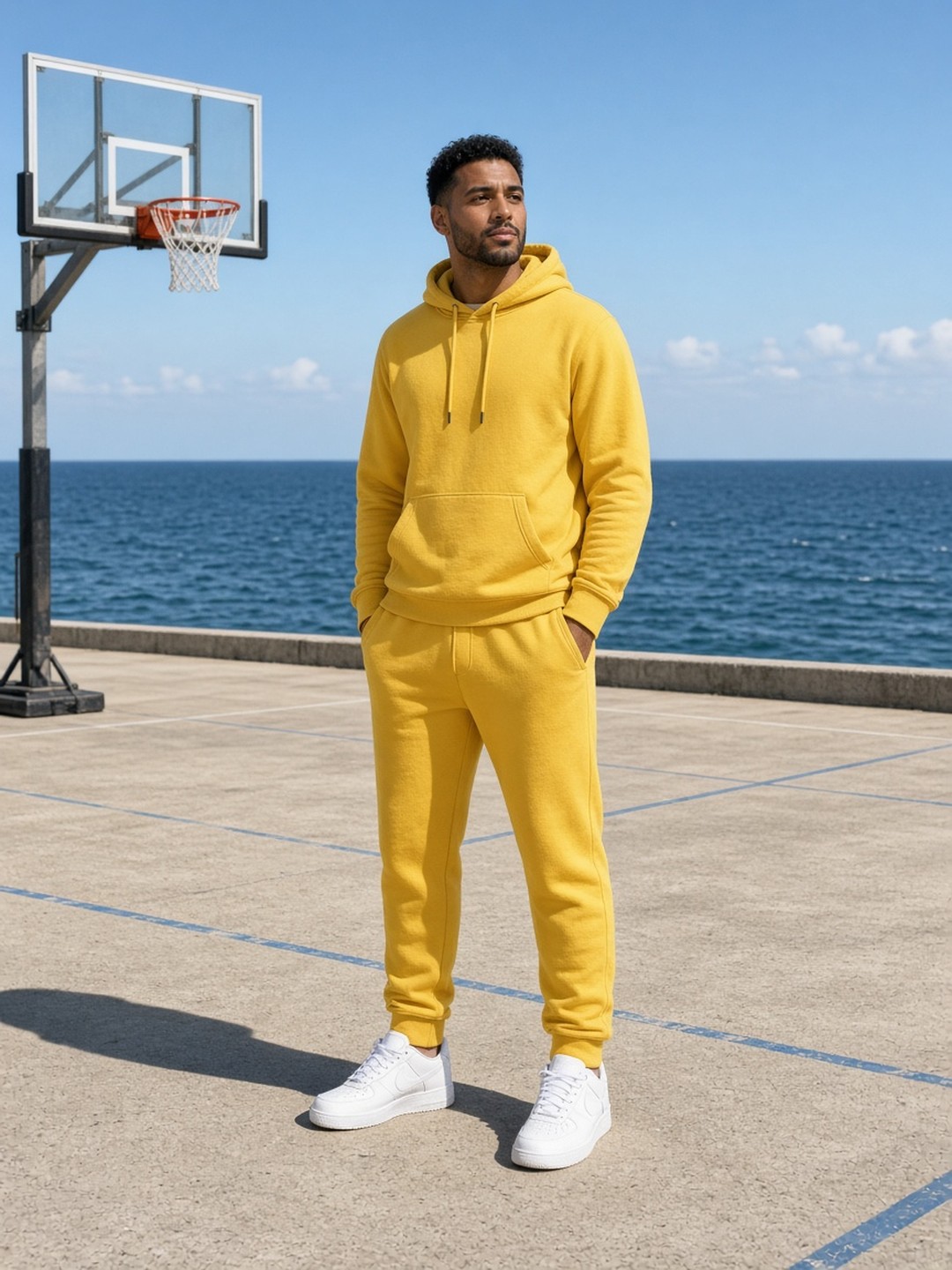 Same outfit, new location
Image edit keeps the look and changes the scene
- Fashion photography prompt guide
- AI Text to Image Generator
- AI Virtual Try-On
Pricing · Text to Image · Image to Video · 中文