AI Image to Video for Ecommerce
Turn an approved product still into a short motion asset with controlled camera movement and campaign atmosphere.
Image to video is useful when your product composition is already approved but the campaign needs motion. Upload a clean frame, describe the camera path and environmental movement, and create short clips for product pages, ads, and social testing.
- Preserve an approved product composition as the first frame
- Add controlled camera movement and environmental motion
- Create short product clips for listings, ads, and social
Choose a strong product still
Use a clear, accurate image with a readable silhouette and enough room for the intended camera move.
Describe only the motion
Define camera direction, speed, product movement, reflections, particles, fabric, or background activity.
Review product accuracy
Check labels, proportions, materials, and motion before adapting the clip for each channel.
Motion that keeps the product sharp
The product should be the most stable thing in the clip. Let the environment carry the motion and keep the product itself still or moving slowly.
- Locked camera with a light sweep across the surface
- A slow push-in toward the product
- Splashes, steam, petals, or particles around the base
- Fabric, hair, or water moving gently in the background
Write prompts about motion only
The image already describes the product, so the prompt only needs to say what moves. Start with what stays fixed — the product, its label, the framing — then name one or two motions and the speed. A prompt like "keep the bottle and label unchanged, locked camera, a slow wave of light moves across the glass, mist drifts behind" works better than a full scene description.
Where to use product clips
- Product page galleries on Shopify and other stores that support video
- Paid social ads, where motion stops the scroll
- Reels, Shorts, and TikTok, cut together with other shots
- Email and landing page headers as short loops
Avoid invented details
A full turn around the product makes the model guess what the back looks like. If shoppers need to see every side, photograph them and animate each one, or use small rotations. Always watch the whole clip for warped labels before publishing.
How do I animate a product photo with AI?
Upload the still in Image to Video, describe the camera movement and environmental motion, then generate a short clip.
What product images work best for image to video?
Use sharp images with a clear subject, readable edges, accurate details, and sufficient space around the product for movement.
Can I use the result on an ecommerce product page?
You can export generated clips, but you should verify product accuracy, rights, platform requirements, and advertising disclosures before publishing.
Can the camera rotate around my product?
Small rotations work. A full turn makes the model invent the sides it cannot see, so photograph each side if accuracy matters.
How long are the clips?
Seedance 2.0 makes 4 to 15 second clips and Seedance 2.5 up to 30 seconds, at 480p to 1080p.
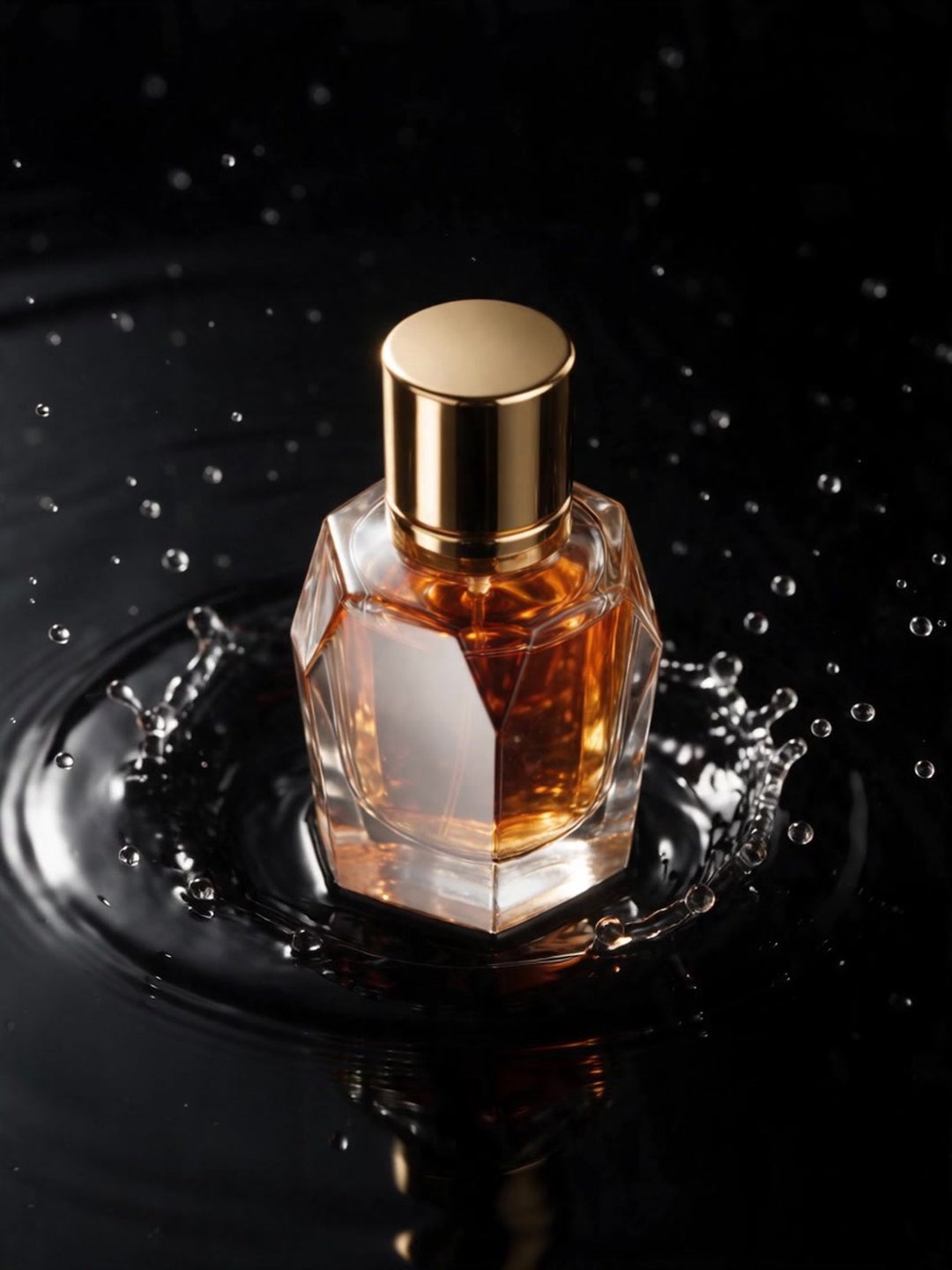 Animated perfume shot
Locked camera, the splash and light move
 Hiker in morning mist
Subject held still while the light drifts
 Floating islands come alive
One gentle motion per element
- Image to video prompt guide
- AI Image to Video
Pricing · Text to Image · Image to Video · 中文