AI Jewelry Product Photography
Small, shiny, and hard to shoot. Turn one clear photo of your ring, necklace, or earrings into catalog shots, styled scenes, and short videos.
Jewelry is one of the hardest products to photograph: reflections, tiny details, and true metal and stone colors all need careful light. MiniMaxVion lets you start from one sharp photo of the real piece, clean it up on a white background for marketplaces, place it on stone, silk, or skin-toned surfaces for your store and social, and animate a slow light sweep for video.
- White background catalog shots for Etsy, Amazon, and your own store
- Styled scenes on slate, velvet, marble, or linen with matched reflections
- Short videos with a slow light sweep across metal and stones
- Concept shots from text for campaigns before the piece is made
Photograph the real piece
Shoot in daylight on a plain surface, in focus, with the whole piece visible. A phone photo is enough.
Clean it up or restage it
Use White Background Product Photo for the catalog shot, and Product Background Changer for styled scenes.
Check every detail
Compare stone color, prongs, chain links, and engravings with the real piece before you publish.
What makes jewelry photos sell
- One clean shot on white, with the piece filling most of the frame
- A macro detail of the stone, setting, or clasp
- A styled scene that hints at the material and price point
- A scale shot, on a hand or next to a familiar object, so buyers know the size
- A short video, since sparkle is easier to show in motion
Scene ideas for jewelry
- Rough dark slate or stone for gold and colored gems
- Ivory silk or linen for pearls and delicate chains
- White marble with soft window light for minimal silver pieces
- Dried flowers or a ceramic dish for handmade and bridal pieces
Keep the listing accurate
Buyers return jewelry that looks different in person. Metal tone and stone color shift with light, so check results on a calibrated screen, keep one unedited photo in your gallery, and never add stones, engravings, or finishes the piece does not have.
The emerald ring example below was generated from a text prompt as a campaign concept. For product listings, start from a photo of your actual piece.
Can AI photograph jewelry from a phone picture?
Yes. Upload a sharp phone photo of the piece and use White Background Product Photo for a catalog shot or Product Background Changer for a styled scene.
Will the stones and metal color stay the same?
The tools are instructed to keep the product unchanged, but reflective materials are sensitive to light. Compare every result with the real piece and keep only accurate images.
What background is best for jewelry listings?
Use white for the first marketplace image. For the rest of the gallery, a dark stone suits gold and colored gems, and soft fabric suits pearls and fine chains.
Can I make a jewelry video?
Yes. Send your best still to Image to Video with a locked camera and a slow light sweep, so the piece stays sharp while the highlights move.
Can I show jewelry on a model?
Virtual try-on supports jewelry as an accessory on a model photo. Check the size and placement carefully, since small pieces are easy to misjudge.
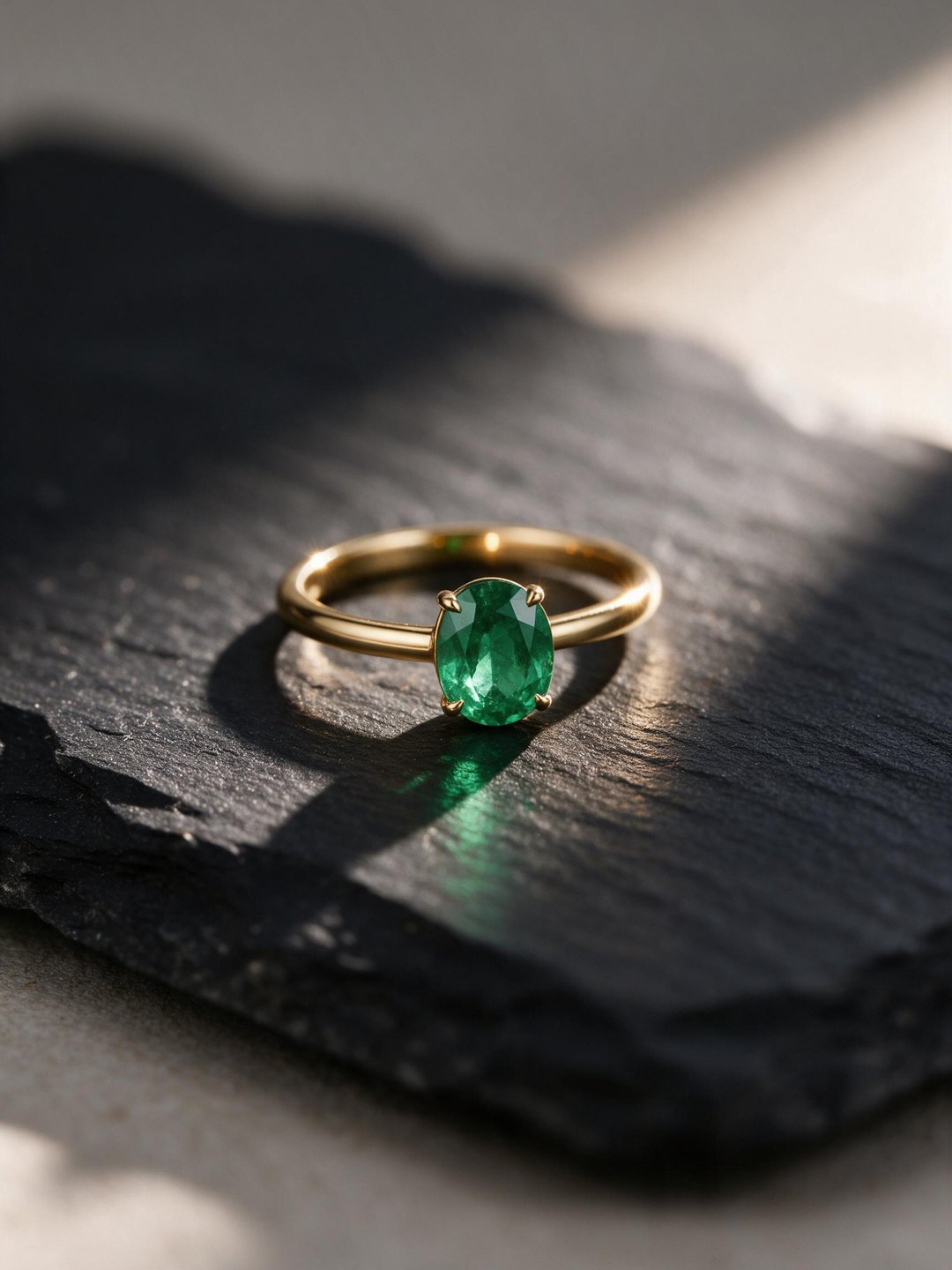 Emerald ring on slate
Macro concept shot from a text prompt
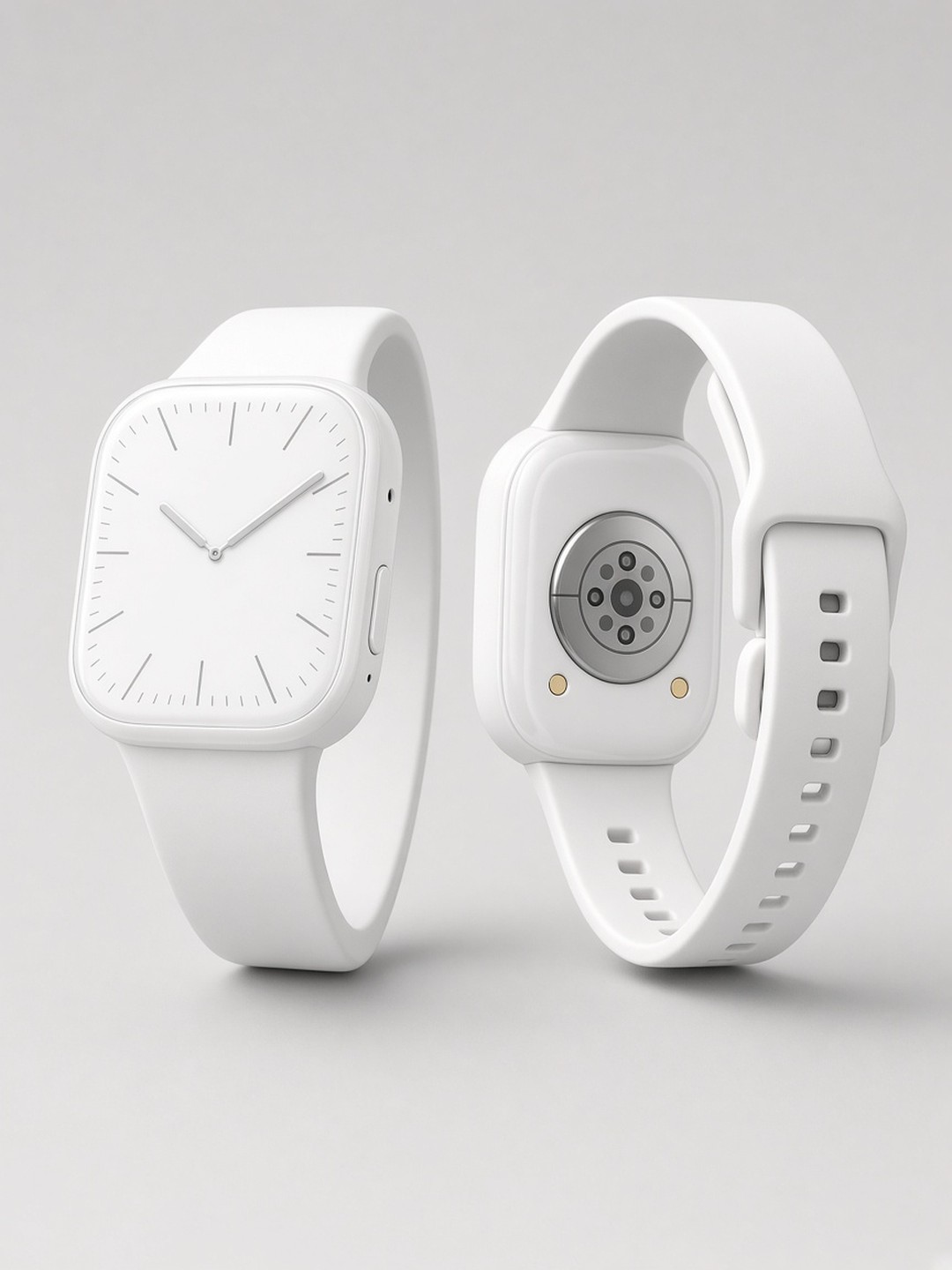 Watch catalog shot
White background from a desk photo
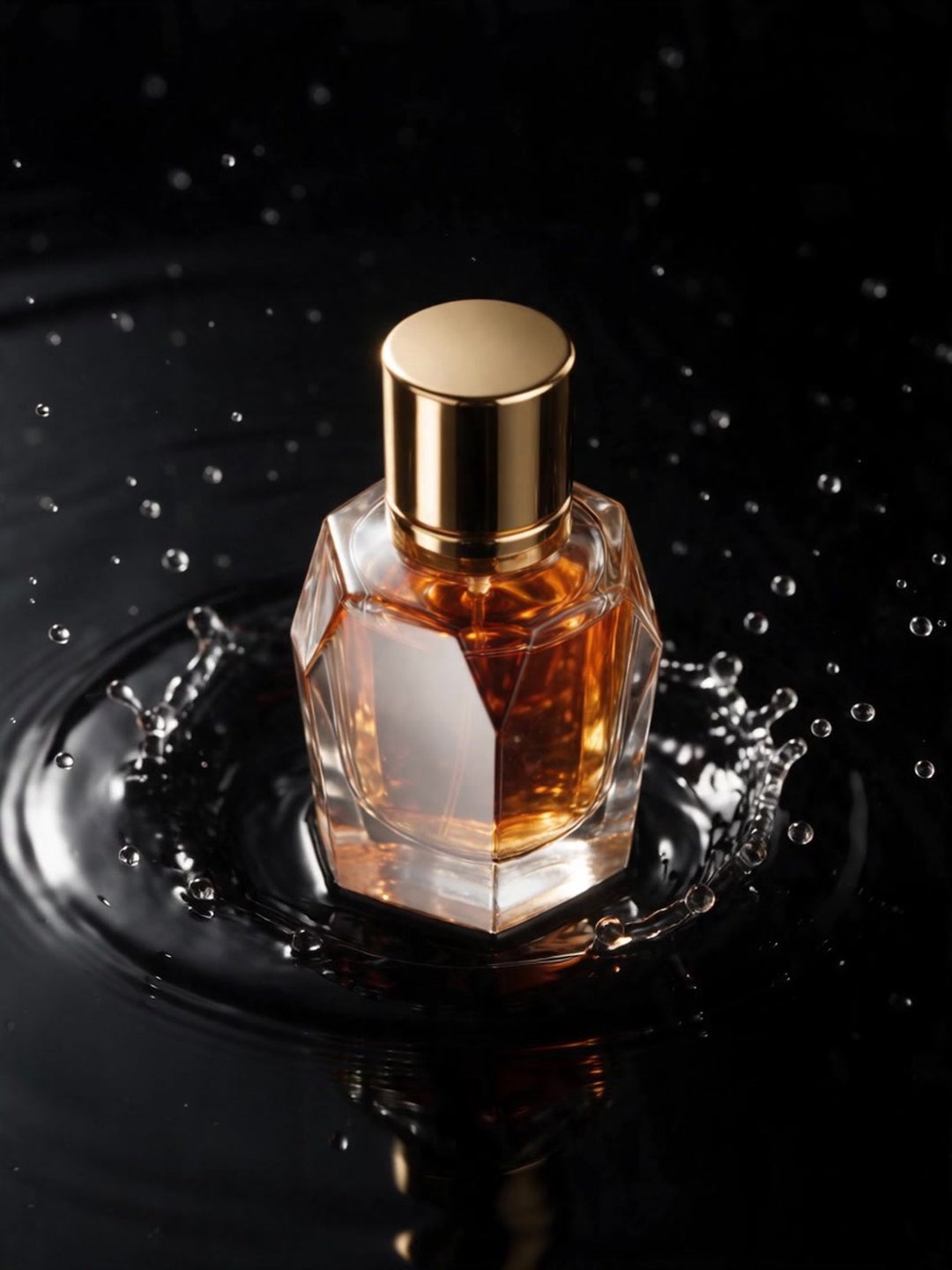 Light sweep video
Image to video with a locked camera
- AI White Background Product Photo
- AI Product Background Changer
- AI Image to Video
Pricing · Text to Image · Image to Video · 中文