AI Shoe and Sneaker Product Photography
A shoe listing needs a clean side view, the sole, and a photo on a foot. Make that set from photos you already have.
Footwear returns happen when the color, sole, or fit in the photo does not match the pair in the box. MiniMaxVion makes a white background catalog shot from a photo of the pair, extra angles from the same photo, and on-foot images with virtual try-on. Check logos, stitching, and color against the real pair before you publish.
- White background catalog shots for marketplaces
- Side, top, heel, and sole views from one photo
- On-foot images that keep the shoe you uploaded
- The same pair shown in a simple lifestyle scene
Photograph the pair
Shoot a side profile on a plain floor, plus the sole if tread and branding matter. Keep the whole shoe in frame.
Make the catalog shot
Use White Background Product Photo for the marketplace main image, and Product Image Set for the other angles.
Show it on a foot
In virtual try-on, set the garment type to shoes and add a pose reference. Compare the upper, sole, and logos with the real pair.
Angles footwear shoppers look for
- Lateral side — the profile that identifies the model
- Medial side and heel — branding and structure that the hero crop hides
- Top view — toe shape and lacing
- Sole — tread and any logo on the bottom
- On foot — how the collar, toe, and proportions sit
On-foot photos from a product shot
Virtual try-on accepts shoes as their own garment type. Upload a clear photo of the pair and a pose reference of a person standing or walking. The result keeps the pose and replaces the footwear. It is a styling image, so keep at least one unmodified photo of the pair in the gallery.
Color and logos are the failure point
White leather, gum soles, and small logos drift easily under a new light. View the result at full size next to the shoe. Reject any image that changes the colorway, adds a swoosh or wordmark that is not there, or alters the sole pattern.
Can AI make a white background photo of my shoes?
Yes. Upload a side photo of the pair to White Background Product Photo and export a square catalog image.
Can I show the shoes on a person?
Yes. Virtual try-on has a shoes type. Upload the shoe photo and a pose reference, then check the upper, sole, and logos against the real pair.
What angles should a shoe listing include?
A side profile for the main image, then medial, top, heel, sole, and one on-foot photo. Product Image Set can draft the extra views from one photo.
Will the colorway stay the same?
The tools are instructed to keep the product unchanged, but light shifts shoe color. Compare every result with the pair at full size.
Can I use these photos on Amazon?
Many footwear categories expect a plain background on the main image and allow on-foot photos later in the gallery. Confirm the current category rules in Seller Central.
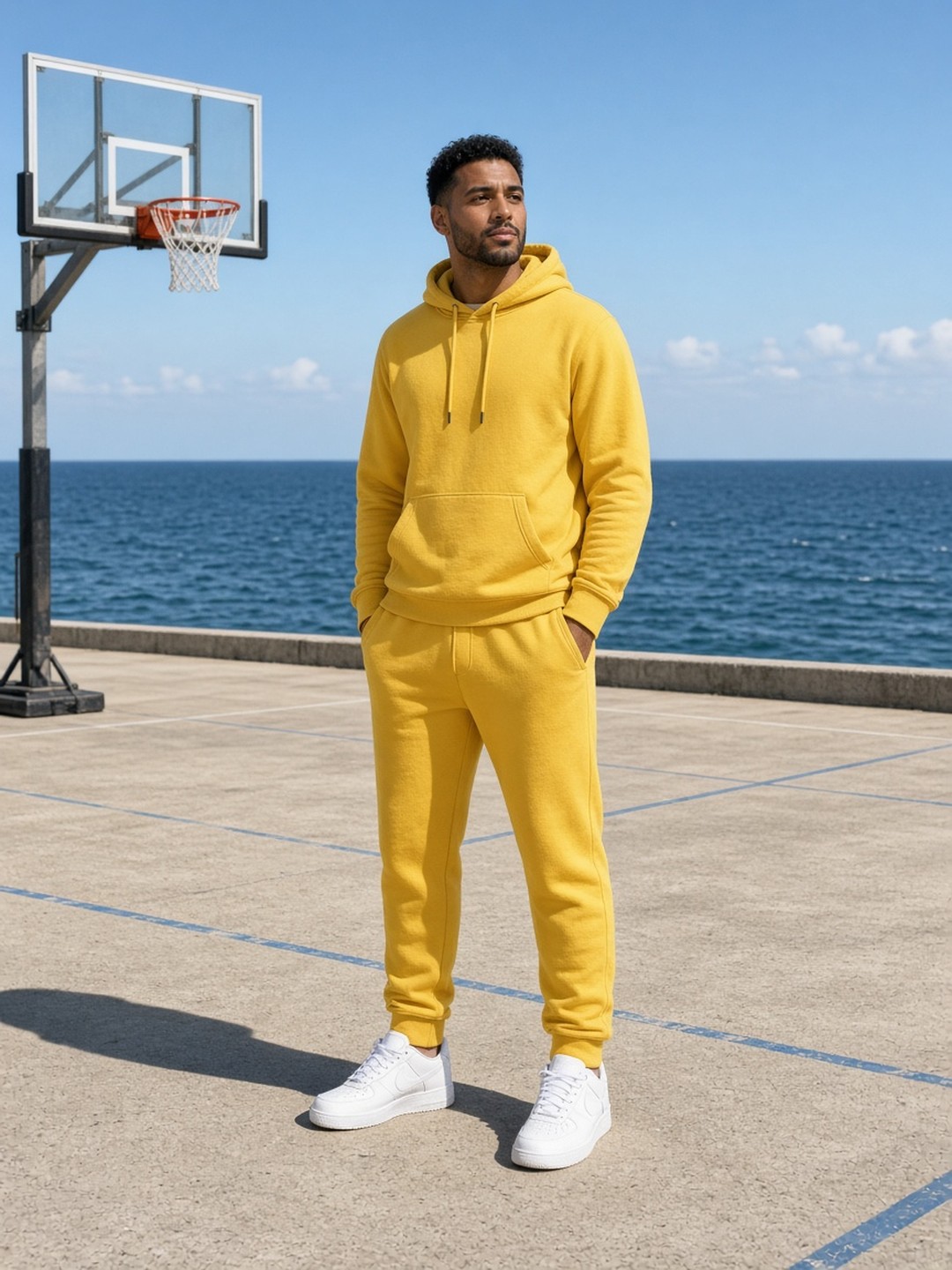 Sneakers kept, scene changed
The pair stays; the setting moves
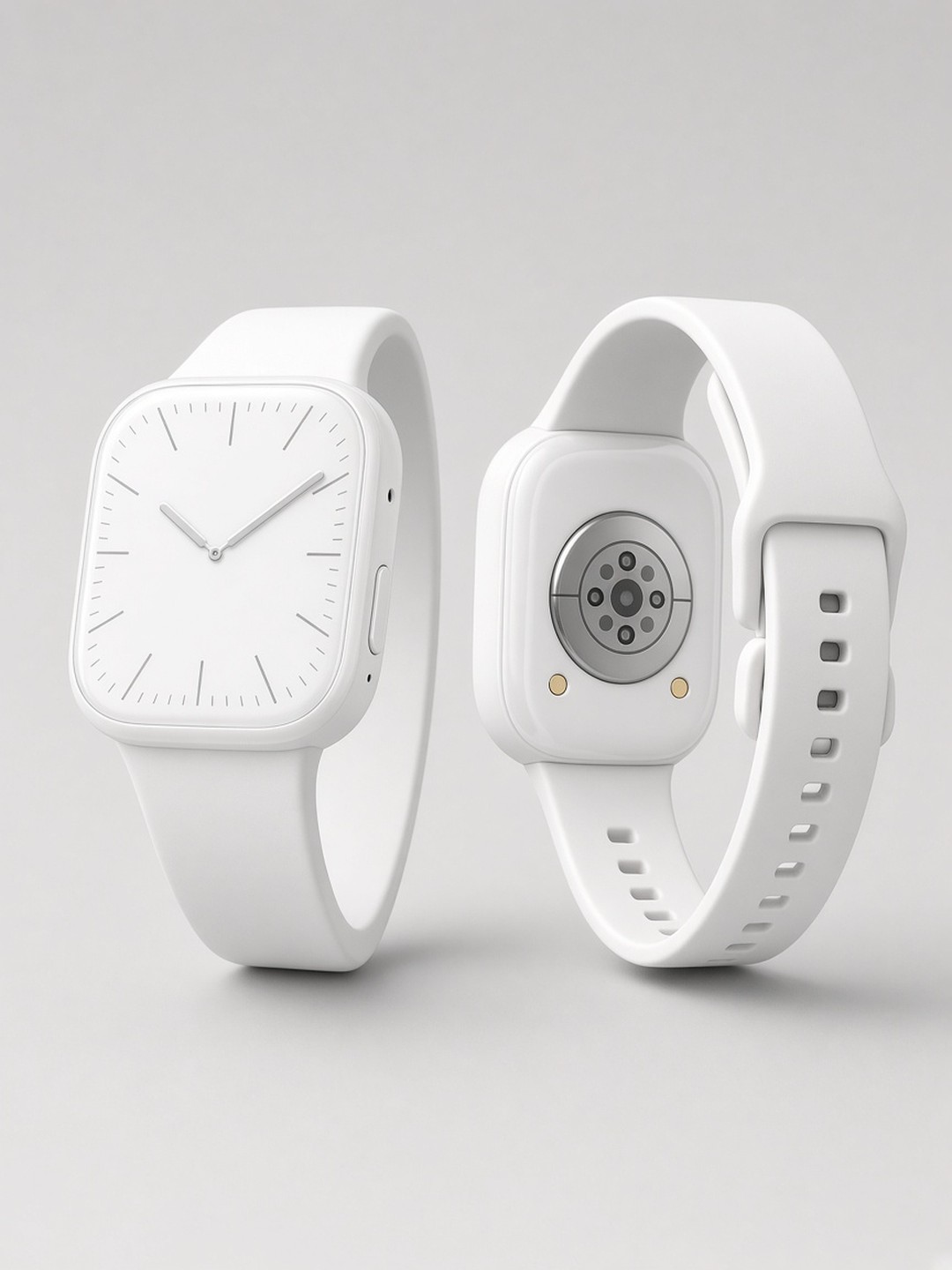 Clean catalog shot
Plain background for a marketplace main image
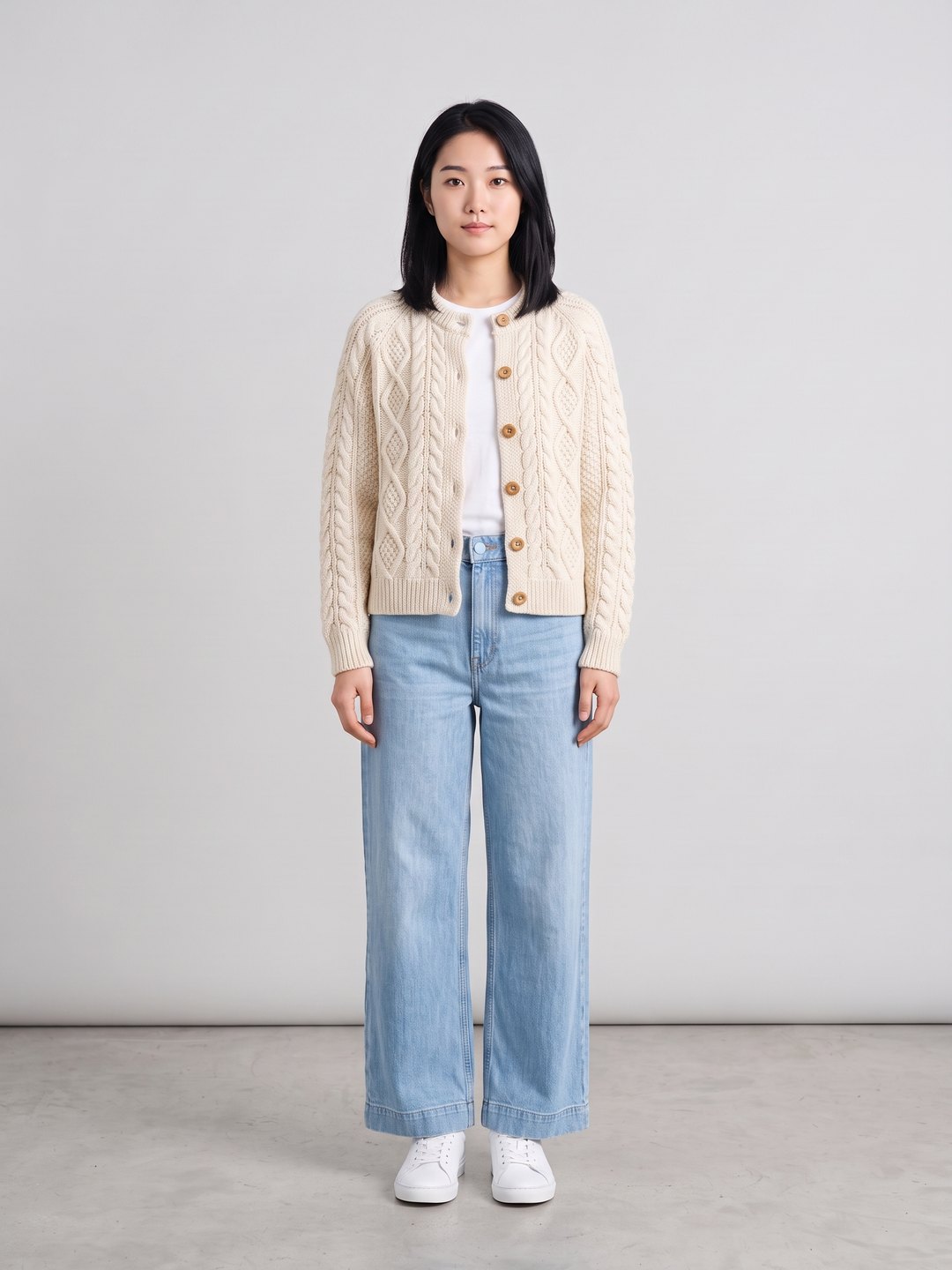 On-model try-on
Shoes are a supported garment type
- AI Virtual Try-On
- AI White Background Product Photo
- AI Product Image Set
- Amazon main image requirements
Pricing · Text to Image · Image to Video · 中文