AI Skincare and Cosmetics Product Photography
Bottles, jars, and tubes in clean studio light or natural scenes. Make a full beauty gallery and short videos from one product photo.
Beauty shoppers look for texture, mood, and trust: a clean packshot, the product in a setting that matches its ingredients, and clear claims. MiniMaxVion keeps your bottle, label, and cap unchanged while it changes the scene around them, lays out listing images with your key benefits, and turns a still into a short video with drips, splashes, or a light sweep.
- Clean packshots with the label kept readable
- Natural scenes that match your ingredients, from moss and stone to citrus and water
- Listing images with your benefits and claims laid out around the product
- Short splash, drip, and light sweep videos for ads and product pages
Upload the product photo
A straight-on photo on a plain background with a sharp label works best.
Pick the scene or layout
Use Product Background Changer for scenes and Product Listing Image for benefit images.
Animate the hero shot
Turn your best still into a video with Image to Video and a locked camera.
Match the scene to the formula
- Botanical serums and oils: moss, river stone, ferns, soft morning light
- Vitamin C and brightening: citrus slices, warm sunlight, pale yellow backdrops
- Hydration: water ripples, droplets, cool blue light
- Fragrance: dark glossy water, rim light, a frozen splash
- Minimal and clinical: white tile, glass shelf, even soft light
Claims belong on secondary images
Keep the first image clean, then use listing images for benefits such as skin type, key ingredients, and size. Only state claims you can support; marketplaces and regulators treat cosmetic claims strictly, and the words on the image are your responsibility.
Keep the product accurate
Check that the label text, cap, pump, and liquid color match the real product at full size. Small print is where generated images most often drift, so start from a sharp photo and reject any result that changes the label.
Can AI change the background of my skincare product photo?
Yes. Upload the product photo to Product Background Changer and describe the scene, or upload your own background image.
Will the label stay readable?
The tools are instructed to keep the product and label unchanged. Start from a sharp photo, check small text at full size, and discard any result that alters it.
Can I add ingredients and benefits to the image?
Yes. Product Listing Image lays out a headline and benefit lines around the product. Only include claims you can support.
Can I make a perfume or serum video?
Yes. Animate a still with Image to Video. Prompts that keep the bottle fixed and move only the water, light, or mist give the cleanest results.
Does this work for makeup like lipstick and palettes?
Yes. The same tools work for any packaged product. For swatches and color, compare results with the real product, since shades must be accurate.
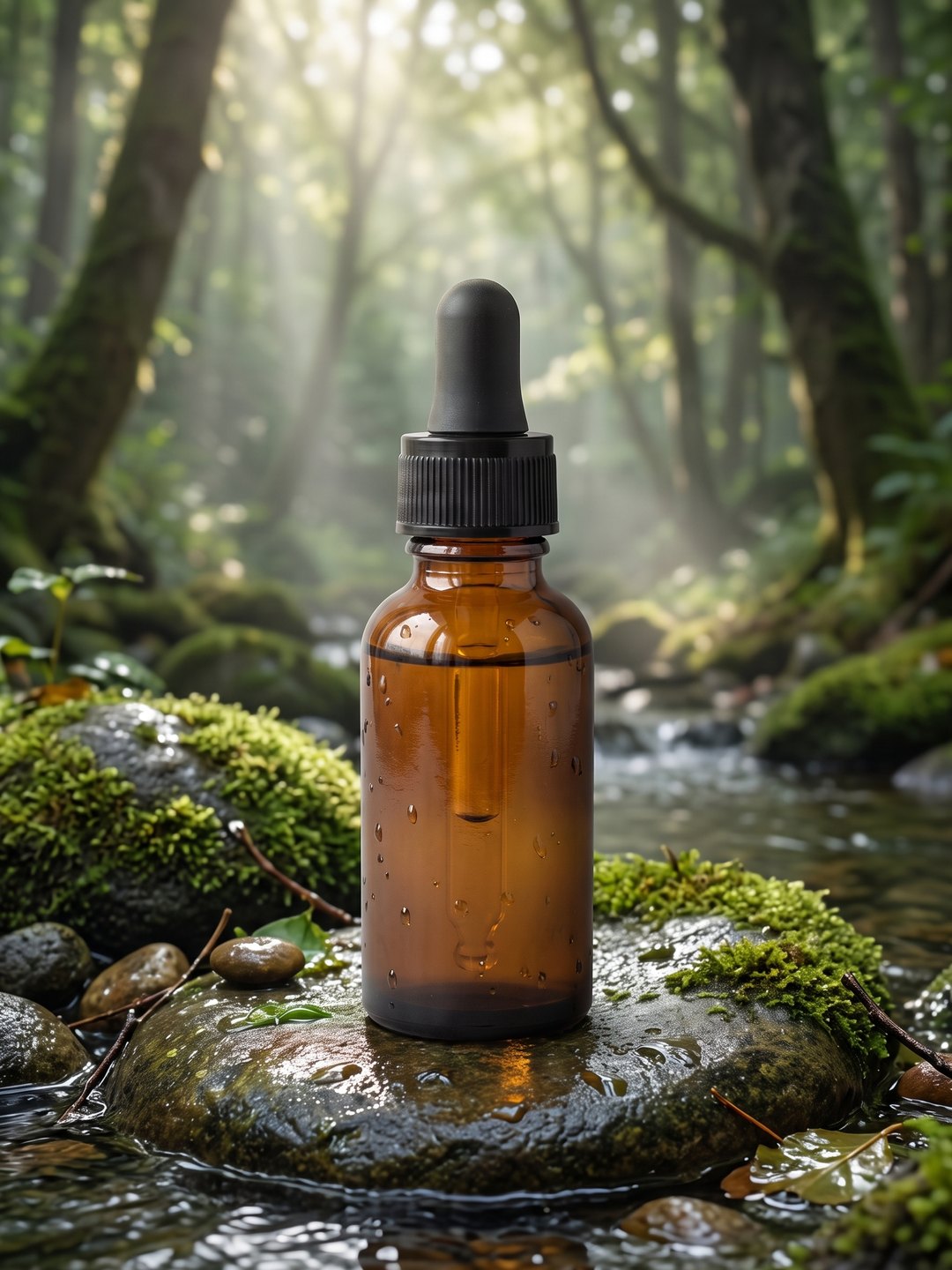 Serum in a forest stream
Product background changer from a plain packshot
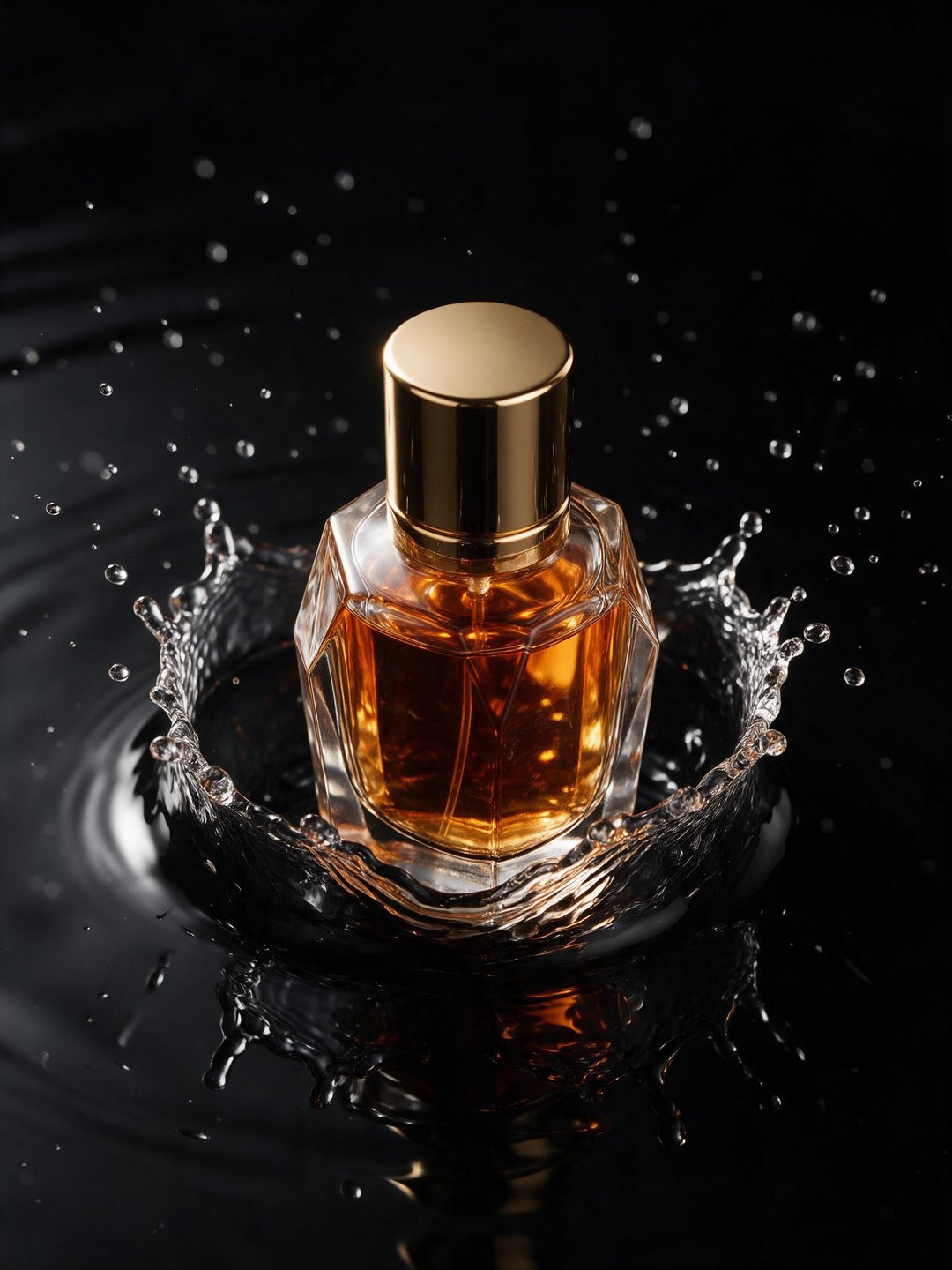 Perfume splash ad
Concept shot from a text prompt
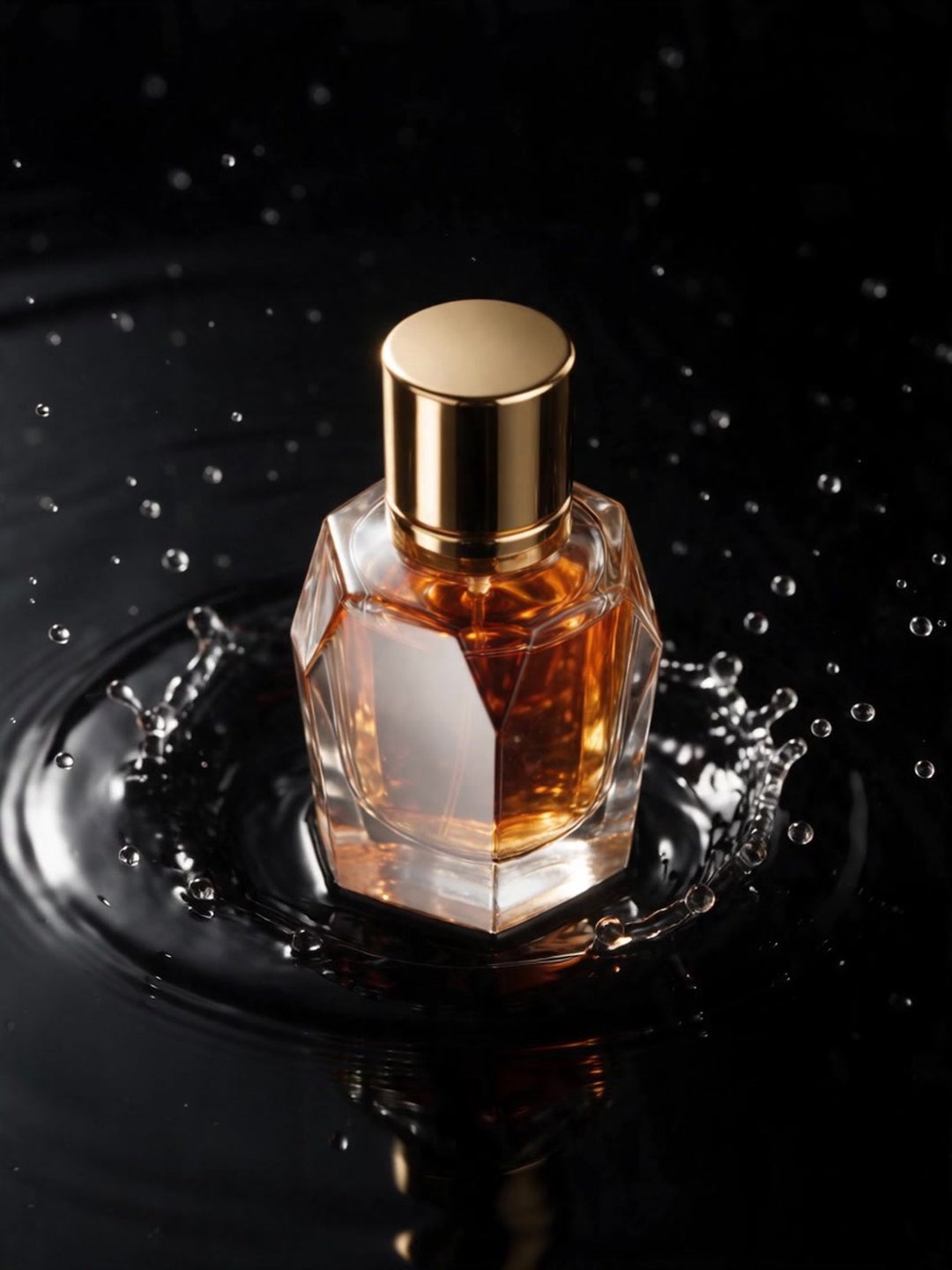 Animated perfume splash
Image to video, product kept still
- AI Product Background Changer
- AI Product Listing Image Generator
- AI Image to Video
Pricing · Text to Image · Image to Video · 中文