AI Storyboard Generator
Translate a script beat or treatment into cinematic storyboard frames, then animate selected shots to test motion and camera direction.
MiniMaxVion gives directors, agencies, and creative teams one visual workflow for early preproduction. Generate keyframes from shot briefs, refine character and location continuity, and turn approved frames into short motion studies before committing to production.
- Visualize script beats, shot lists, and campaign treatments
- Explore composition, lenses, lighting, and production design
- Animate selected keyframes to test camera and subject motion
Break the scene into shots
Give each frame one purpose, subject action, camera position, and story beat.
Create consistent keyframes
Reuse character, wardrobe, location, palette, lens, and lighting rules across the sequence.
Test the motion
Send the strongest frames to Image to Video to explore pacing, camera paths, and physical action.
From script beat to shot list
AI works shot by shot, not scene by scene. Break each scene into frames that each have one subject, one action, and one camera position, then write a short brief for each. Wide establishing shot, medium on the character, close-up on the detail that matters: the same coverage you would plan for a real shoot.
Keep the sequence consistent
- Write the character, wardrobe, and location once and paste the same words into every shot
- Fix the palette, lens, and time of day for the whole sequence
- Use your best frame as a reference and edit it for the next shot instead of starting over
- Keep the aspect ratio the same as the final film, such as 16:9 or 21:9
Generate a whole sheet at once
For mood and pacing reviews, one image can hold a full grid of panels. State the layout once — for example a 3 by 3 grid with thin white gaps and no captions — then describe each panel in reading order. The sheet is quick to share with a client and easy to cut into separate frames later.
Test motion before the shoot
Animate the key frames with Image to Video to check a camera move, a transition, or the timing of an action. A few seconds of motion often settles questions that a still frame cannot, such as how fast a dolly should move or whether a reveal reads.
Can AI generate a storyboard from a script?
AI can visualize individual script beats when you convert the scene into focused shot briefs. Human review is still needed for continuity, coverage, performance, and production feasibility.
How do I keep storyboard characters consistent?
Use a clear reference frame and repeat locked details such as face, wardrobe, silhouette, location, palette, and lens language. Make focused edits instead of regenerating every element.
Can storyboard frames be animated?
Yes. Use Image to Video on selected keyframes to test a camera move, subject action, atmosphere, or transition before production.
Can I generate several panels in one image?
Yes. Describe the grid once, such as 3 by 3 with white gaps and no captions, then give each panel one scene in reading order.
What aspect ratio should storyboard frames use?
Match the final delivery: 16:9 for most film and online video, 21:9 for a cinematic look, and 9:16 for vertical social content.
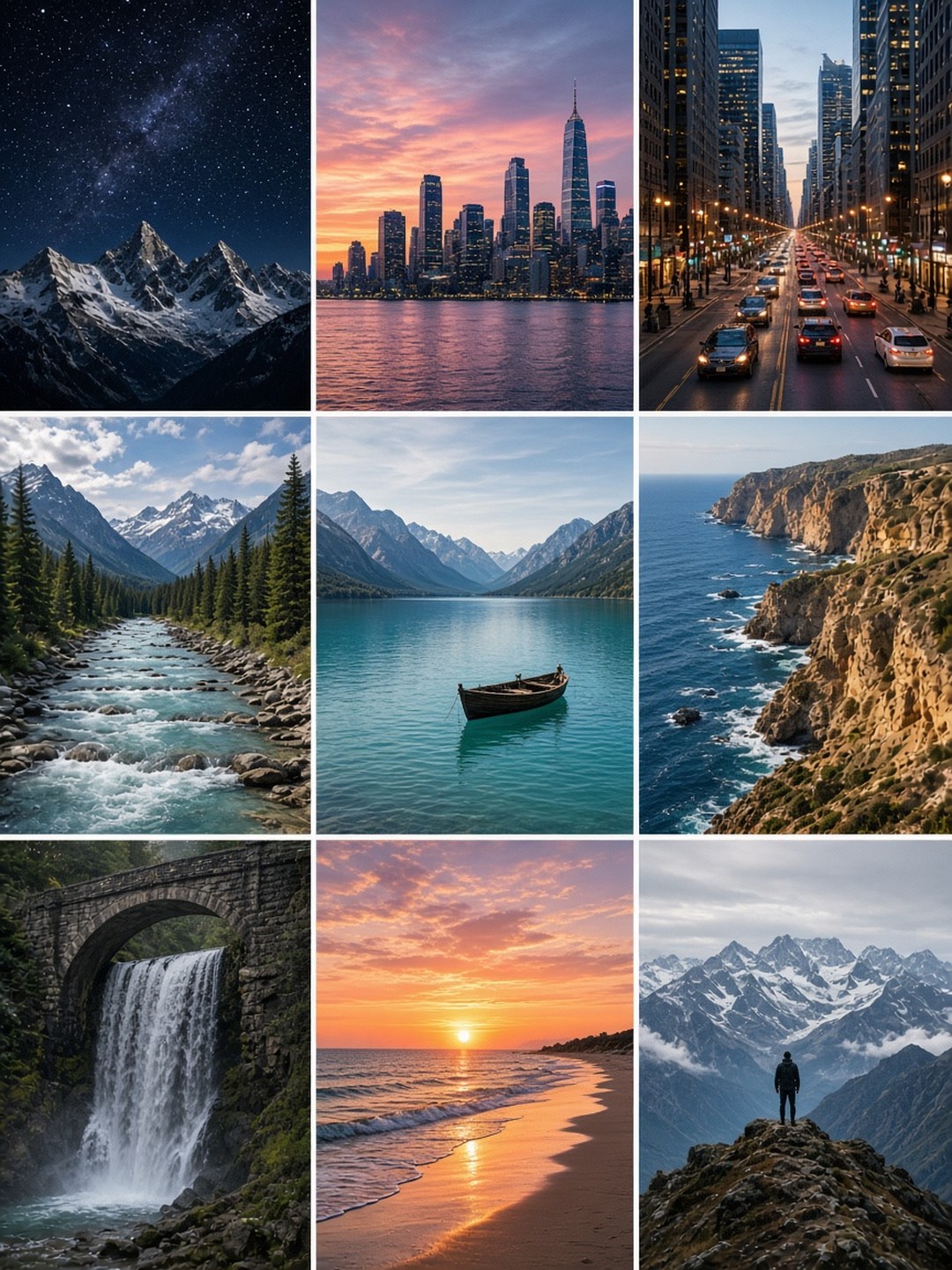 Nine-panel travel storyboard
One prompt, a 3 by 3 grid
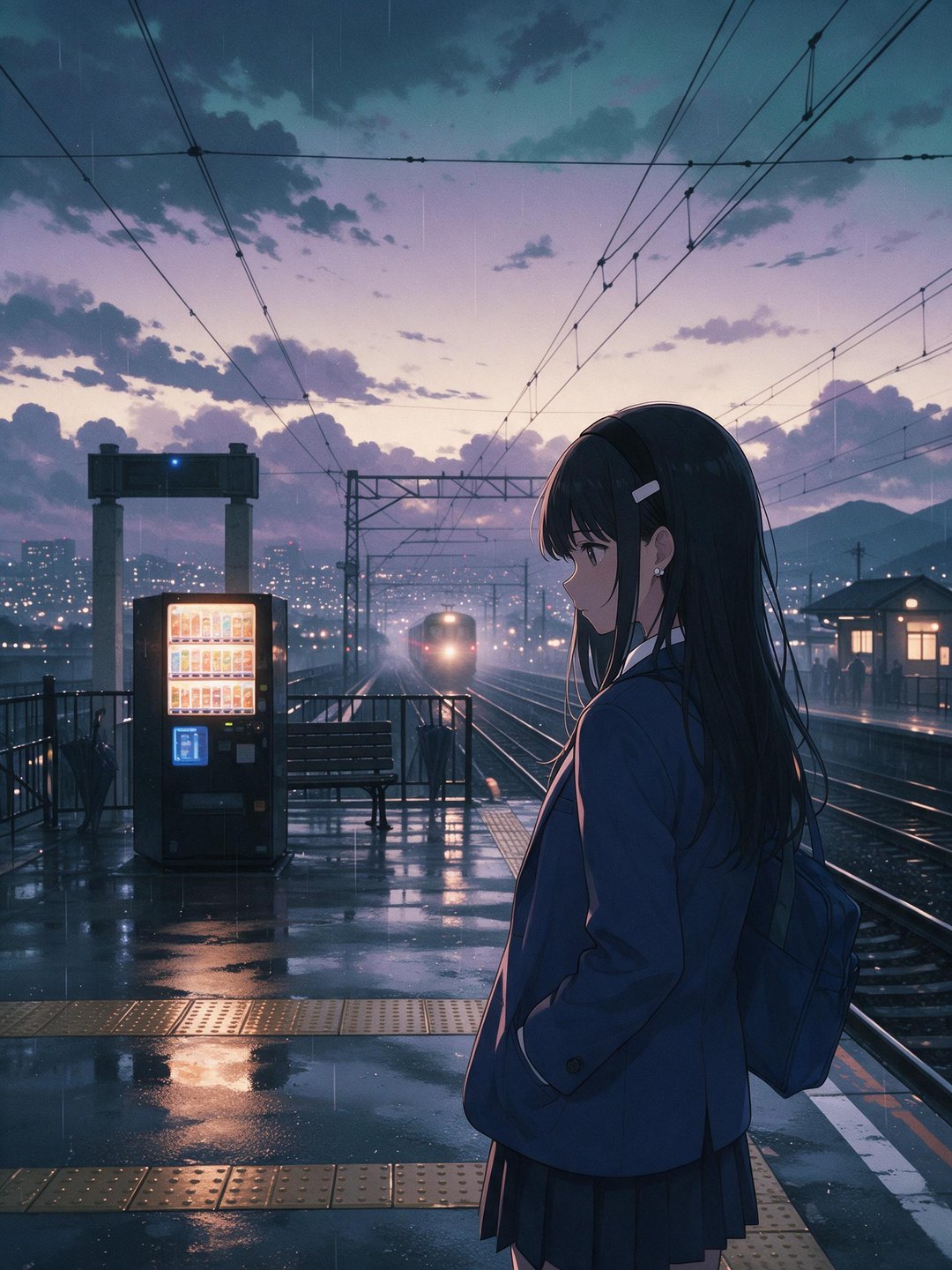 Anime station at dusk
Mood carried by light and setting
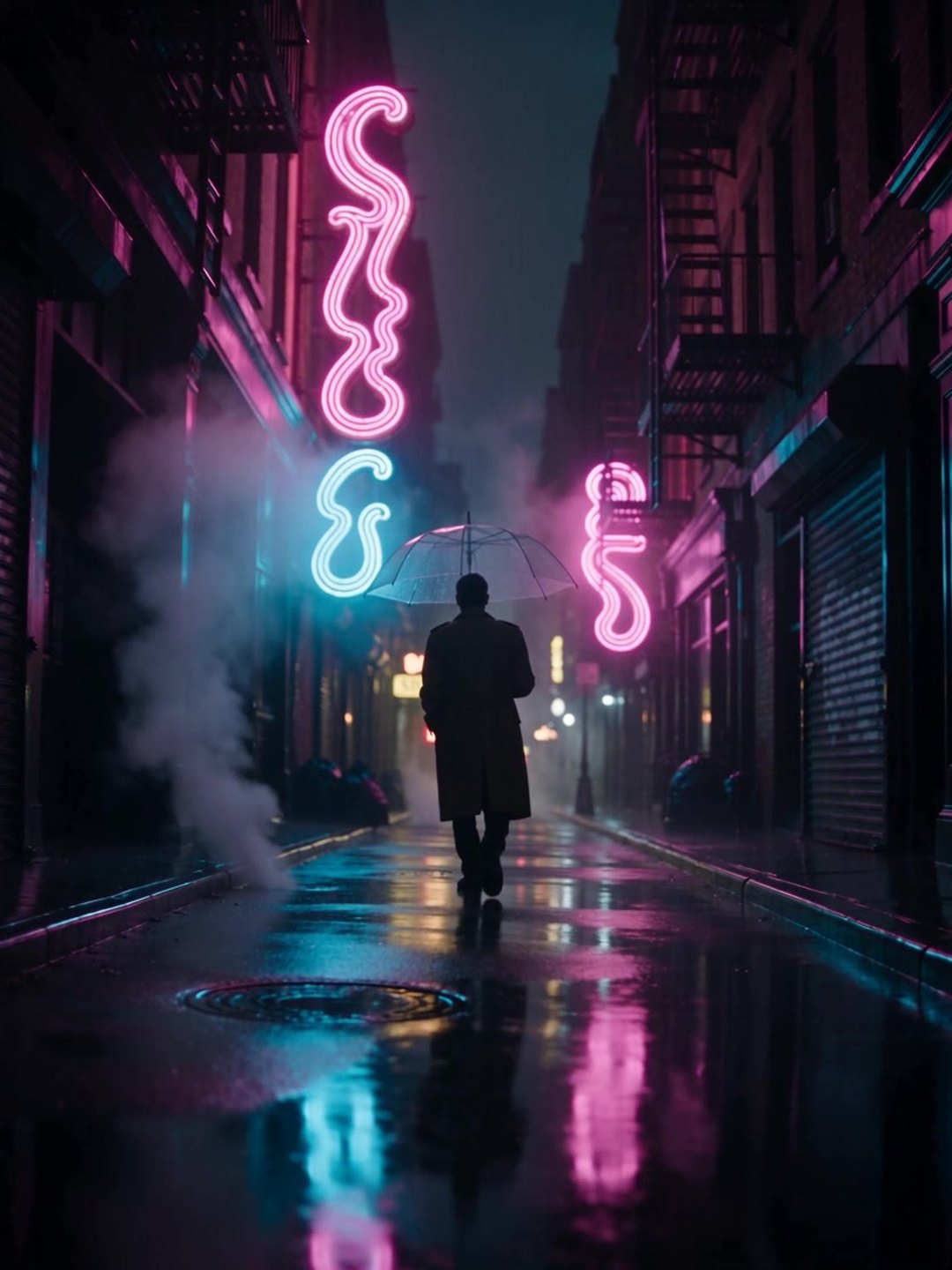 Rainy neon street
A tracking shot made with text to video
- Text to video prompt guide
- AI Image to Video
Pricing · Text to Image · Image to Video · 中文