AI Food and Beverage Product Photography
Packaged snacks, bottled drinks, coffee, and dishes. Create scenes, listing images, and pour or steam videos without a food stylist.
Food sells on appetite: warm light, texture, steam, and the right setting. MiniMaxVion places packaged products and bottles on tables, counters, and picnic blankets with matched light, lays out listing images with flavors and sizes, and generates short pour, sizzle, and steam clips for social. For menus and campaigns you can also generate dish concepts from a written description.
- Packaged products and bottles placed in appetizing scenes
- Listing images with flavor, size, and dietary information
- Pour, steam, and sizzle videos for Reels, TikTok, and ads
- Dish and menu concepts from a text description
Upload the pack or bottle
Photograph the front of the pack straight on, with the label in focus.
Set the table
Describe the surface, props, light, and time of day in Product Background Changer.
Add motion
Animate a still with Image to Video: a pour, rising steam, or condensation running down a can.
Scenes that make food look good
- Rustic wood or linen with soft window light from the side
- A café counter or kitchen worktop for coffee, tea, and baking
- Ice, condensation, and a cool backdrop for cold drinks
- A picnic blanket or beach towel for seasonal campaigns
- Overhead flat lays with ingredients around the pack
Packaged products versus dishes
For a packaged product, upload a photo of the real pack and change only the scene, so the label and pack shape stay accurate. For restaurant dishes and menu ideas, text to image can create a full scene from a description, which is useful for concepts and mood boards. If you sell the dish, it should look like what the customer receives.
Short videos for food
Motion is where food content performs best. Keep the camera locked and describe one simple action: milk swirling into espresso, steam rising from a bowl, a slow pour into a glass. Short, single-action clips stay realistic and loop well on social.
Can AI make photos of my packaged food product?
Yes. Upload a photo of the pack and use Product Background Changer to place it in a new scene. The pack and label are kept unchanged.
Can I make food videos with AI?
Yes. Generate short pour, steam, or sizzle clips with Image to Video from a still, or with Text to Video from a description.
Can I use AI images for a restaurant menu?
You can use them for concepts and mood boards. On a menu or delivery app, dishes should look like what customers receive, so photos of the real dish are the safer choice.
What makes an AI food photo look realistic?
Concrete details: the surface, the light direction, a few real ingredients, and one simple action such as steam or a pour.
Can I add nutrition or flavor information?
Product Listing Image lays out text around the product. Make sure every claim matches your packaging.
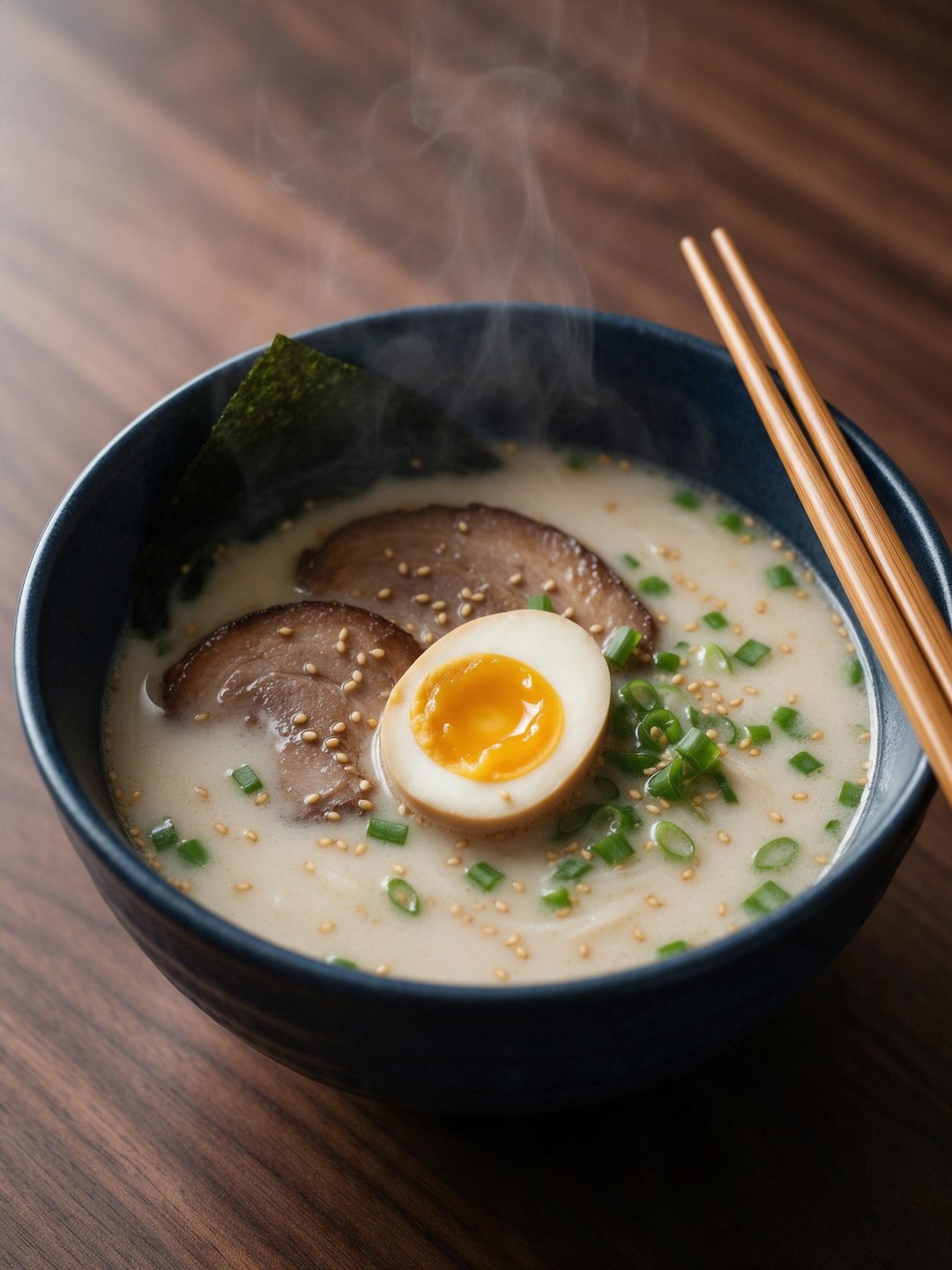 Tonkotsu ramen overhead
Dish concept from a text prompt
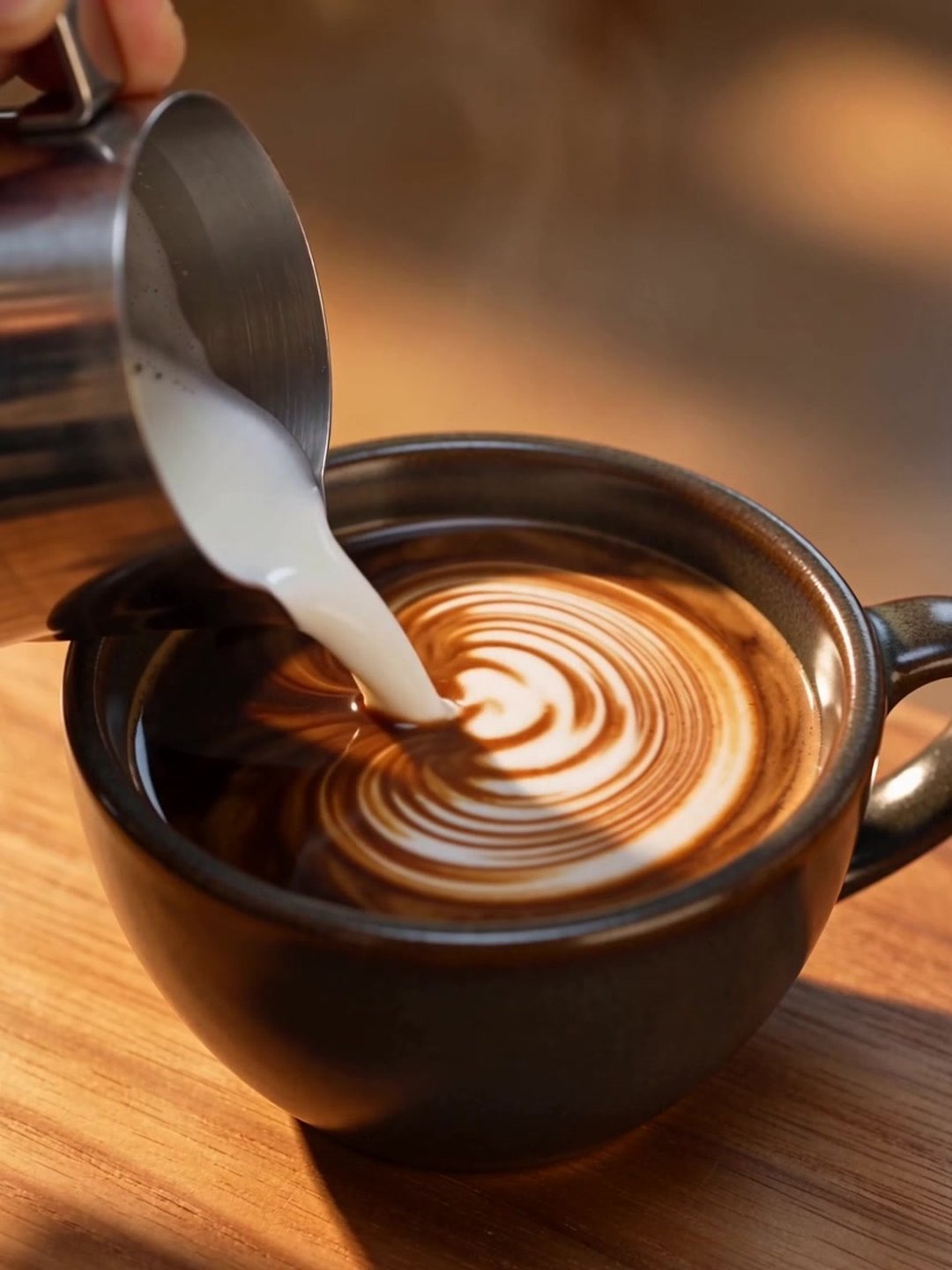 Latte art pour
Slow-motion video from text
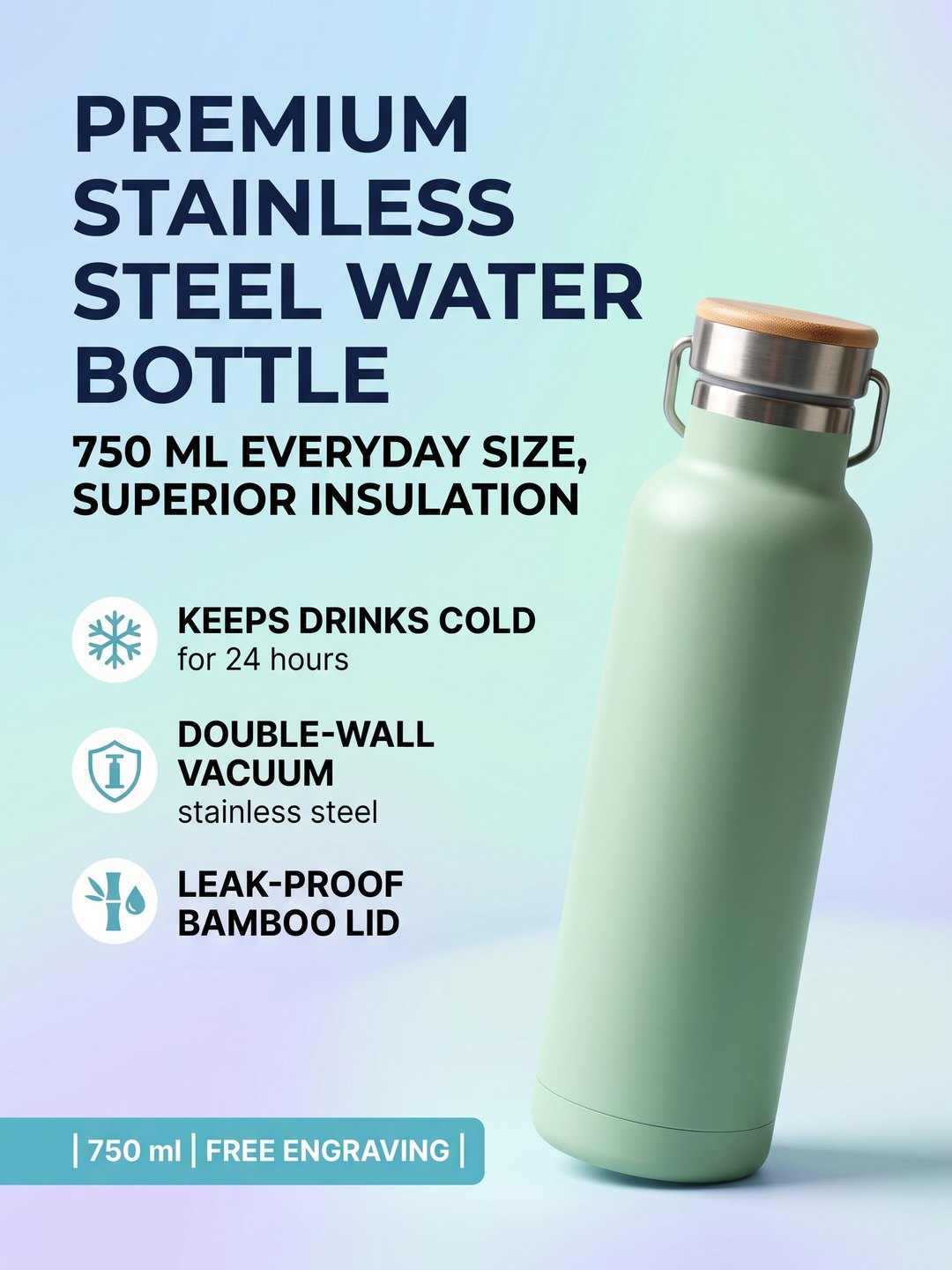 Drink bottle listing image
Selling points from a phone photo
- AI Product Background Changer
- AI Text to Video Generator
- AI Text to Image Generator
Pricing · Text to Image · Image to Video · 中文