AI Product Photo Generator
Turn a product brief into clean studio shots and campaign-ready lifestyle images without organizing another photoshoot.
MiniMaxVion helps ecommerce teams explore product photography concepts, backgrounds, lighting, and campaign directions in one browser-based studio. Generate a hero frame from text, refine it with image editing, and keep the strongest options together on your board.
- Generate studio and lifestyle product concepts from a written brief
- Explore seasonal backgrounds and ad compositions quickly
- Refine lighting, framing, and details with image editing
Describe the product
Include material, color, shape, target customer, and the details that must remain visible.
Set the campaign direction
Specify the background, lighting, camera angle, mood, and intended placement.
Generate and refine
Create several directions, edit the strongest frame, and export it for your campaign workflow.
Studio shots and lifestyle scenes
Most product pages need two kinds of image. Studio shots show the product alone on a clean background, so shoppers can judge shape, color, and finish. Lifestyle scenes show it in use, which gives scale and helps people picture owning it. Plan both from the start so the gallery feels like one shoot rather than a mix of styles.
What to put in a product photo prompt
- The product itself: type, material, color, and the details that must stay visible
- The surface and background: seamless paper, marble, wood, water, or a real room
- The light: soft and even for catalog shots, a single hard light for drama
- The camera: angle, distance, and how much of the frame the product fills
- What to leave out: brand names, text, and props that do not ship with the product
Start from your own product photo
Text to image is ideal for early concepts, but a live listing has to show the real item. When you already have a photo, use the product tools instead: White Background Product Photo for catalog shots, Product Image Set for detail and angle panels, and Product Background Changer for lifestyle scenes. Each one starts from your upload and is instructed to keep the product unchanged.
Keep the product accurate
Customers return products that do not match the photos. Before publishing, compare every image with the real item: color under the new lighting, label text, proportions, and any parts that were added or lost.
Can AI generate product photos without a photoshoot?
AI can generate product concepts and campaign scenes from text or references. Always review product accuracy before using an image in a live listing.
Can I change a product photo background?
Yes. Use Product Background Changer or Image Edit with your product photo and describe the new background, lighting, and composition you want.
What should an ecommerce product prompt include?
Describe the product, materials, camera angle, lighting, surface, background, audience, and where the final image will be used.
Which tool should I use if I already have a product photo?
Use White Background Product Photo for catalog images, Product Image Set for detail and angle shots, and Product Background Changer for lifestyle scenes. They all start from your photo.
What size should ecommerce product photos be?
Square images of 2000 pixels or more suit most marketplaces and stores. The free Product Image Resizer pads and resizes photos for Amazon, Shopify, Etsy, and eBay in your browser.
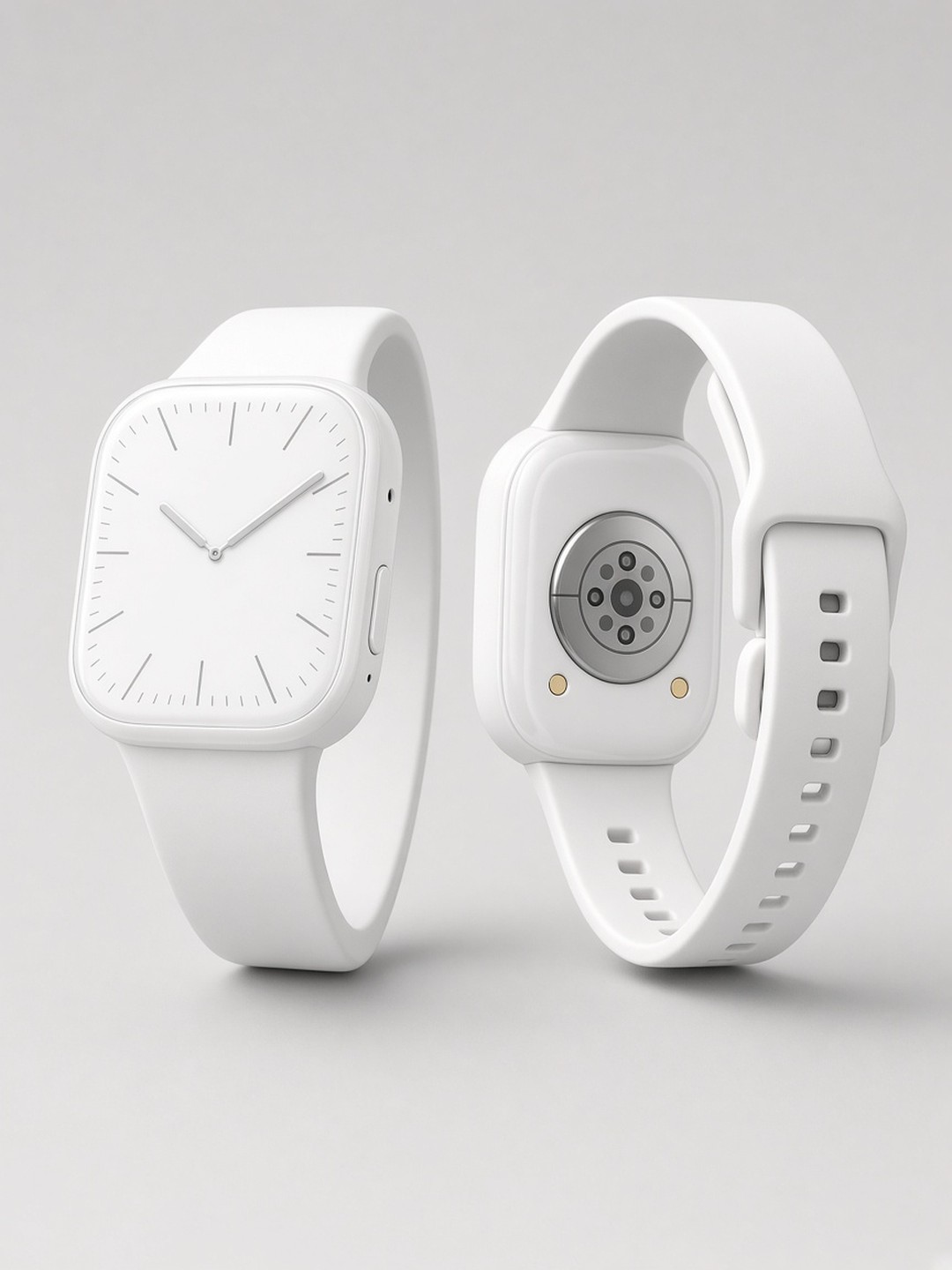 Smartwatch catalog shot
Front and back on a seamless background
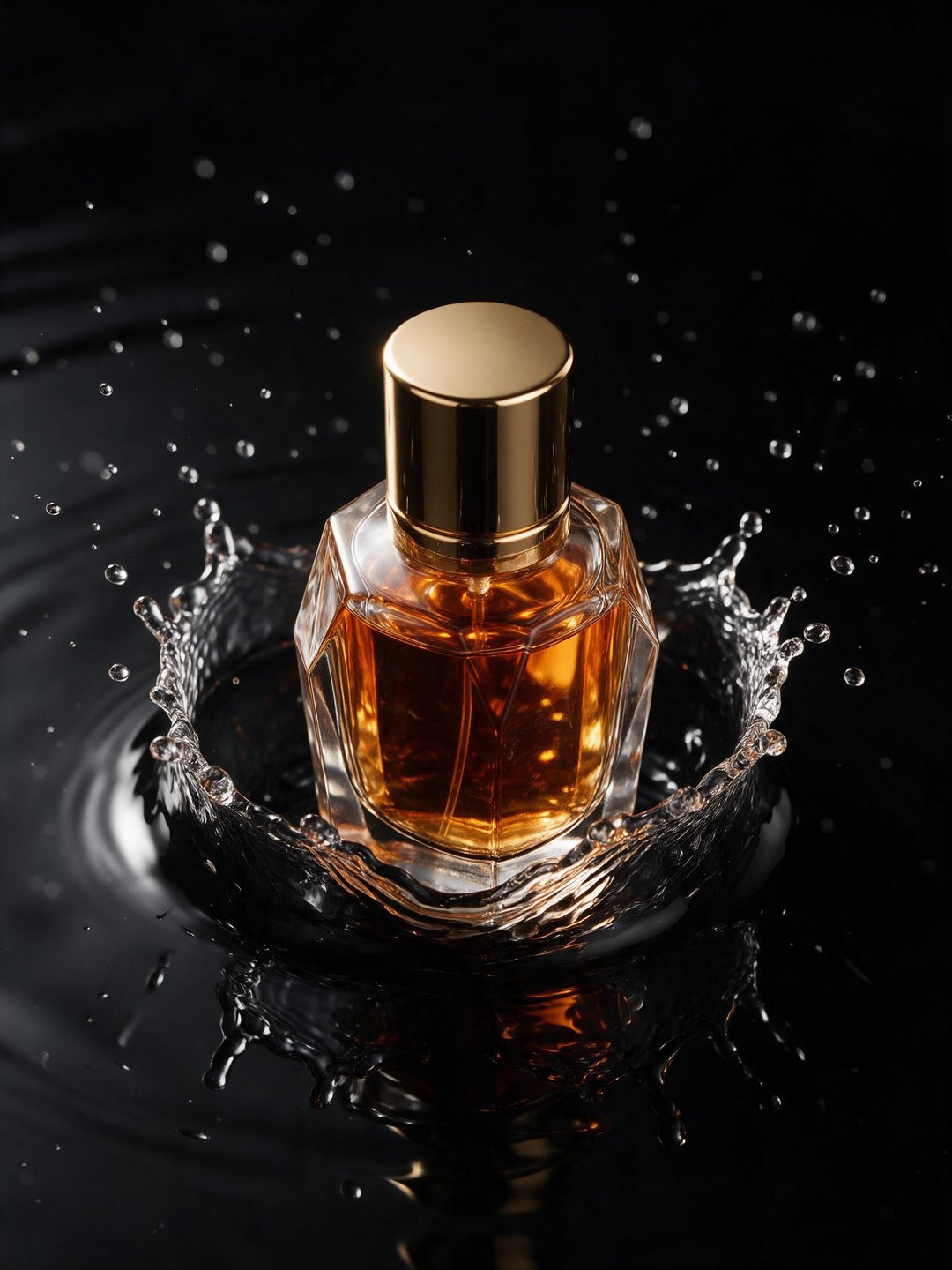 Perfume splash ad
A single rim light on black water
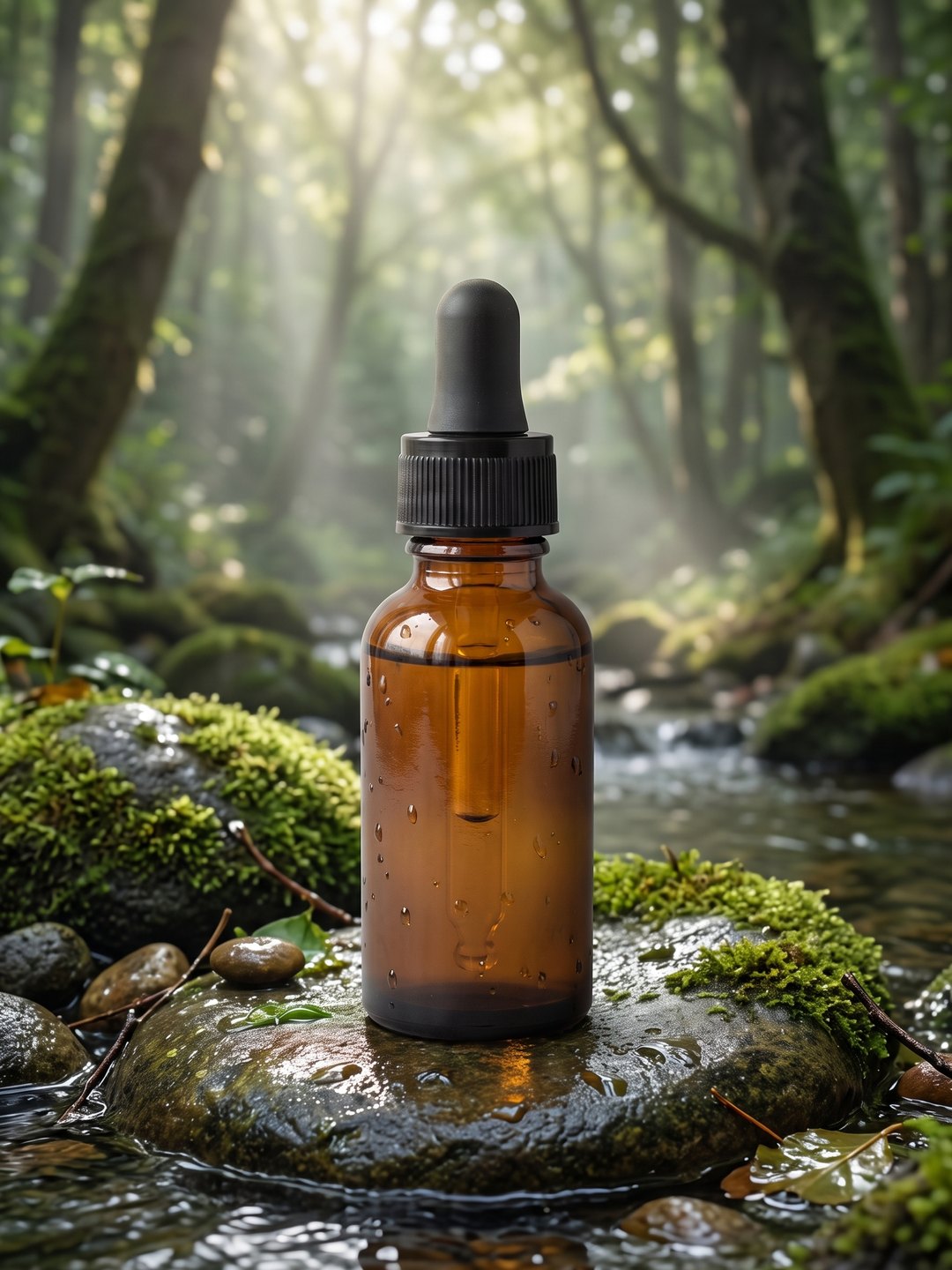 Serum in a forest scene
A real product photo in a new setting
- Product photography prompt guide
- AI Text to Image Generator
- AI White Background Product Photo
- AI Product Listing Image Generator
- AI Product Image Set Generator
- AI Product Background Changer
Pricing · Text to Image · Image to Video · 中文