AI Social Media Video Generator
Build vertical motion concepts for Reels, Shorts, and fast-moving feeds with a clear opening hook and modular shot structure.
MiniMaxVion helps social teams turn a campaign idea into short visual assets without forcing an entire post into one generation. Create a strong opening frame, generate focused motion clips, and combine hook, detail, atmosphere, and closing shots in your editing workflow.
- Explore vertical hooks and scroll-stopping opening shots
- Generate modular clips for Reels, Shorts, and social posts
- Animate approved brand or product frames with controlled motion
Design the opening frame
Choose a subject, contrast, action, or reveal that is immediately readable on a vertical screen.
Generate one focused clip
Describe one action, one camera move, pacing, lighting, and the details that must remain stable.
Assemble for the channel
Combine modular shots with captions, approved copy, sound, branding, and platform-safe margins.
Plan for the vertical screen
- Generate in 9:16 instead of cropping a wide clip
- Keep the subject in the middle of the frame, away from the caption and button areas
- Use strong contrast and one clear subject so the shot reads on a small screen
- Put the most interesting moment in the first second
Clips that work well in feeds
- Satisfying processes: a pour, a splash, ink blooming in water
- Reveals: a product coming into focus or light sweeping across it
- Atmosphere: aerial landscapes, city streets, weather
- Abstract motion for backgrounds behind text and transitions
Make a batch, not a single post
Social channels reward posting often. Write one brief for the week, generate several hooks and b-roll clips from it on the same board, and keep the best as a library. Swapping the opening clip is the fastest way to test which hook holds attention.
Finish in your editor
Generated clips are the visuals. Add captions, music or voice, your logo, and the platform's trending formats in your editing app, and check the final cut on a phone before you post.
Can AI make videos for Reels and Shorts?
AI can generate short visual clips for vertical social edits. Add captions, sound, approved copy, branding, and channel-specific timing in your finishing workflow.
What makes a good social video prompt?
Describe one immediately readable action, one camera move, fast or restrained pacing, vertical framing, lighting, and the visual detail that creates the hook.
Should I generate a whole social video in one prompt?
Modular clips are usually easier to control and test. Generate separate hook, detail, atmosphere, and closing shots, then assemble them around the platform and message.
What aspect ratio should I use for Reels, Shorts, and TikTok?
Use 9:16 vertical. Generate in that ratio directly so the subject stays centered and nothing important is cropped.
How long can each clip be?
Seedance 2.0 makes 4 to 15 second clips and Seedance 2.5 up to 30 seconds, which covers most short-form posts.
 Latte art pour
A satisfying process in slow motion
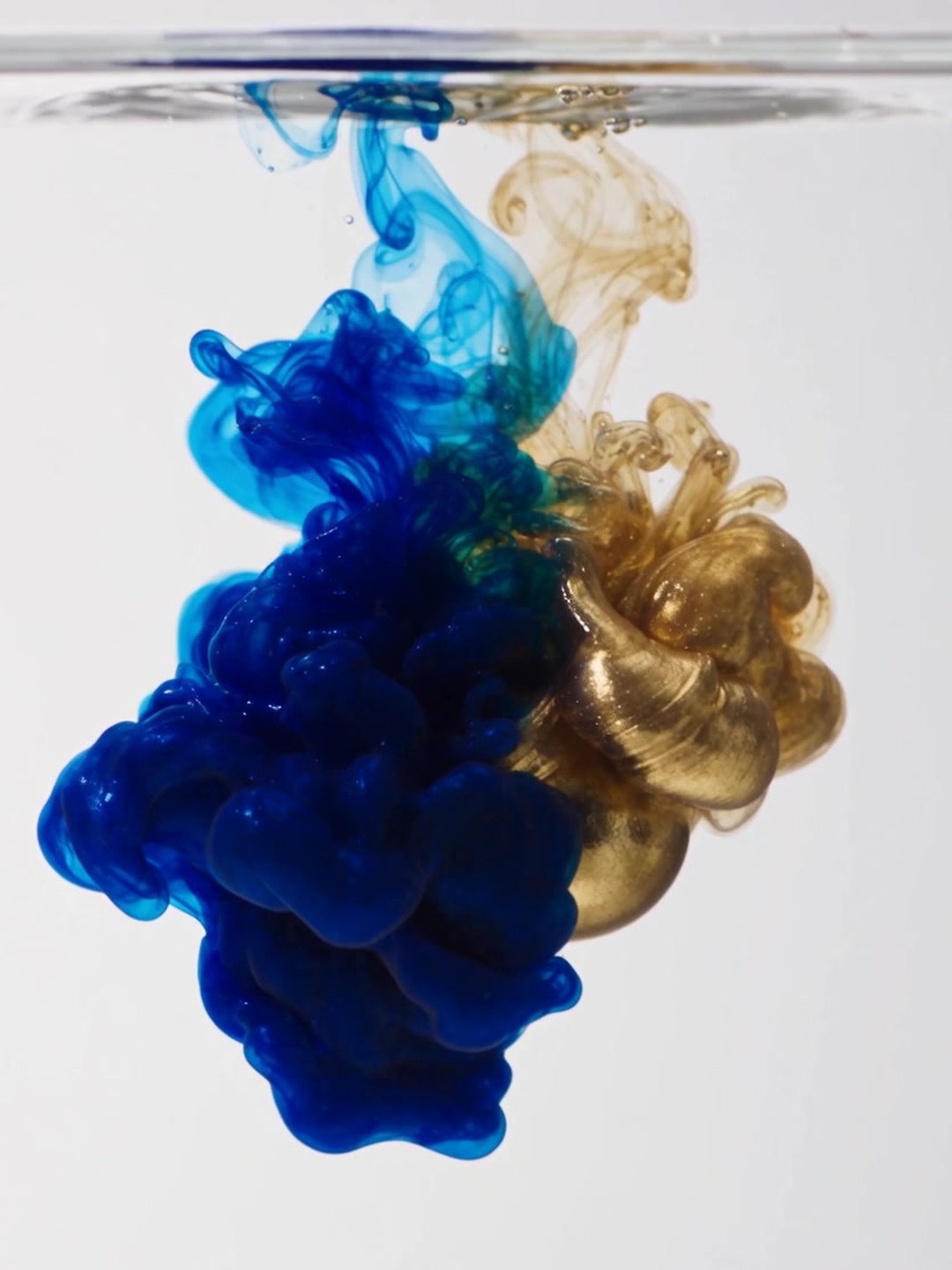 Ink blooming in water
Abstract motion for backgrounds
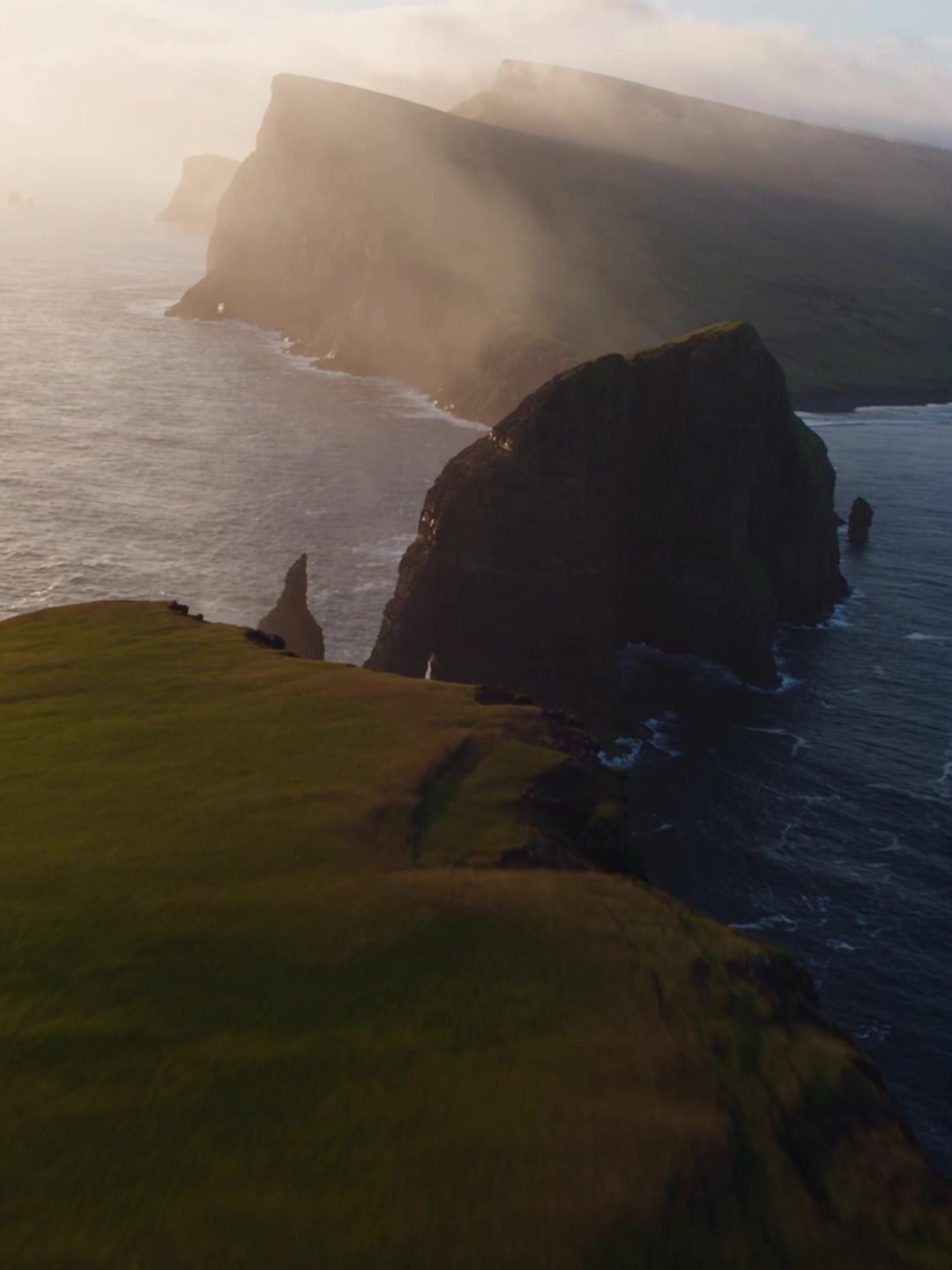 Aerial flight over sea cliffs
Atmospheric b-roll from text
- Text to video prompt guide
- AI Text to Video Generator
Pricing · Text to Image · Image to Video · 中文