AI Video Ads Generator
Create short product and brand video concepts for launches, paid social, and campaign pitches from a brief or keyframe.
MiniMaxVion combines text-to-video, image-to-video, and video editing workflows for rapid ad exploration. Start with a hook and shot direction, generate a short clip, then refine pacing, camera movement, and visual style on the same board.
- Prototype hooks and product shots for paid social
- Animate approved keyframes into short campaign clips
- Explore multiple creative directions before production
Define the hook
Write the audience, product benefit, opening visual, and action the first seconds need to communicate.
Describe the shot
Specify subject motion, camera path, pacing, environment, lighting, and format.
Generate variations
Compare several clips, refine the strongest direction, and add copy or audio in your finishing workflow.
Build ads from short shots
A single prompt that tries to tell a whole story usually comes out muddled. Ads are easier to control as a few short shots, each with one action and one camera move, cut together in your editor. It also makes testing cheaper: swap only the hook and keep the rest of the ad.
A simple ad structure
- Hook, first two seconds: a striking visual, a reveal, or a problem shown on screen
- Product: a clean hero shot with the product sharp and well lit
- Detail: texture, mechanism, or the moment the product is used
- Context: a lifestyle shot that shows who it is for
- Close: the product again, with your offer and call to action added in the edit
Start from an approved product image
For product ads, the safest route is to create or choose the hero still first, then animate it with Image to Video. A locked camera with a light sweep, a splash, or rising steam keeps labels and shape steady. Camera moves that circle the product ask the model to invent sides it has not seen, so keep them small.
Presenter videos
Some ads work better with a person on screen. The Product Presenter Video tool turns a product photo, a model photo, and a few selling points into a short clip of the model holding the product and speaking the lines.
Can AI create video ads from text?
Yes. Text to Video can generate a short visual concept from a prompt describing the product, action, camera, pacing, and mood.
Can I animate an existing product image?
Yes. Use Image to Video to preserve the starting composition while adding camera and subject motion.
Are AI ad videos ready to publish immediately?
Treat generated clips as creative assets that still need brand, product-accuracy, legal, copy, audio, and platform-format review.
How long should an AI video ad be?
Most social ads run 6 to 30 seconds and need the hook in the first two. Seedance 2.0 makes 4 to 15 second clips and Seedance 2.5 up to 30 seconds, so a whole ad can be one clip or several short shots edited together.
Which aspect ratio should I use?
Use 9:16 for Reels, TikTok, and Shorts, 1:1 for feeds, and 16:9 for YouTube and websites. Generate each ratio separately rather than cropping, so nothing important falls outside the frame.
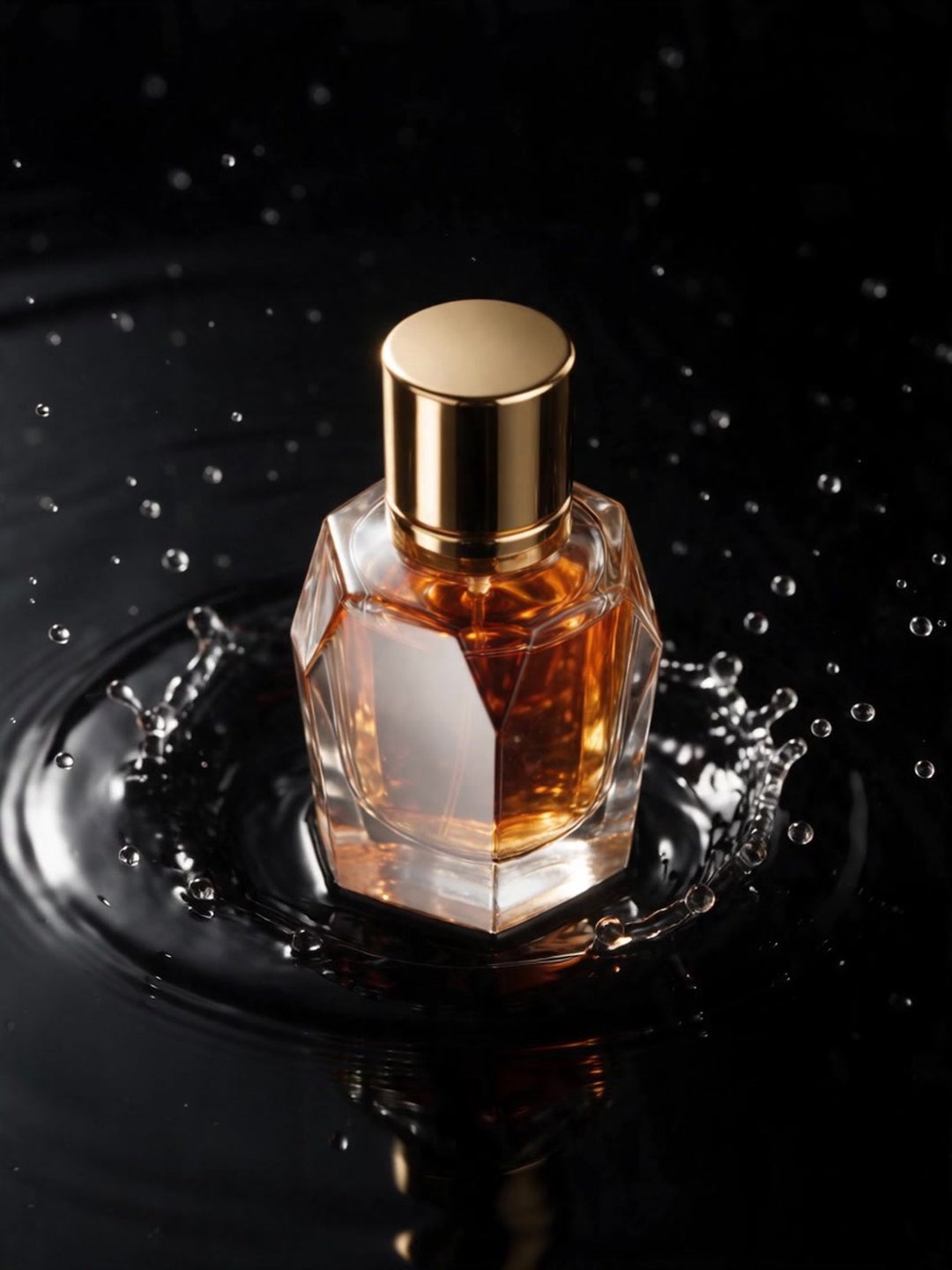 Animated perfume ad
Image to video with a locked camera
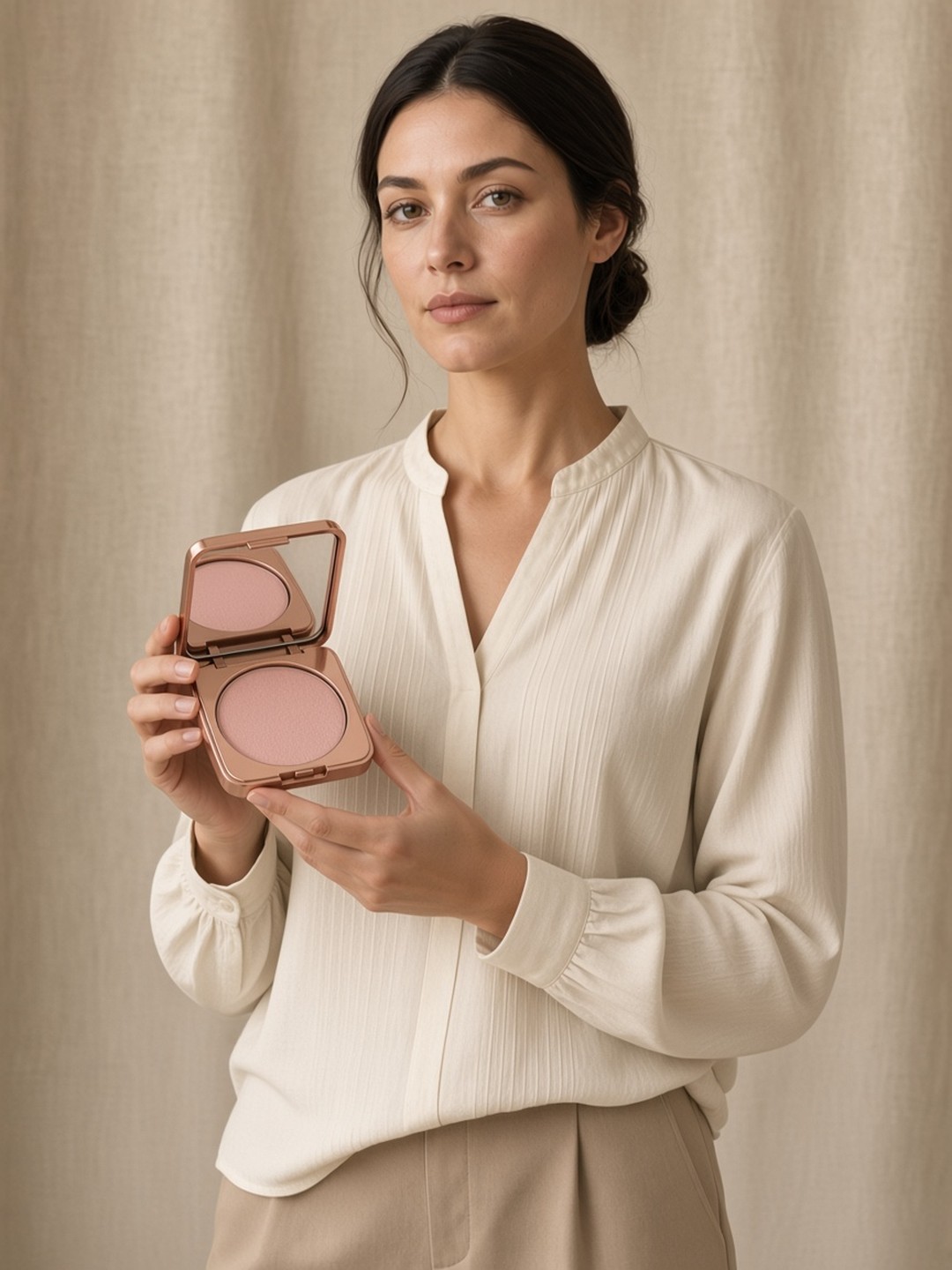 Product presenter video
A model speaks three selling points
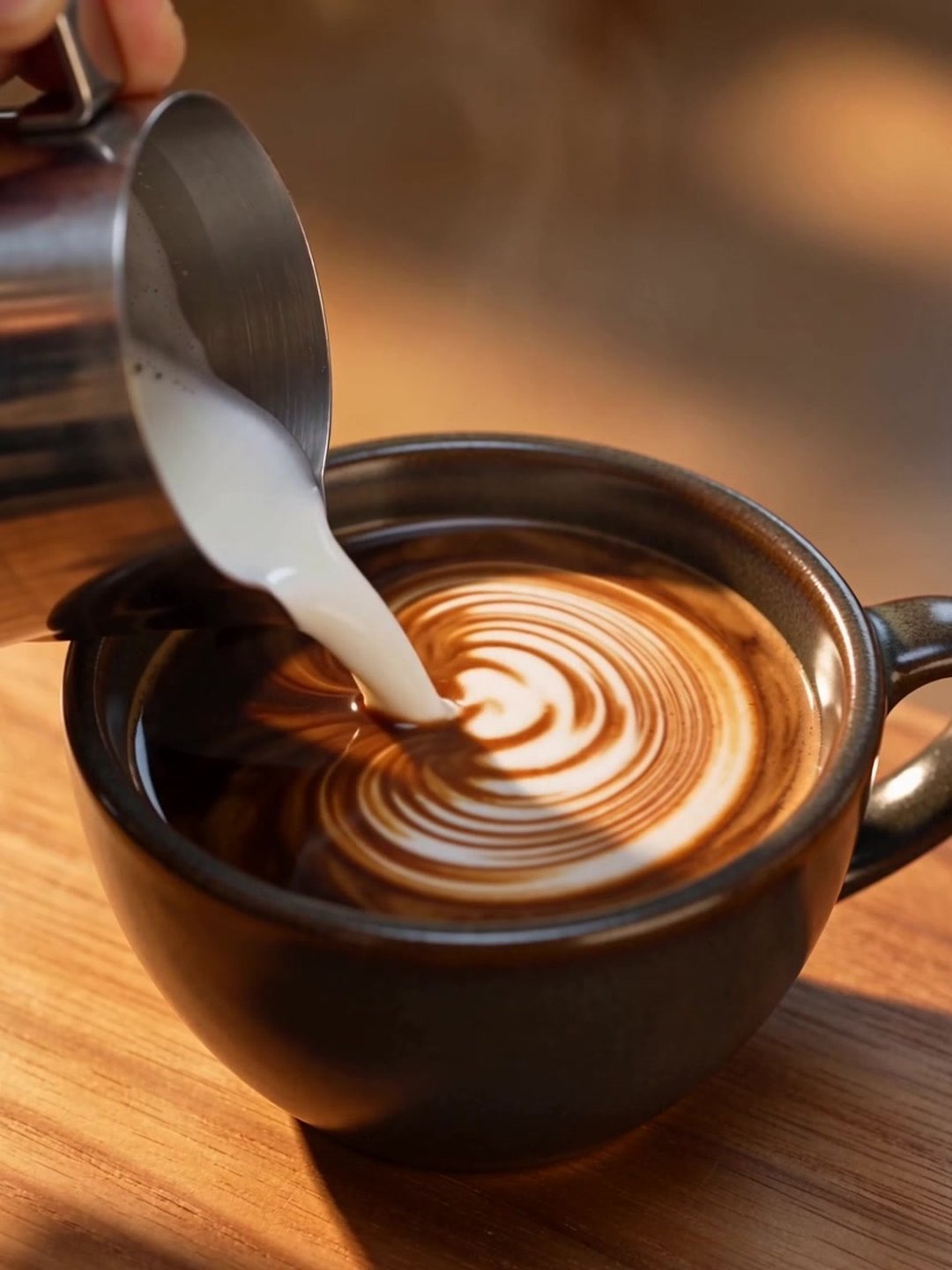 Latte art pour
One satisfying action in slow motion
- AI video ad prompt guide
- AI Text to Video Generator
- AI Product Presenter Video
Pricing · Text to Image · Image to Video · 中文